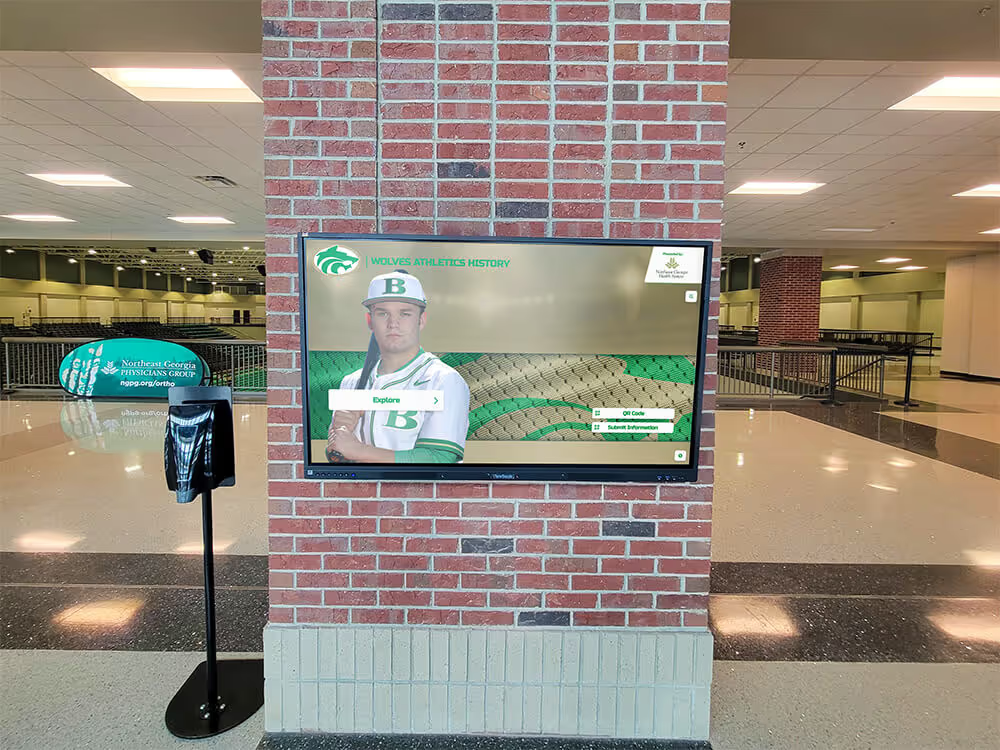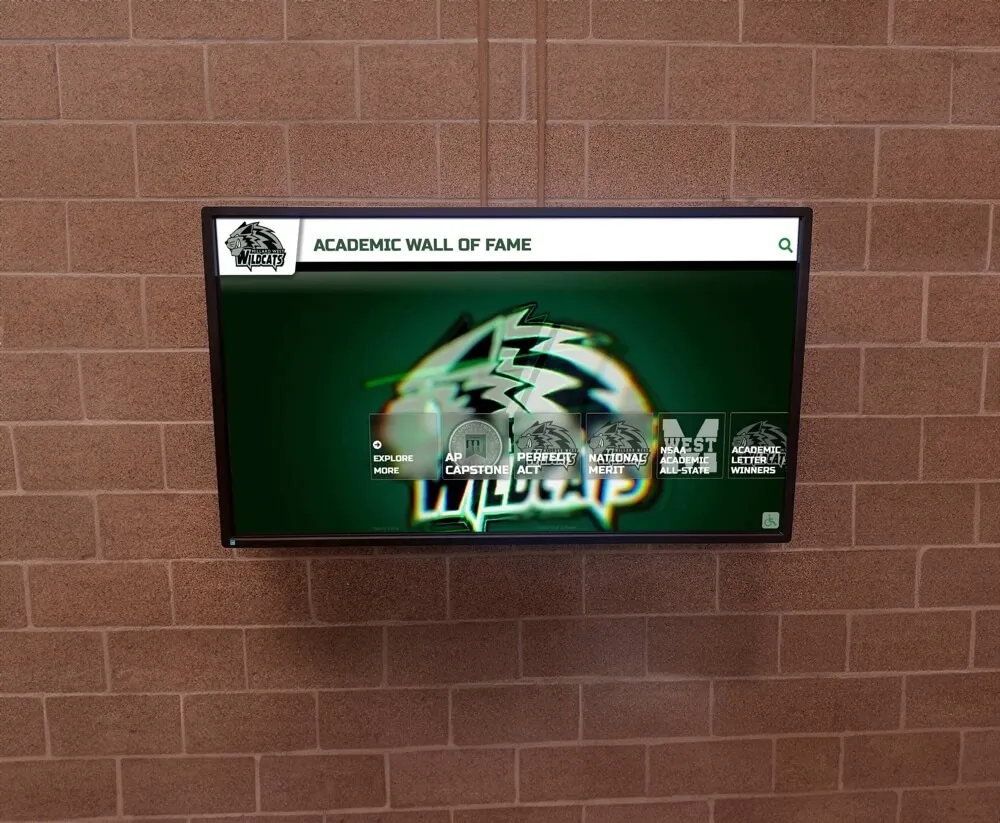
Digital Hall of Fame Focus Order Audit for Inductee Search and Filters
When a parent, alum, or community member sits down at a keyboard to find a former athlete in a school's digital hall of fame, the sequence in which Tab moves through the search field, sport filters, decade selectors, and result cards determines whether they can complete that search independently — or give up before finding the inductee they came to celebrate. A digital hall of fame focus order audit verifies that keyboard Tab sequence through the search-and-filter interface follows a logical, predictable path: search field reachable early, filters accessible in consistent order, results following filters, and focus returning to a sensible position after every interaction. WCAG 2.1 SC 2.4.3 (Focus Order, Level A) requires this predictability on any page where sequential navigation affects meaning or operation — and a hall of fame search interface is exactly that kind of page. This guide walks school IT staff, athletic directors, and accessibility coordinators through every step of a focus order audit: the technical foundation, a practical numbered procedure, a decision table for post-interaction focus destinations, and the most common failure patterns found on school recognition platforms. What Focus Order Is — and Why Inductee Search Needs It Focus order is the sequence in which keyboard focus moves through a page’s interactive elements when a visitor presses Tab. The browser determines this sequence primarily from DOM order — the order in which elements appear in the HTML source — modified by any explicit tabindex attribute values. When a hall of fame interface renders an inductee search field, a filter panel, a results roster, and pagination controls, the Tab sequence should mirror the natural reading and task flow: reach the search field first, navigate filters next, move into results, reach pagination at the end.
Read More
Digital Hall of Fame ARIA-Checked Audit for Inductee Filters
A school's digital hall of fame filter panel — the controls that let a visitor narrow the inductee roster by sport, decade, or award category — relies on a correct checked state announcement to be operable by screen reader users. When a visitor checks "Basketball" to filter the roster, a screen reader user needs to hear "Basketball, checkbox, checked" to confirm the filter is active; without that update, the visitor has no reliable way to know whether their interaction succeeded. aria-checked is the state attribute that communicates that confirmation. A digital hall of fame ARIA-checked audit examines every custom filter checkbox on the interface to confirm the attribute is present, that it carries the correct value — true, false, or mixed — and that the value updates accurately after every visitor interaction. This guide walks school IT staff, athletic directors, and accessibility coordinators through every step of that audit, explains how it differs from prior selected, pressed, and invalid-state audits, and provides a practical remediation framework. What aria-checked Does — and Why Inductee Filters Need It aria-checked is a state attribute defined in the WAI-ARIA 1.2 specification that tells assistive technology whether a control is currently checked, unchecked, or in a mixed state. It applies to any element that models the behavior of a checkbox or radio button but is built from non-native HTML elements — typically <div>, <span>, <li>, or <button> elements assigned a checkbox-type role.
Read More