Kiosk Software
- Home /
- Categories /
- Kiosk Software
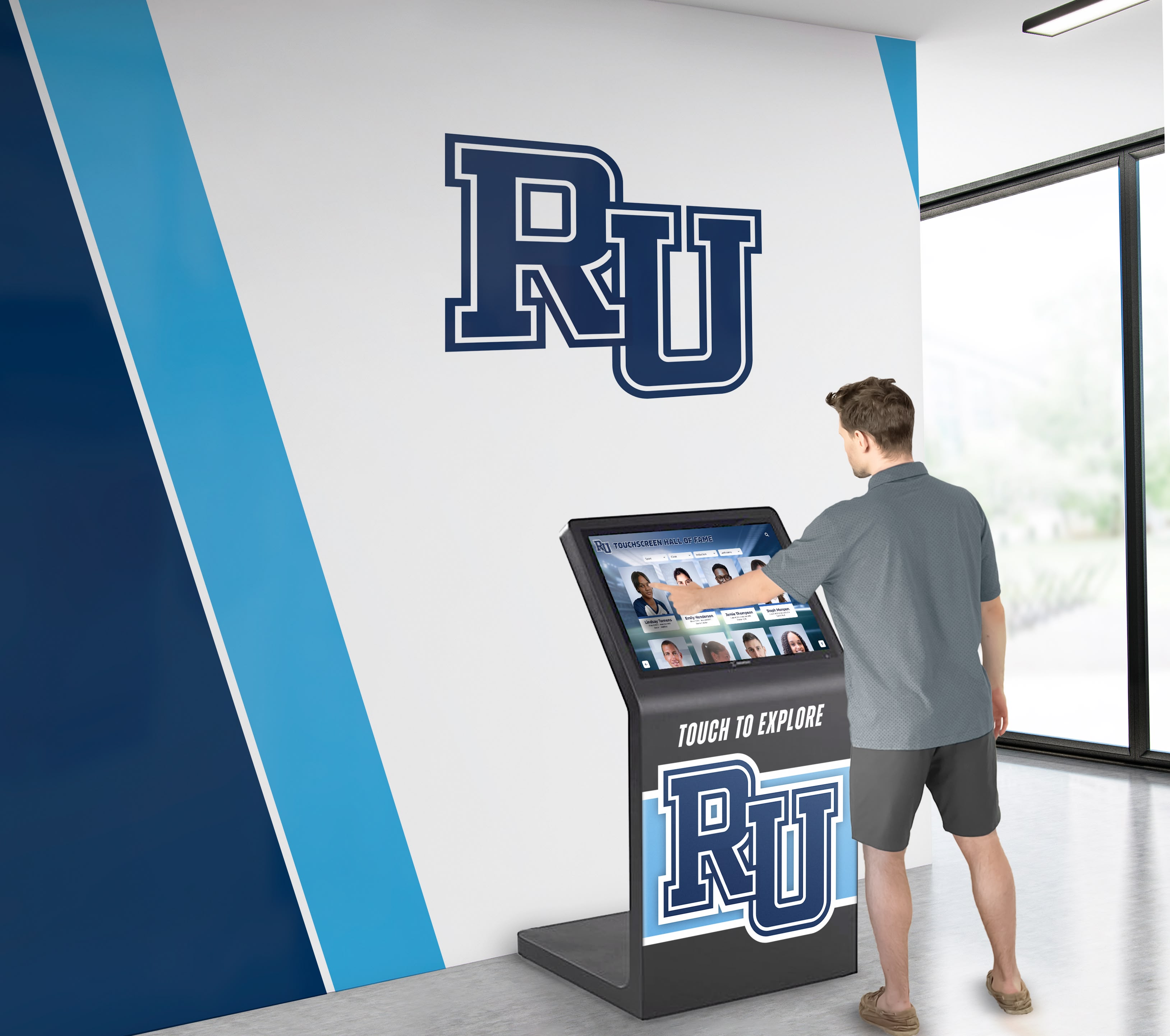
Touchscreen Kiosk App: Fully Locked Down Kiosk Browser - Free Download Comparison (2025 Guide)
**Intent: Compare** — When deploying touchscreen kiosks for recognition displays, digital signage, or interactive exhibits, selecting the right kiosk browser software determines security, user experience, and long-term operational costs. The fundamental choice between free fully locked down kiosk browser applications versus paid solutions like Fully Kiosk Browser shapes everything from initial deployment investment to ongoing maintenance requirements. Schools, museums, athletic facilities, and organizations implementing interactive recognition systems need structured evaluation frameworks that cut through marketing claims and reveal which approach truly serves their specific security requirements, budget constraints, and hardware environments. This comprehensive guide analyzes free kiosk browser applications alongside paid alternatives across weighted criteria including lockdown security, hardware compatibility, cost of ownership, ease of deployment, and integration with recognition display platforms, providing decision-makers with the technical clarity needed to select solutions that will operate reliably for years. Why the Kiosk Browser Choice Matters Now The kiosk software market has transformed dramatically over the past three years. As touchscreen displays become standard equipment in educational facilities, museums, corporate lobbies, and public spaces, the need for secure, fully locked down browser solutions has intensified. Public-facing devices require protection against unauthorized access, malicious tampering, and unintended configuration changes that compromise institutional security or user experience.
Read More






























