



Key Takeaways
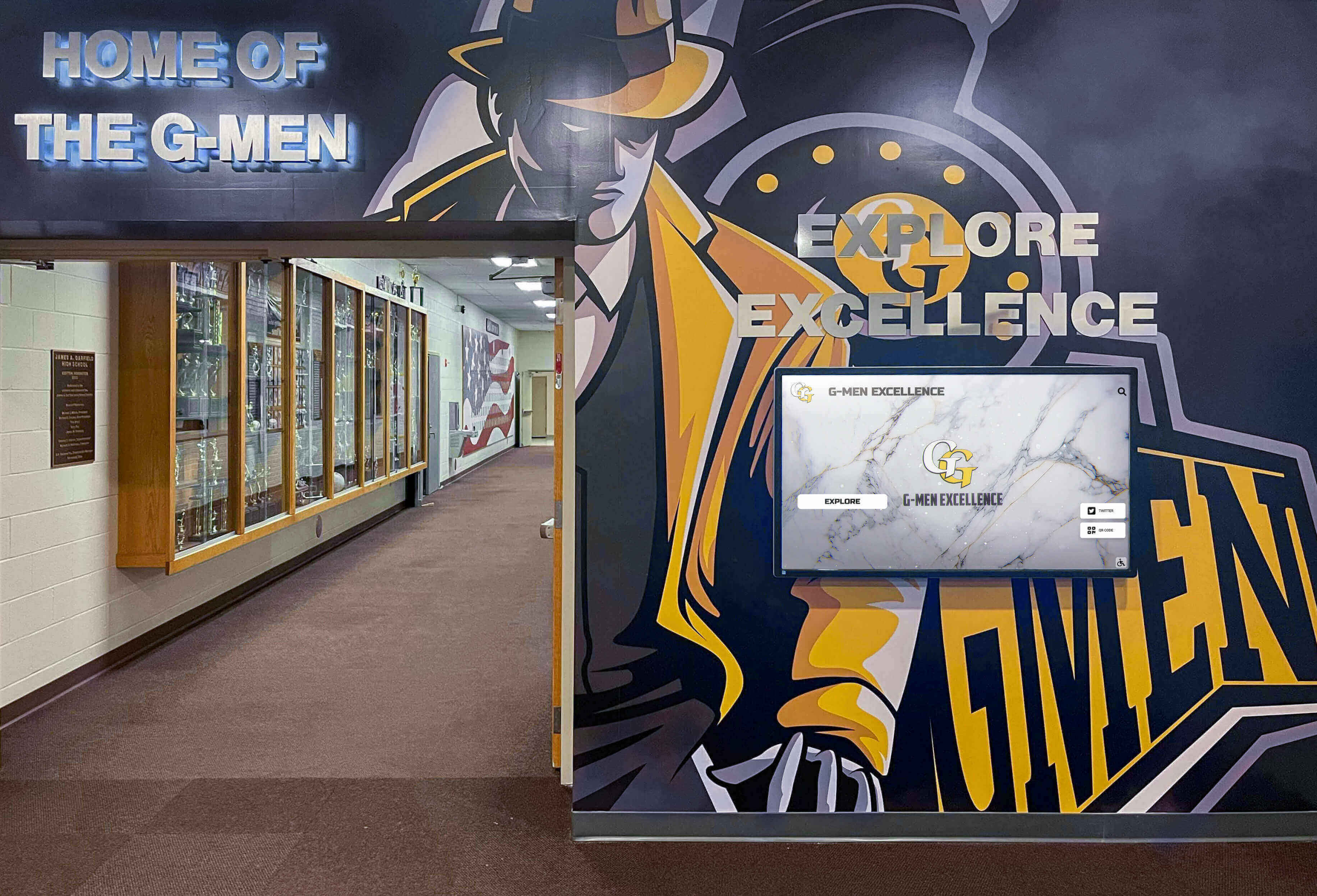
Unlike competitors charging per-screen fees, Rocket Alumni Solutions includes unlimited touchscreen displays in one subscription. Learn how multi-screen setups avoid hidden costs with transparent pricing.
The Multi-Screen Reality for Schools and Organizations
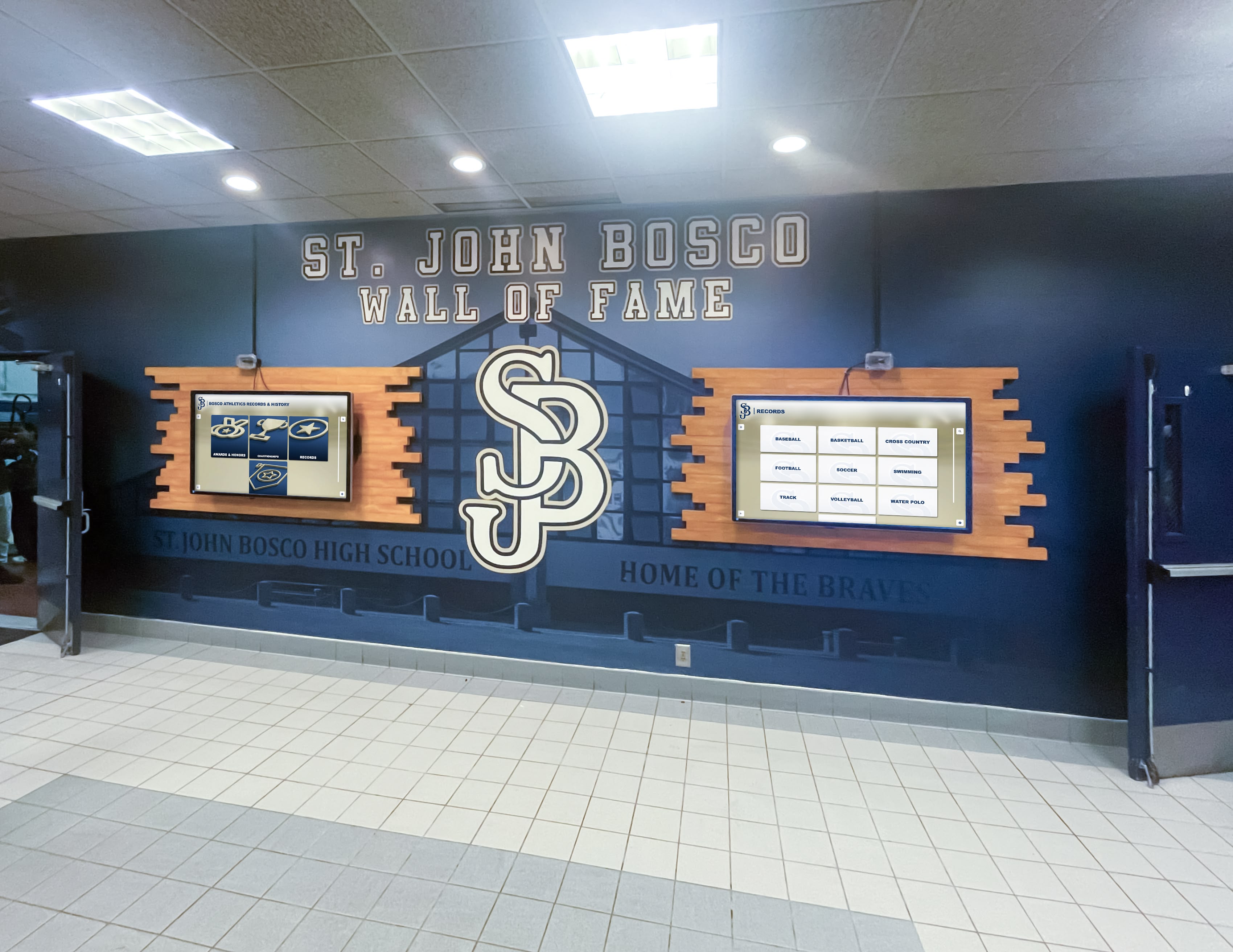
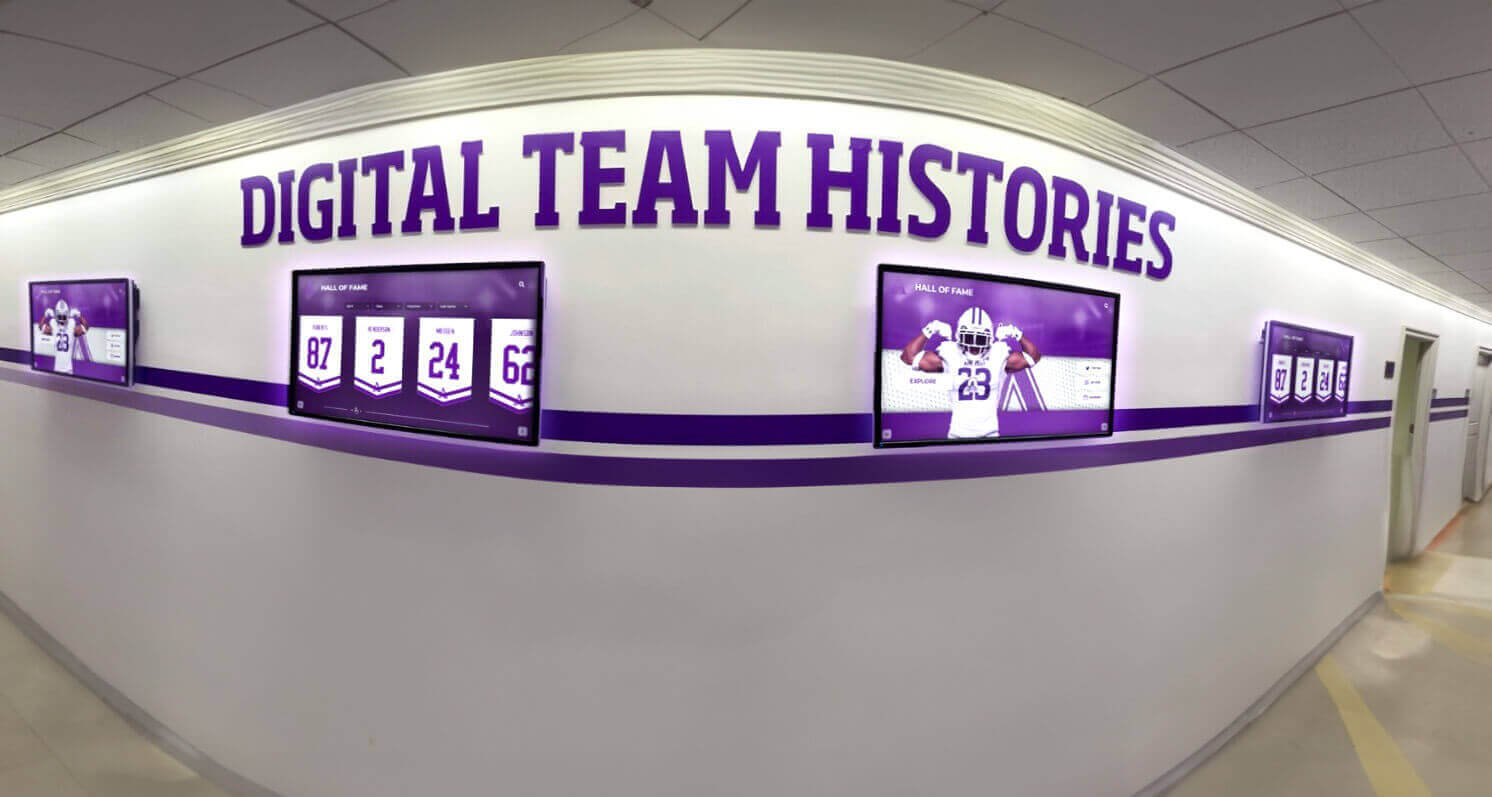
Modern institutions rarely need just one recognition display. Athletic departments want screens in both the gymnasium lobby and main school entrance. Universities need coordinated displays across multiple buildings. Corporate campuses require consistent recognition in various departments. Museums distribute interactive exhibits throughout galleries.
This multi-screen reality creates significant financial implications that many organizations discover only after signing contracts. The difference between providers charging per-screen versus offering unlimited screen licensing can represent tens of thousands of dollars over a typical 5-year deployment.
Hidden Cost #1: Per-Screen Licensing Fees
Many digital signage and recognition platforms structure pricing around the number of displays you operate. This approach seems reasonable on the surface—pay for what you use—but creates problematic limitations for growing recognition programs.
How Per-Screen Pricing Works
Vendor A: Base platform access costs $1,500 annually, plus $50 per month per additional screen. A school deploying five displays across campus pays:
- Base platform: $1,500/year
- Four additional screens: $2,400/year ($50 × 12 months × 4 screens)
- Total first year: $3,900
Vendor B: Charges $100 per screen per month with no separate platform fee. The same five-screen deployment costs:
- Five screens: $6,000/year ($100 × 12 months × 5 screens)
- Total first year: $6,000
These seemingly modest per-screen fees compound dramatically as your recognition program expands. Adding a sixth display means committing to $600-$1,200 in additional annual fees—a significant barrier that often prevents schools from extending recognition to deserving locations.
The Strategic Problem with Per-Screen Pricing
Beyond direct cost, per-screen fees create strategic disadvantages:
Budget Uncertainty: Future expansion costs remain unpredictable, complicating long-term planning and multi-year budget requests.
Artificial Limitations: The financial penalty for adding displays discourages comprehensive recognition, forcing difficult decisions about which locations deserve screens.
Vendor Lock-In: Once you’ve invested content development into a platform, per-screen pricing gives vendors leverage to increase fees knowing migration is expensive.
Project Delays: Requiring budget approval for each additional screen creates administrative burdens and delays that stall recognition program growth.
Large school districts and universities bear the highest burden. A district with 12 schools wanting recognition displays in two locations per building faces licensing for 24 screens—potentially $14,400-$28,800 annually with typical per-screen pricing structures. These costs often prove prohibitive, limiting recognition to flagship campuses while smaller schools miss opportunities to celebrate achievements.
Hidden Cost #2: Content Distribution and Management Fees
Beyond per-screen licensing, some vendors charge separately for content distribution capabilities—the technology enabling centralized management of multiple displays.
What Content Distribution Entails
Centralized Management: Update all displays from a single dashboard rather than configuring each screen individually.
Scheduled Content: Display different content at different times—morning announcements, afternoon recognition highlights, evening event promotions.
Location-Specific Content: Show unique content on specific displays while maintaining shared content across others (gym displays show athletic records while lobby displays show broader institutional recognition).
Remote Updates: Change content from anywhere without physical access to displays.
These capabilities are essential for effective multi-screen deployments, yet vendors often charge additional fees for “enterprise” or “multi-location” features. Schools discover that basic platform access supports only one screen, with content management for additional displays requiring upgraded subscriptions.
Typical Premium Feature Charges
Vendor C pricing example:
- Basic single-screen plan: $99/month
- Multi-screen management: Additional $299/month
- Advanced scheduling: Additional $149/month
- Location-specific content: Additional $199/month
- Total for necessary features: $646/month ($7,752/year)
These premium tiers transform what appeared to be affordable $99/month software into nearly $8,000 annual investments before counting per-screen fees. Schools comparing initial pricing often miss these escalating costs until implementation reveals feature limitations.
Hidden Cost #3: Different Content Across Screens
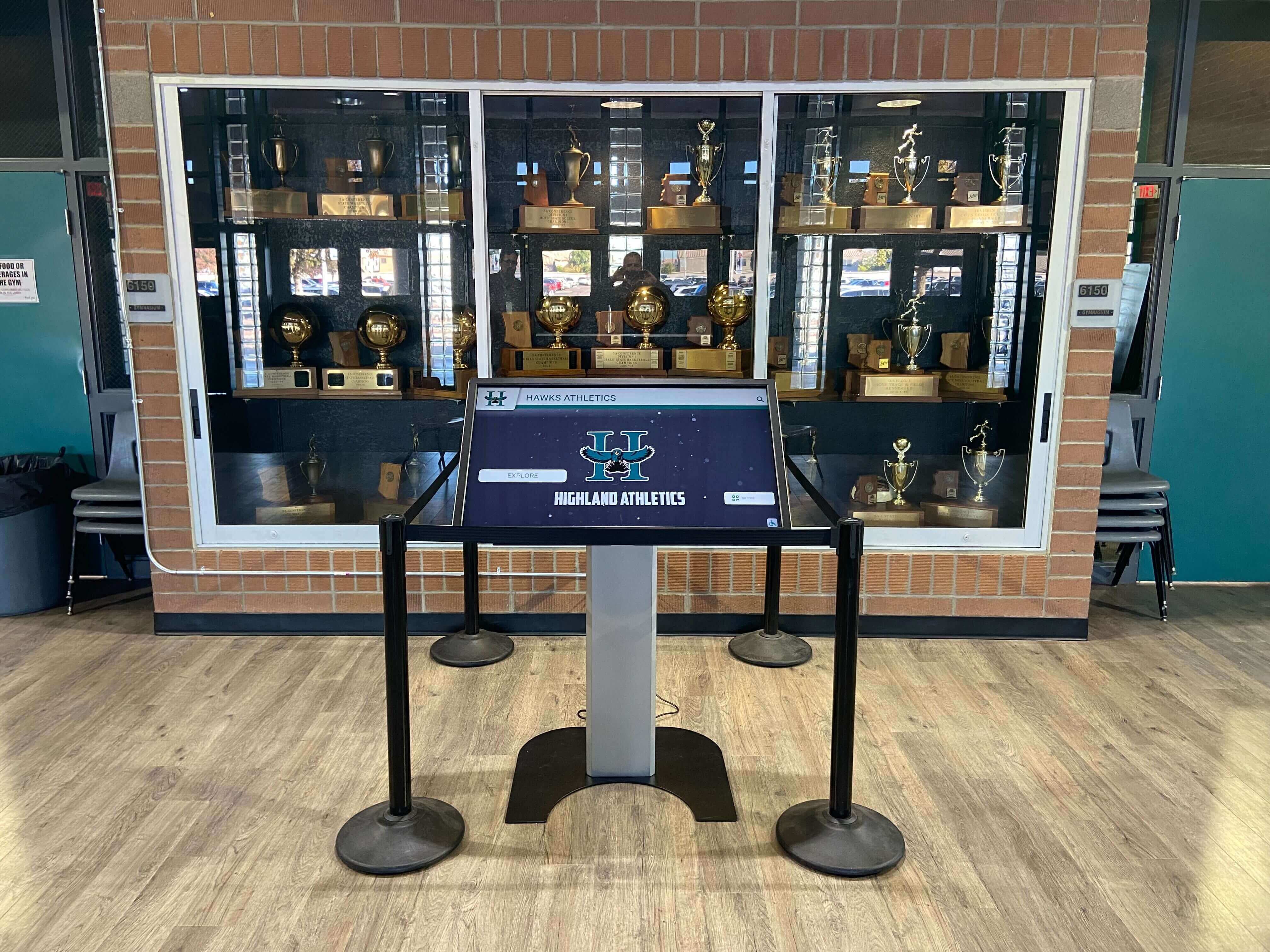
The scenario that trips up most organizations: wanting different content on screens in different locations. The gymnasium needs athletic hall of fame content. The lobby needs broader institutional recognition. The cafeteria needs student achievement highlights. The alumni center needs donor recognition.
With many providers, this reasonable requirement triggers significant additional charges.
Why Vendors Charge for Content Variation
Technical Complexity: Enabling location-specific content requires more sophisticated content management systems than simple screen-mirroring approaches.
Server Resources: Distributing different content streams to multiple displays consumes more bandwidth and processing power than broadcasting identical content to all screens.
Management Interfaces: Creating intuitive interfaces allowing staff to assign specific content to specific displays requires additional development investment.
These technical realities justify some cost differentiation, but vendors often dramatically overcharge for capabilities that should be standard. Schools face difficult choices: pay premium fees for necessary functionality or accept identical content across all displays regardless of context appropriateness.
The False Economy of Content Duplication
Some schools attempt avoiding premium charges by deploying multiple separate subscriptions—one for athletic displays, another for academic recognition, another for donor walls. This approach creates new problems:
Fragmented Management: Staff must learn and maintain multiple platforms instead of managing everything from one system.
Inconsistent Branding: Different platforms produce different visual styles, creating disjointed institutional identity.
Duplicated Effort: Shared content (school logos, basic information, common achievements) must be uploaded and maintained separately across multiple systems.
Higher Total Cost: Multiple basic subscriptions often cost more than a single comprehensive platform while delivering inferior results.
The apparent savings from avoiding premium tiers disappear when accounting for staff time, training needs, and operational complexity of managing disconnected systems.
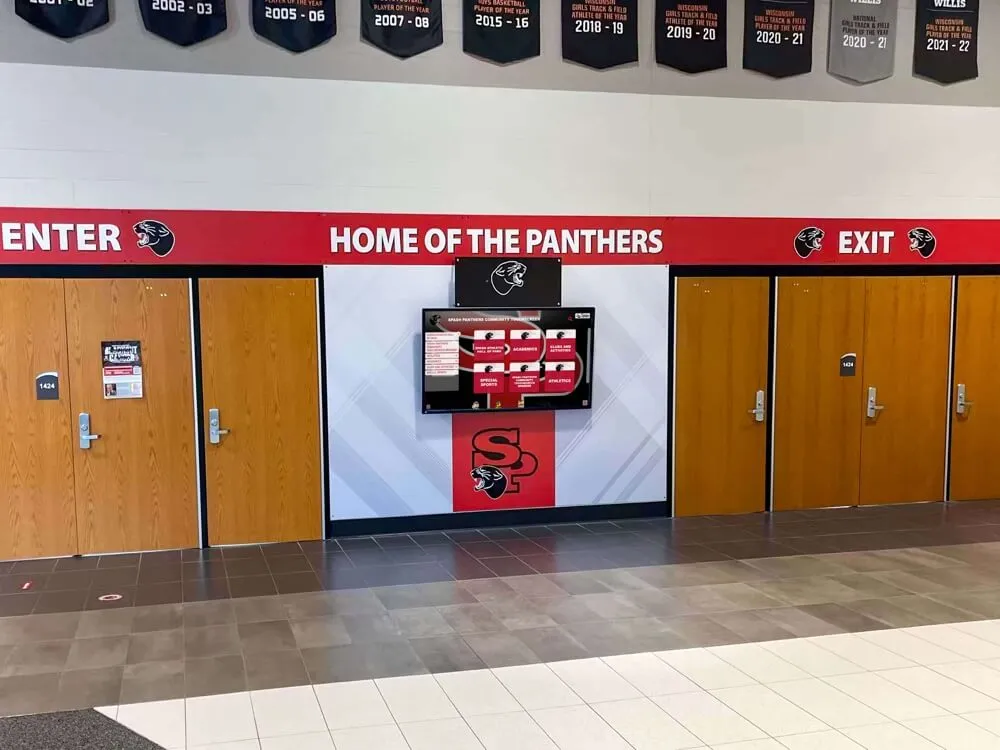
Hidden Cost #4: Hardware Compatibility Restrictions
Some digital signage platforms restrict which display hardware you can use, forcing you to purchase screens and media players directly from the vendor at significant markups over comparable equipment available elsewhere.
Proprietary Hardware Requirements
Vendor D approach:
- Software subscription: $199/month per screen
- Required proprietary media player: $899 each (mandatory for each display)
- Required display procurement through vendor: 30% markup over market rates
- Installation by vendor-approved contractors: Premium rates with no competitive bidding
Schools planning to deploy five displays face:
- Annual software: $11,940 ($199 × 12 × 5)
- Media players: $4,495 (5 × $899)
- Display hardware markup: $3,000-$6,000
- Additional first-year cost: $7,495-$10,495 beyond software subscription
The justification typically claims “certified compatibility” and “guaranteed performance,” but in reality, most digital signage software runs perfectly well on standard computing hardware. Proprietary requirements exist primarily to lock customers into vendor ecosystems and extract additional revenue.
The Open Hardware Alternative
Progressive platforms support standard commercial displays and media players available from any supplier. Schools can:
Source Competitively: Obtain quotes from multiple hardware vendors, selecting optimal quality-to-price options.
Leverage Existing Partnerships: Work with established AV integrators who understand your facility requirements and provide ongoing support relationships.
Upgrade Independently: Replace or upgrade hardware as needed without vendor permission or proprietary equipment purchases.
Utilize Existing Equipment: Repurpose displays from other applications rather than purchasing new screens for every recognition deployment.
This flexibility typically saves 20-40% on hardware costs while providing more control over equipment selection based on specific requirements like screen size, resolution, mounting options, and environmental factors.
Organizations should scrutinize any platform requiring specific hardware purchases as a condition of software licensing. This practice signals vendor business models prioritizing equipment markups over software excellence.
Hidden Cost #5: Implementation and Training Fees
The distinction between platforms requiring extensive professional services versus those enabling quick self-service implementation significantly impacts total cost.
Professional Services Dependencies
Some enterprise-oriented platforms assume every deployment requires substantial professional services:
Vendor E typical implementation:
- Initial consultation and planning: $5,000
- Custom design and configuration: $8,000-$15,000
- Content migration and setup: $3,000-$7,000
- On-site training: $2,000-$4,000
- Total implementation: $18,000-$31,000
For sophisticated multi-campus enterprise deployments managing thousands of profiles, these services might deliver value. For typical schools deploying 2-5 displays showcasing 100-300 achievements, these fees represent unnecessary expenses driven more by vendor business models than technical requirements.

The Self-Service Advantage
Platforms designed for educational institutions should enable rapid deployment without mandatory professional services:
Intuitive Setup: Clear step-by-step processes guiding users through initial configuration without consulting expertise.
Template-Based Design: Pre-built layouts and themes requiring minimal customization rather than starting from scratch.
Assisted Content Import: Tools helping migrate existing achievement data from spreadsheets or databases without manual re-entry.
Comprehensive Documentation: Video tutorials, knowledge bases, and guides enabling self-sufficient operation.
Responsive Support: Quick access to assistance when needed without expensive consulting engagements.
Schools should expect platforms specifically built for educational recognition to support independent deployment. Professional services should be available for those wanting assistance but never mandatory for standard implementations.
The cost difference is substantial: spending $18,000-$31,000 on implementation services exceeds the entire first-year subscription cost of many platforms. Those dollars might be better invested in content development, hardware upgrades, or program promotion rather than paying consultants to perform configuration work that intuitive platforms enable staff to complete independently.
The Rocket Alumni Solutions Difference: One Subscription, Unlimited Screens
Understanding how Rocket Alumni Solutions structures pricing reveals a fundamentally different philosophy about multi-screen recognition deployments.
Transparent, Inclusive Pricing Model
One subscription enables unlimited displays. Whether you deploy one touchscreen or twenty, your subscription cost remains consistent. Schools can extend recognition across every deserving location without per-screen penalties or hidden fees.
This pricing approach reflects the reality that software costs don’t meaningfully increase with additional displays once the platform and content exist. The marginal cost of serving content to an additional screen is negligible—there’s no justification for substantial per-display charges beyond vendor profit optimization.
What Unlimited Screens Enables
Comprehensive Recognition: Celebrate achievements in every appropriate location rather than forcing difficult priority decisions about which locations receive displays.
Future Flexibility: Add displays as budgets allow or needs evolve without renegotiating contracts or justifying each addition.
Creative Deployment: Experiment with recognition placement in non-traditional locations—academic buildings, performing arts spaces, athletic training facilities, student centers—without financial barriers.
Multi-Campus Scaling: Districts can deploy coordinated recognition across multiple schools without per-location charges creating affordability problems.
Content Variety: Show different content on different displays without premium feature charges—athletic records in the gym, academic excellence in the main lobby, performing arts achievements in the theater, alumni spotlights in the advancement office.

Real-World Multi-Screen Scenarios
Scenario 1: Comprehensive High School Deployment
A high school wants recognition displays in:
- Main entrance lobby (general school excellence)
- Athletic facilities lobby (sports hall of fame)
- Performing arts wing (theater and music achievements)
- Library (academic honors and scholarships)
- Alumni room (distinguished graduates)
With per-screen pricing (Vendor A):
- Base platform: $1,500
- Four additional screens: $2,400/year
- Total annual: $3,900
With Rocket Alumni Solutions:
- Subscription covers all five displays
- Total annual: Subscription price regardless of screen count
Five-year savings: Potentially $12,000+ depending on exact competitor pricing
Scenario 2: University Athletic Department
A mid-size university athletic department needs displays for:
- Main athletic facility entrance
- Football stadium lobby
- Basketball arena concourse
- Baseball facility
- Athletic academic center
- Sports medicine facility
- Each team locker room (12 additional displays)
Total displays: 18 screens
With per-screen pricing (Vendor B at $100/screen/month):
- 18 screens × $100/month × 12 months = $21,600/year
- Five-year total: $108,000
With Rocket Alumni Solutions:
- Single subscription regardless of display count
- Five-year savings: Potentially $60,000-$90,000
These scenarios demonstrate how per-screen pricing particularly punishes organizations with legitimate needs for comprehensive recognition across multiple locations—exactly the institutions that benefit most from coordinated digital recognition programs.
Hardware Flexibility
Rocket works with standard commercial-grade touchscreen displays and media players available from any reputable supplier. Schools can:
- Utilize existing relationships with preferred AV integrators
- Obtain competitive quotes from multiple hardware vendors
- Select display sizes and specifications matching specific installation contexts
- Upgrade or replace equipment on their own timelines without vendor dependencies
This open approach typically saves 20-40% on hardware costs compared to proprietary requirements while providing more control over equipment selection and procurement timing.

Comparing Total Cost of Ownership: 5-Year Analysis
Evaluating recognition platforms requires looking beyond monthly subscription prices to understand true total cost of ownership across realistic deployment lifespans.
Scenario: Mid-Size School District
- 6 schools in district
- 2 displays per school (main entrance + athletic facility)
- Total: 12 displays
- 200 profiles initially, growing to 500 over five years
Platform Comparison
Vendor A (Per-Screen Pricing):
- Base platform: $1,500/year
- 11 additional screens: $6,600/year ($50/month × 11 screens)
- Multi-screen management premium: $2,400/year
- Implementation services: $8,000 (one-time)
- Year 1 Total: $18,500
- Years 2-5 Annual: $10,500
- 5-Year Total: $60,500
Vendor F (All-Inclusive Higher Base):
- Unlimited screens included
- Annual subscription: $12,000/year
- Minimal setup assistance needed
- Year 1 Total: $12,000
- Years 2-5 Annual: $12,000
- 5-Year Total: $60,000
Vendor G (DIY WordPress Approach):
- Custom development: $25,000 (one-time)
- Annual hosting/maintenance: $4,000/year
- Content migration: $5,000 (one-time)
- Year 1 Total: $34,000
- Years 2-5 Annual: $4,000
- 5-Year Total: $50,000
- Note: Assumes no major updates needed; reality often includes additional development costs
Rocket Alumni Solutions:
- Comprehensive subscription (exact pricing varies by district size)
- Unlimited screens included
- Standard implementation support included
- 5-Year Total: Custom quote, typically competitive with or below alternatives when all costs included
This analysis reveals several critical insights:
- Initial price differences narrow when accounting for all costs over realistic timeframes
- Per-screen models become increasingly expensive as organizations scale
- Custom development appears economical only if ongoing maintenance costs remain minimal (rarely the case)
- Platform selection based solely on monthly subscription price often leads to poor long-term value decisions
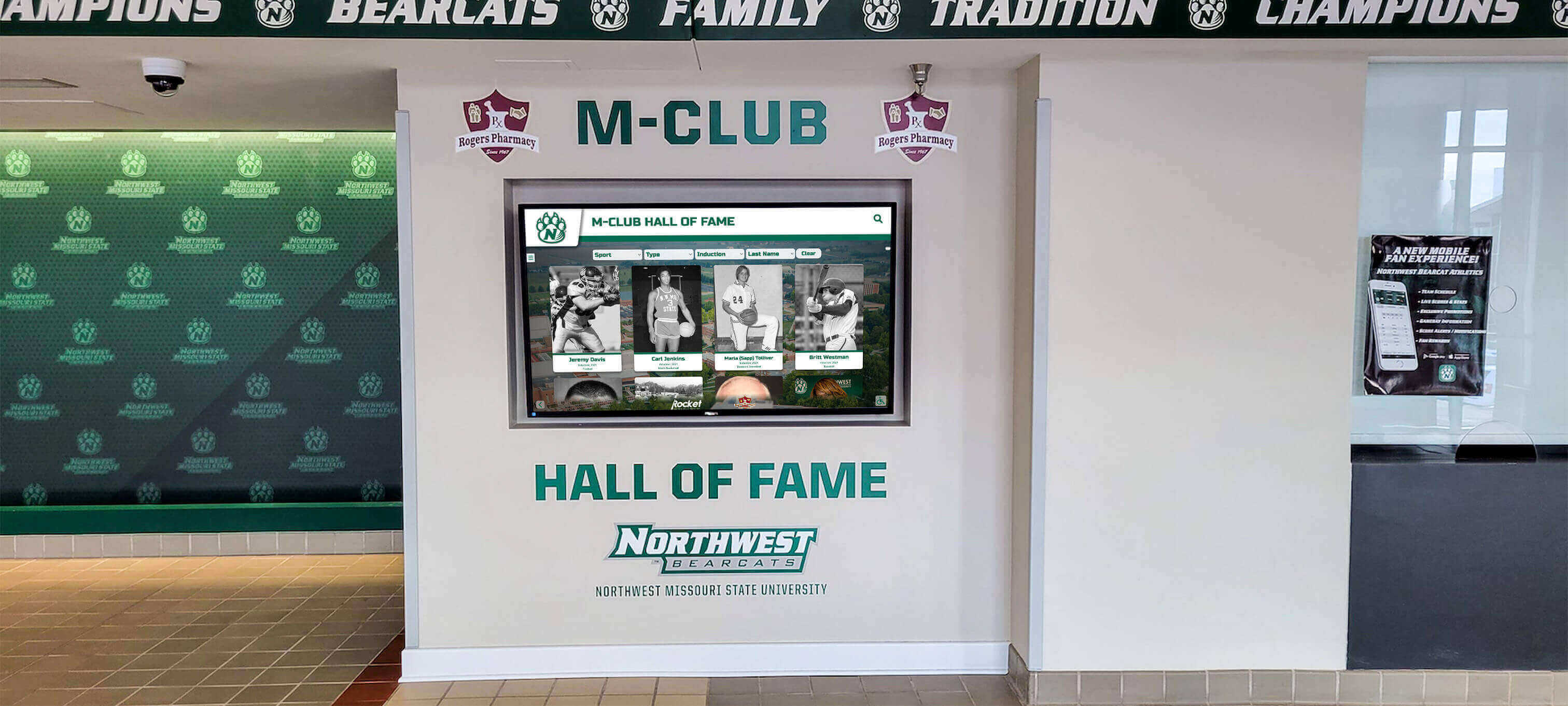
Questions to Ask Every Vendor Before Signing Contracts
Protect your organization from hidden costs by asking specific questions during the vendor evaluation process:
Pricing Structure Questions
“What is the total annual cost to operate [specific number] displays at our institution?”
- Require complete breakdown including all fees, not just base platform pricing
- Ask for pricing at current screen count and at 2x screen count to understand scaling costs
“Are there per-screen, per-location, or per-user licensing fees?”
- Get explicit confirmation in writing about any usage-based charges
- Understand how future expansion impacts costs
“What features or capabilities require premium subscriptions or add-on purchases?”
- Identify which apparently “standard” features actually cost extra
- Verify that multi-screen management, content scheduling, and location-specific content are included
“Can we show different content on different displays without additional charges?”
- Confirm that basic multi-screen use cases don’t trigger premium tier requirements
- Understand any limitations on content variation across displays
“What is included in your implementation process, and what services cost extra?”
- Distinguish between included setup assistance and optional professional services
- Get pricing for content migration, custom design, training, and ongoing support
Hardware and Compatibility Questions
“Can we use our own hardware, or must we purchase equipment from you?”
- Understand if you have flexibility in display and media player selection
- If proprietary hardware is required, request justification and compare to market rates
“What are the specific technical requirements for displays and media players?”
- Verify compatibility with standard commercial equipment
- Identify any specialized requirements that might limit hardware options
“Can we work with our preferred AV integrator for installation?”
- Confirm you’re not locked into vendor-approved contractors
- Understand any installation certification or approval processes
Long-Term Cost Questions
“What is your historical pricing increase pattern?”
- Understand how costs have changed for existing customers
- Get commitments about multi-year pricing stability if possible
“What happens if we want to add displays in year 2 or 3?”
- Confirm process and costs for future expansion
- Verify whether contract terms lock in pricing for additional displays
“Are there any usage limits, storage caps, or overage charges?”
- Identify hidden limitations that might trigger additional fees
- Understand how profile counts, photo storage, or bandwidth usage impact costs
“What is included in ongoing support, and what costs extra?”
- Distinguish between standard support and premium assistance
- Understand response times and support channel availability
These detailed questions force vendors to reveal complete pricing pictures rather than leading with attractive base prices that hide substantial additional costs. Any vendor resistance to providing clear, comprehensive answers should raise red flags about hidden charges.
Red Flags: Warning Signs of Hidden Cost Problems
Certain vendor behaviors and contract structures signal potential hidden cost issues:
Contract and Pricing Red Flags
Vague “Starting At” Pricing: Advertisements showing rock-bottom prices with asterisks and “starting at” qualifiers typically indicate that actual costs substantially exceed advertised rates.
Complex Tiered Structures: Multiple subscription levels with confusing feature distinctions often mean essential capabilities require expensive premium tiers.
Per-Unit Anything: Pricing based on number of screens, locations, users, profiles, or megabytes of storage creates unpredictable escalating costs.
Mandatory Professional Services: Requirements that you purchase implementation, training, or setup services from the vendor or approved partners at premium rates.
Proprietary Hardware Requirements: Restrictions forcing you to buy equipment from the vendor rather than selecting your own compatible hardware.
Automatic Escalation Clauses: Contracts including predetermined annual price increases beyond reasonable inflation adjustments.
Lock-In Terms: Multi-year contracts with substantial early termination penalties preventing you from switching providers if problems emerge.
Vendor Behavior Red Flags
Reluctance to Provide Total Cost Estimates: Vendors who won’t give clear answers about total cost to operate your specific deployment likely hide substantial additional charges.
Pressure to Sign Quickly: High-pressure sales tactics suggesting limited-time pricing often indicate that thorough evaluation would reveal cost concerns.
Feature Ambiguity: Vague descriptions of what’s included in base subscriptions versus premium tiers suggest intentional confusion enabling surprise charges.
Complex Contract Language: Contracts filled with technical jargon, exceptions, and conditional clauses often contain hidden cost provisions that become apparent only after signing.
Reference Reluctance: Unwillingness to provide references from schools or organizations with similar deployment scales suggests existing customers may be dissatisfied with actual costs versus initial expectations.
Organizations encountering multiple red flags should proceed cautiously, demand written clarification of all potential costs, and seriously consider alternative vendors with more transparent, straightforward pricing approaches.
Making the Right Platform Decision for Multi-Screen Deployments
Selecting recognition software for multi-screen deployments requires looking beyond marketing materials to understand true total cost of ownership. Schools and organizations should:
Request Complete Cost Breakdowns: Demand itemized pricing covering every component of your specific deployment—all subscriptions, per-screen fees, hardware requirements, implementation services, and ongoing support costs.
Model Scaling Scenarios: Calculate total costs at current scale, at 2x scale, and at 5x scale to understand how pricing structures impact future growth.
Verify Feature Inclusion: Confirm in writing that essential capabilities like multi-screen management, location-specific content, and remote updates are included without premium charges.
Check Hardware Flexibility: Ensure you can select displays and media players from competitive suppliers rather than being locked into proprietary equipment.
Evaluate Implementation Requirements: Distinguish between platforms requiring expensive professional services versus those enabling self-service deployment with available assistance.
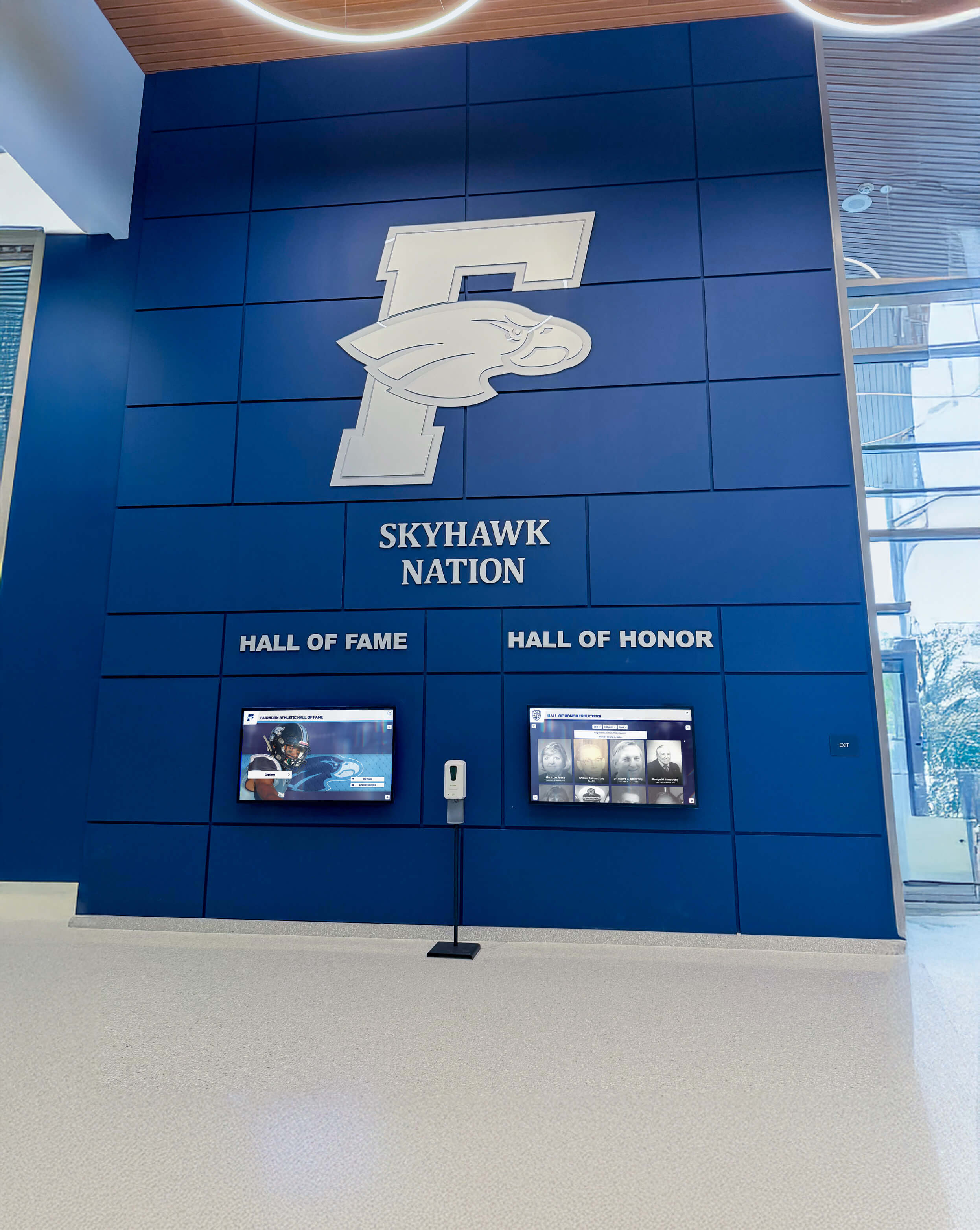
Speak with Similar Organizations: Contact schools or institutions using platforms you’re evaluating, specifically asking about unexpected costs or limitations discovered after implementation.
Read Contracts Carefully: Review all contract terms before signing, paying particular attention to pricing escalation clauses, expansion costs, and termination provisions.
The difference between platforms charging per-screen fees versus offering unlimited screen licensing can represent tens of thousands of dollars over typical 5-7 year recognition system lifespans. Organizations planning comprehensive recognition across multiple locations should prioritize vendors whose pricing models align with multi-screen reality rather than penalizing exactly the deployment scenarios that deliver maximum institutional benefit.
Conclusion: Transparency Matters in Recognition Technology Investment
Hidden costs in multi-screen digital signage deployments can transform initially attractive pricing into budget-breaking reality. Per-screen licensing fees, content management premiums, hardware restrictions, and mandatory professional services compound to create total costs dramatically exceeding advertised base prices.
Rocket Alumni Solutions takes a different approach: one subscription enables unlimited displays across your institution. This transparent pricing model eliminates per-screen penalties, removes artificial limits on recognition reach, and provides predictable costs enabling confident long-term planning.
Whether you deploy two screens or twenty, your goal remains the same: celebrating achievements, inspiring excellence, and strengthening community through meaningful recognition. Your software provider should enable that mission rather than extracting maximum revenue through complex pricing structures that penalize comprehensive recognition.
When evaluating platforms, demand complete transparency about all costs associated with your specific multi-screen deployment. Ask detailed questions, model realistic scenarios, and verify that seemingly attractive base prices don’t hide substantial additional charges. Your recognition program deserves technology that scales affordably with your needs rather than creating financial barriers to honoring the achievements that define your institution’s excellence.
Ready to explore digital recognition software designed specifically for multi-screen educational deployments? Discover how Rocket Alumni Solutions delivers transparent, inclusive pricing that enables comprehensive recognition across unlimited displays. Learn more about digital signage software comparison, explore multi-screen content management strategies, or understand how interactive kiosk solutions transform institutional recognition programs.
Your achievements deserve recognition technology that honors excellence without hidden costs limiting your program’s reach.
Disclaimer: This comparison is based on publicly available information as of October 2025. All product names and trademarks belong to their respective owners. Comparative statements reflect Rocket Alumni Solutions’ interpretation of available data and may change over time. This content was produced by or on behalf of Rocket Alumni Solutions. Pricing examples represent typical market patterns but specific vendor costs may vary. Organizations should verify current pricing and terms directly with vendors during evaluation processes.
































