



Key Takeaways
Critical timing guide for installing touchscreen displays during new school gymnasium construction. Learn optimal phases, infrastructure requirements, wiring needs, and coordination strategies to avoid costly delays and retrofits.
Why Installation Timing Matters for New Construction
The difference between installing touchscreen displays during construction versus after completion extends far beyond simple cost considerations. Timing affects structural integration, infrastructure capacity, visual aesthetics, warranty protection, and long-term functionality.
Cost Impact of Installation Timing
Installing digital recognition displays during active construction versus post-completion creates dramatic cost differences:
- During Construction: Running power and network infrastructure while walls are open costs 30-50% less than retrofit installations requiring wall penetration and finish repair
- After Completion: Post-occupancy installations require accessing closed walls, matching existing finishes, coordinating around occupied spaces, and potentially upgrading electrical panels or network infrastructure not sized for digital displays
- Infrastructure Sizing: Planning displays from the beginning allows proper electrical panel capacity, adequate network switch ports, and appropriate cooling calculations—avoiding expensive system upgrades later
- Warranty Considerations: Some building warranties become void if subsequent work requires penetrating membranes, modifying electrical systems, or altering structural elements after substantial completion
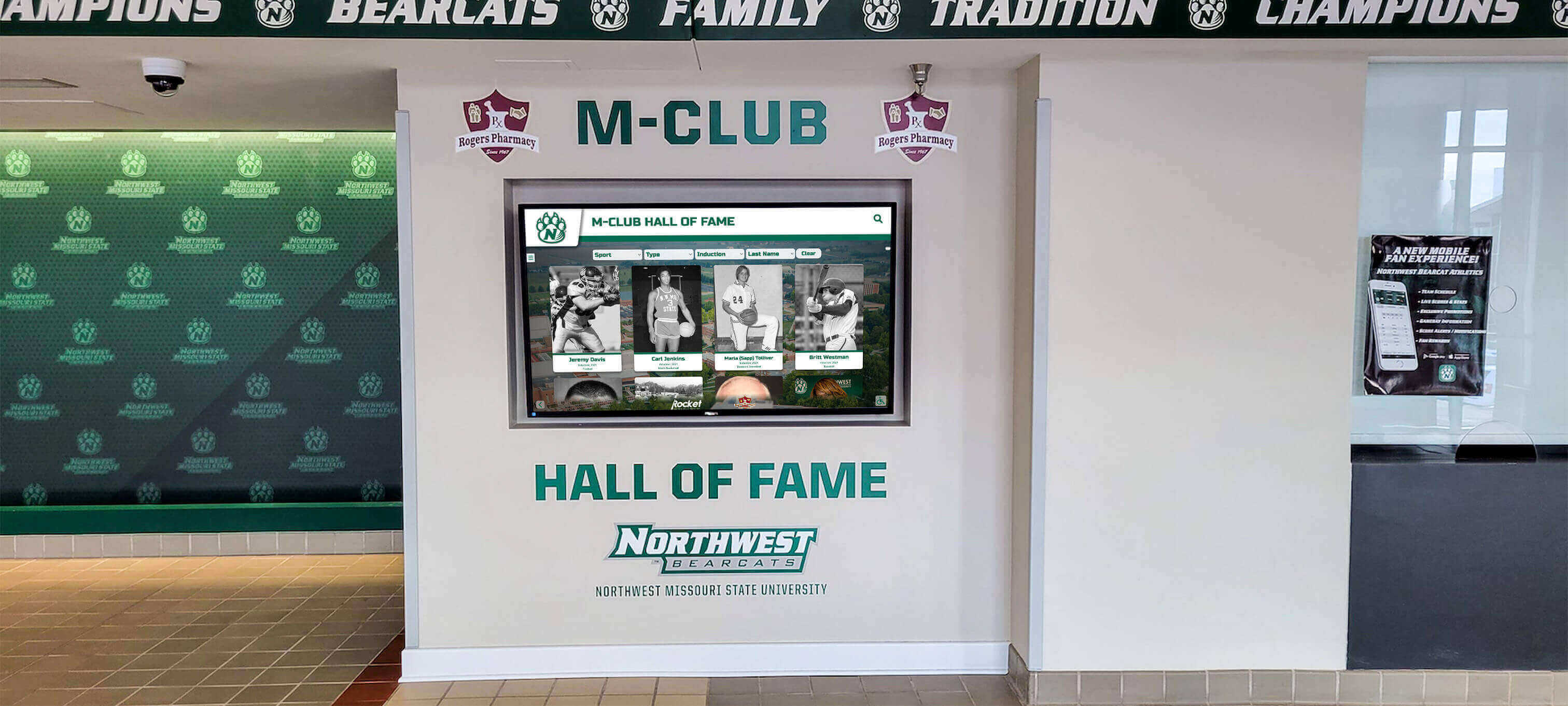
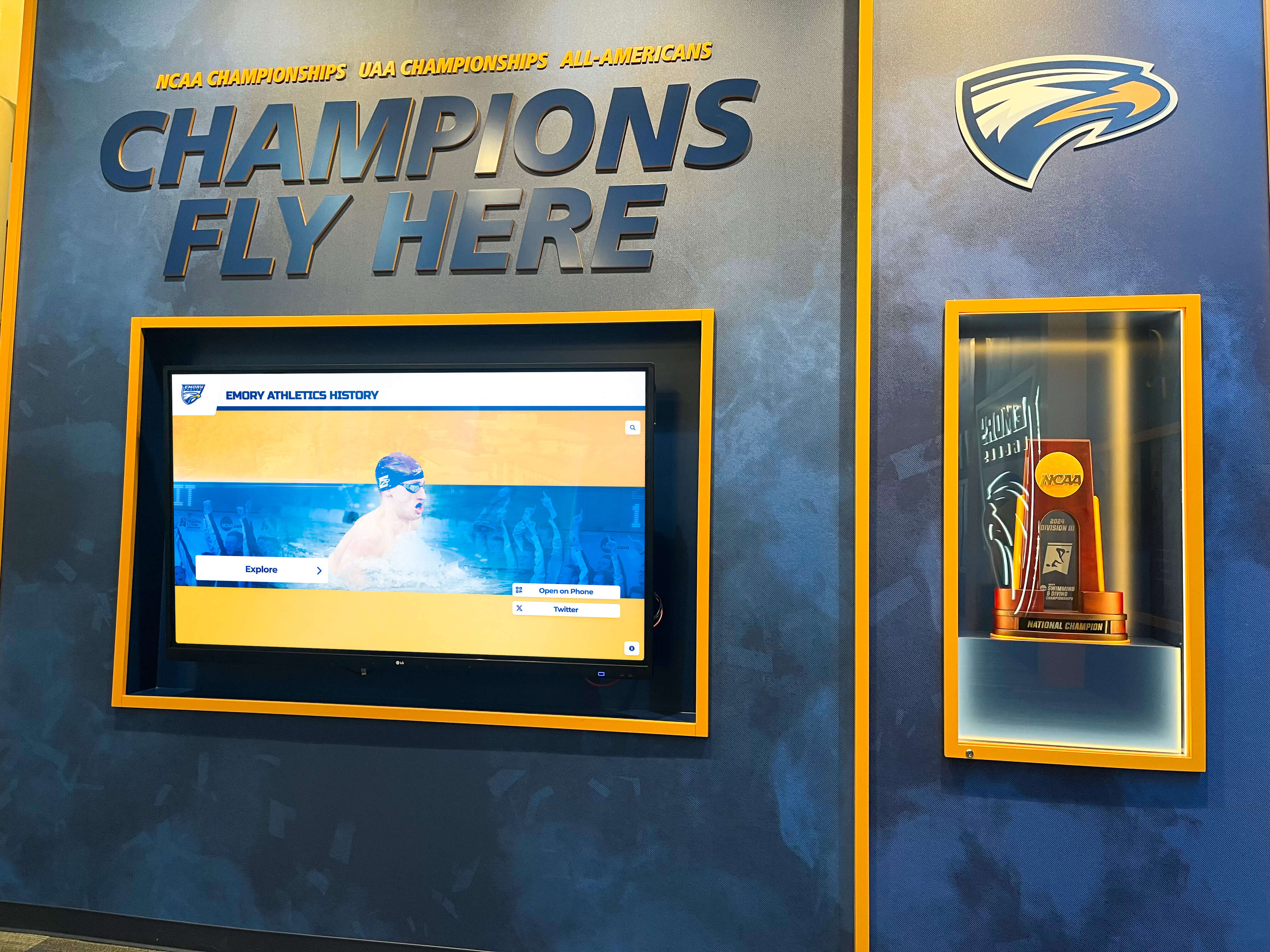
Schools building new athletic facilities should treat touchscreen displays as integral building systems rather than furniture or equipment added after construction. This mindset shift ensures proper planning, coordination, and integration during phases when modifications cost least and cause minimal disruption.
Design Phase: The Critical Window for Display Planning
The architectural design phase—typically occurring 6-12 months before construction begins—represents the single most important period for touchscreen display planning. Decisions made during design determine whether displays integrate seamlessly or require expensive workarounds.
Initial Concept Design (Schematic Design)
During initial design development, schools should identify all intended digital display locations throughout the new gymnasium facility. Key spaces typically include main entrance lobbies celebrating program history and championships, athletic hallway corridors connecting locker rooms and competition spaces, trophy display alcoves or halls of fame areas, concourse areas where spectators gather before and during events, and locker room areas displaying team achievements and motivational content.
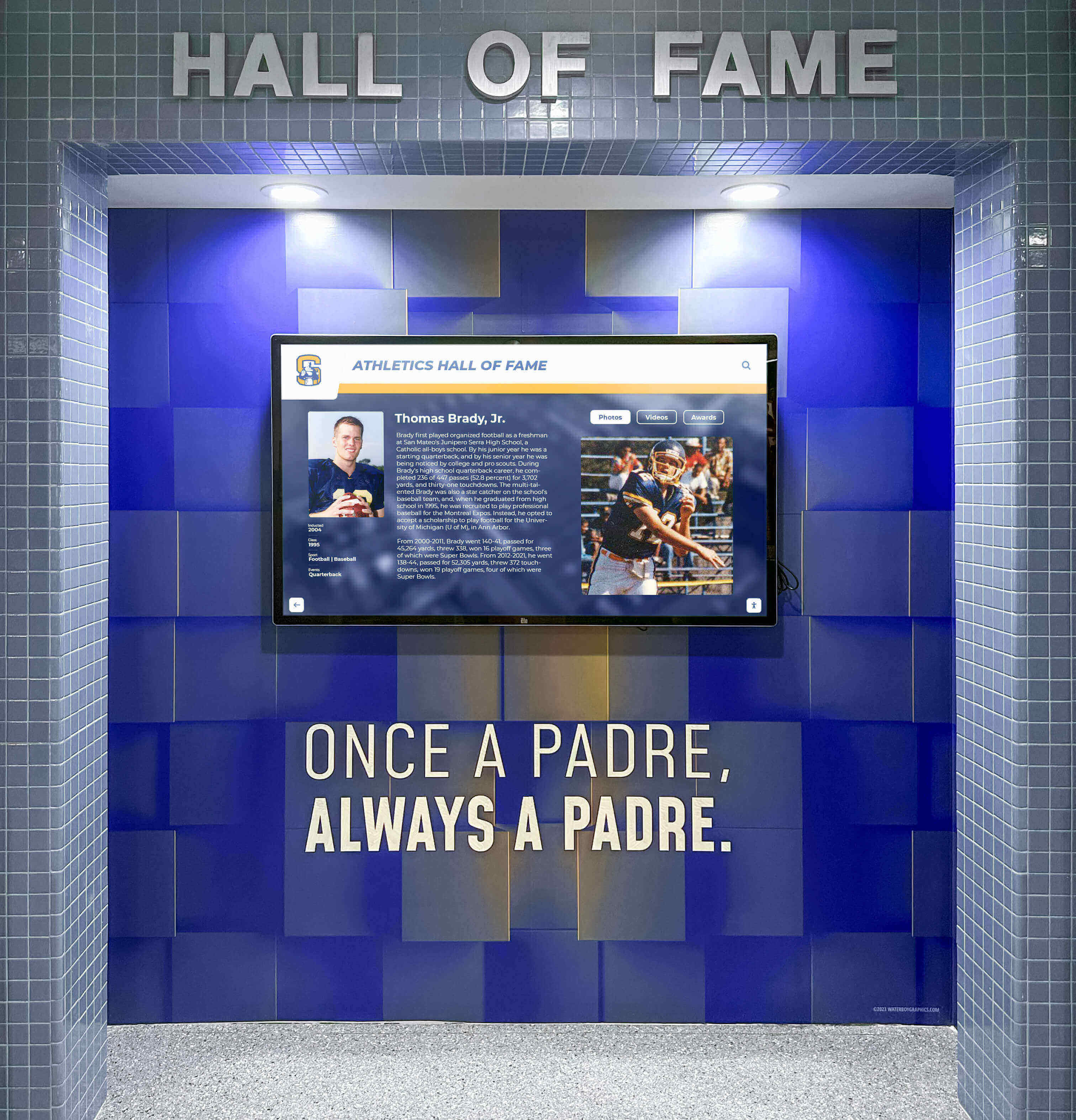
Identifying locations during schematic design allows architects to plan appropriate wall construction, lighting design that doesn’t create glare on screens, electrical rough-in locations optimizing wire runs, network infrastructure placement, and architectural details that frame displays as intentional design elements rather than afterthoughts.
Schools uncertain about specific display models or sizes should still communicate intent during this phase. Architects can design flexible infrastructure supporting various display configurations, preventing costly modifications when equipment selections finalize later.
Design Development: Specifying Infrastructure Requirements
As design advances from concept to detailed development, schools should finalize touchscreen display specifications enabling proper infrastructure planning. Critical specifications architects need include display dimensions and mounting requirements, power consumption and electrical specifications, network connectivity requirements (wired versus wireless, bandwidth needs, PoE capabilities), mounting height and viewing angle preferences, and ADA compliance considerations for interactive displays.
Essential Infrastructure for Touchscreen Displays
Electrical Requirements
- Dedicated Circuits: Large format displays typically require dedicated 15-20 amp circuits preventing overload from shared outlets
- Power Location: Outlets should be positioned directly behind display mounting locations, not several feet away requiring exposed conduit
- Surge Protection: Dedicated surge suppressors protecting expensive display electronics from voltage spikes
- Emergency Power: Consider whether displays should remain operational during power failures, requiring emergency circuit connections
- Future Capacity: Electrical panels should include 20-30% spare capacity beyond initial display installations allowing future additions
Network Infrastructure
- Wired Connections: Cat6A or better ethernet cables to each display location providing reliable, high-bandwidth connectivity
- Network Switch Capacity: Adequate ports in network closets serving gymnasium spaces, with PoE capabilities if displays support power over ethernet
- WiFi Coverage: Strong wireless signal throughout gymnasium for content management and mobile device integration
- Internet Bandwidth: Sufficient capacity for multimedia content delivery to multiple displays simultaneously
- Network Security: Proper VLAN configuration isolating display traffic from sensitive administrative systems
During design development, architects should coordinate display rough-in locations with electrical engineers, IT consultants, structural engineers (if mounting to structural elements), and mechanical engineers (for cooling load calculations). This coordination ensures all building systems work together supporting display installations rather than creating conflicts discovered during construction.
Solutions like digital recognition displays transform how schools celebrate athletic achievement while providing important information to students, families, and visitors. Planning these systems during design ensures they integrate beautifully into architectural visions rather than appearing as afterthought additions.
Construction Documents: Locking In Display Infrastructure
Construction documents—the detailed drawings and specifications contractors use for bidding and construction—must include explicit display infrastructure requirements. Schools should ensure construction documents specify exact locations of dedicated electrical circuits for all planned display locations, network cable routing and termination points, structural blocking or backing for display mounts if walls won’t provide adequate support, sleeves or raceways allowing future cable additions without wall penetration, and coordination notes identifying potential conflicts between display infrastructure and other building systems.

Construction documents should also include allowances or specifications for the displays themselves even if schools haven’t finalized equipment selections. This approach ensures general contractors budget appropriately and understand the complete scope of work rather than treating displays as owner-provided equipment requiring unknown coordination.
Many schools find value in interactive kiosk solutions that transform traditional trophy cases into engaging digital experiences. Specifying rough-in requirements for these installations during construction documents prevents expensive change orders during construction.
Pre-Construction Phase: Final Equipment Selection and Coordination
The pre-construction phase—the period between construction contract award and actual work beginning—provides a final opportunity to refine display plans and ensure complete coordination before work starts.
Finalizing Display Equipment Selection
If schools haven’t selected specific touchscreen display models during design, they should finalize selections during pre-construction. This timing allows contractors to verify that rough-in work specified in construction documents matches actual equipment needs, order long-lead-time equipment ensuring availability when needed during construction, coordinate mounting systems with wall construction and backing requirements, and confirm electrical and network specifications prevent conflicts with installed infrastructure.
Key Equipment Selection Criteria
- Durability: Commercial-grade displays rated for 16-24 hour continuous operation, not consumer televisions failing prematurely in high-use environments
- Brightness: Adequate luminance (typically 500-700 nits) for spaces with natural light or high ambient lighting
- Touch Technology: Capacitive or infrared touch systems appropriate for public spaces with high interaction volumes
- Content Management: User-friendly systems enabling non-technical staff to update recognition content without vendor assistance
- Warranty and Support: Minimum 3-year warranties with responsive technical support for educational environments
- Integration Capabilities: Compatibility with existing school systems, databases, and content sources
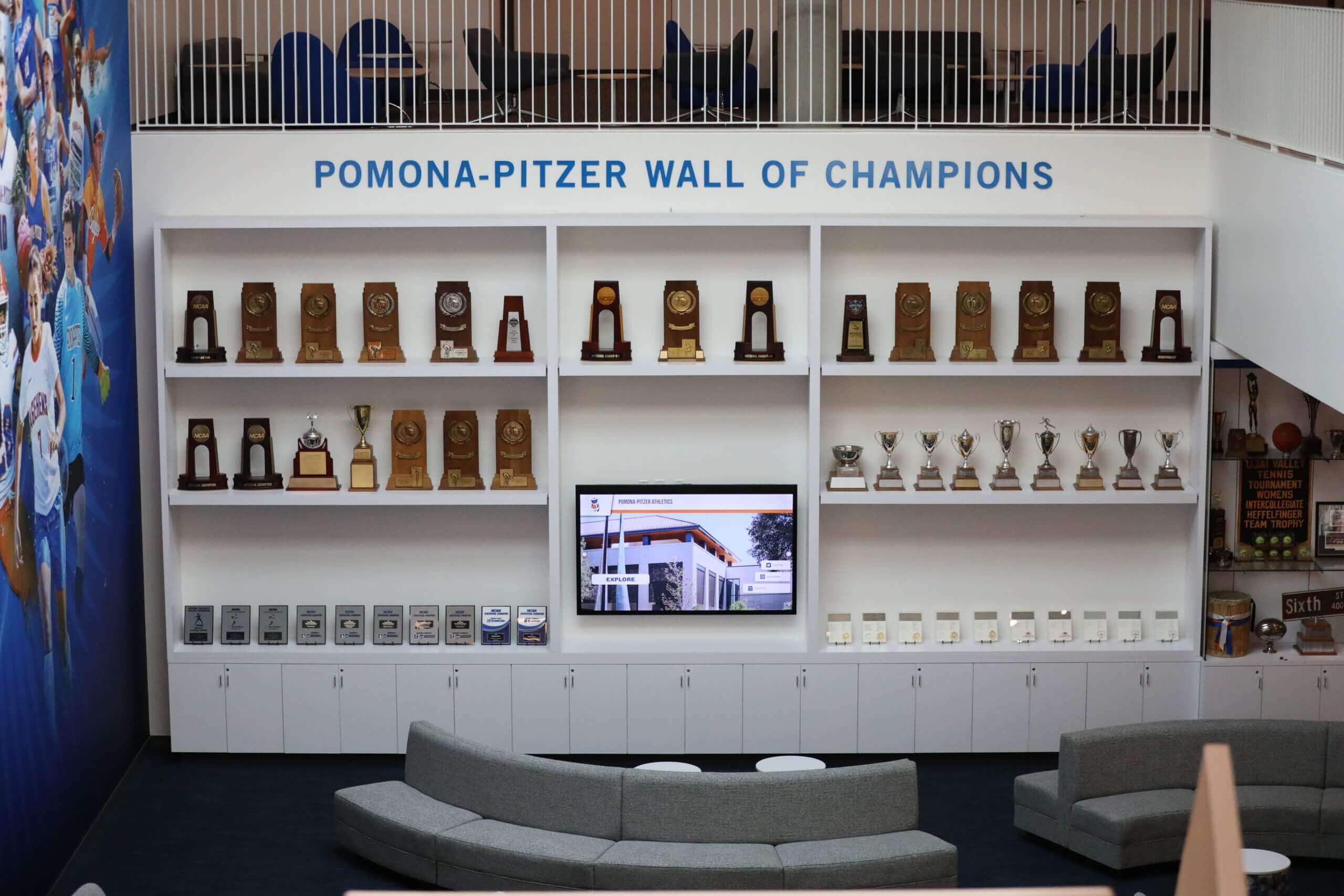
For schools exploring recognition display options, platforms like Rocket Alumni Solutions specialize in athletic achievement celebration through intuitive touchscreen interfaces that don’t require technical expertise for content updates. Selecting purpose-built solutions during pre-construction ensures proper infrastructure planning rather than discovering limitations after installation.
Pre-Construction Coordination Meetings
Smart schools schedule specific coordination meetings during pre-construction focusing exclusively on digital display integration. These meetings should include the general contractor and relevant subcontractors (electrical, low voltage, drywall), the architect and design team, the school’s IT department or technology coordinator, display equipment vendor representatives, and facility management staff who will maintain systems long-term.
Coordination meetings address questions like: Are backing or blocking requirements clearly communicated to framing contractors? Do electricians understand exact outlet placement requirements? Does low-voltage contractor know data cable routing and termination specifications? How will display installation sequence coordinate with wall finishing schedules? What testing and commissioning procedures will verify all systems function properly?
Resolving these questions before construction begins prevents expensive change orders, schedule delays, and compromised installations that could have been avoided with proactive coordination.
Construction Phase: Optimal Timing for Display Installation
Once construction begins, the question shifts from whether to include displays to exactly when during the construction sequence displays should be installed. Multiple factors influence optimal timing.
Rough-In Stage: Installing Infrastructure While Walls Are Open
The rough-in phase—when framing is complete but walls remain open before drywall installation—represents the absolute deadline for installing electrical and network infrastructure supporting displays. Contractors should complete dedicated electrical circuits for all display locations, run network cables to each planned display position, install structural backing or blocking for heavy display mounts, place sleeves or empty conduits enabling future cable additions, and verify adequate separation between power and data cables preventing electrical interference.
Critical Rough-In Checklist for Display Infrastructure
- Load Center Verification: Confirm electrical panel includes dedicated breaker spaces for display circuits with proper amperage ratings
- Circuit Testing: Test all electrical rough-in for proper voltage, grounding, and absence of shorts before walls close
- Network Certification: Certify all data cables meet Cat6A specifications and test for proper termination and connectivity
- Documentation: Photograph all rough-in work documenting exact cable and conduit locations before drywall covers infrastructure
- Blocking Verification: Measure and mark blocking locations on floor allowing future installers to locate mounting support through finished walls
- Coordination Conflicts: Verify display infrastructure doesn't conflict with HVAC, plumbing, fire protection, or other building systems
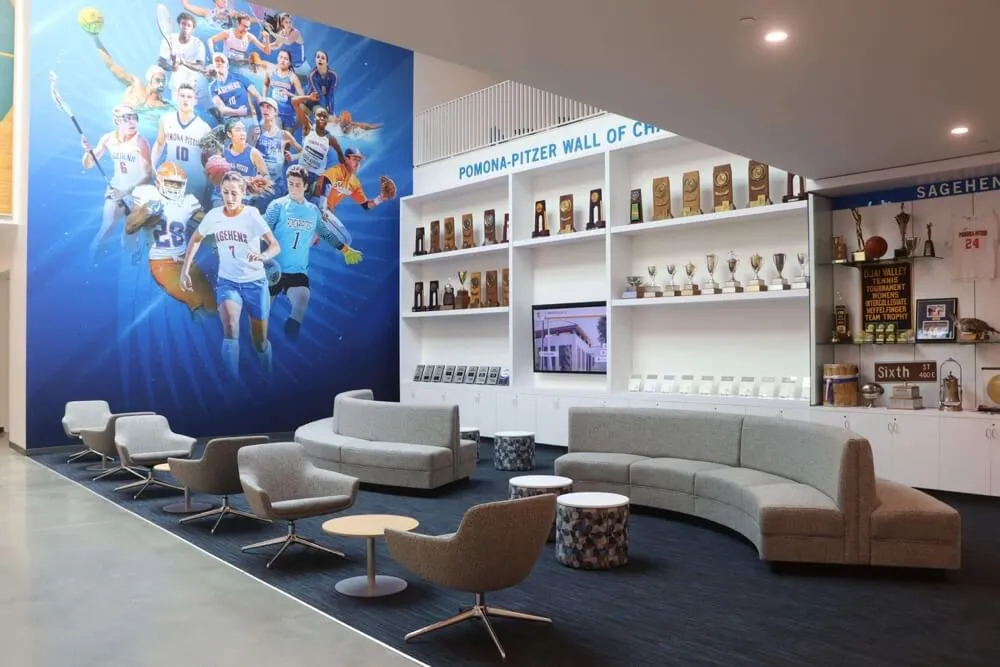
Missing the rough-in deadline transforms straightforward installations into complex retrofits requiring cutting finished walls, fishing cables through closed spaces, and repairing surfaces to match existing finishes—work costing 2-3 times more than proper rough-in during construction.
Finish Stage: Installing Displays During Interior Completion
Most schools find optimal timing for actual display installation occurs during the finishing phase after drywall is hung, taped, and painted, but before final inspections and occupancy. This timing provides several advantages including completed wall finishes eliminating concerns about construction damage to displays, functioning electrical and network systems allowing proper testing and commissioning, controlled construction environment with adequate climate control protecting electronic equipment, and available contractor support for coordination and problem-solving.
Installing during finishing also allows time for proper testing and adjustment before school occupancy. Display vendors can verify all equipment functions properly, configure content management systems, provide training for school staff who will manage displays, and address any issues discovered during commissioning.
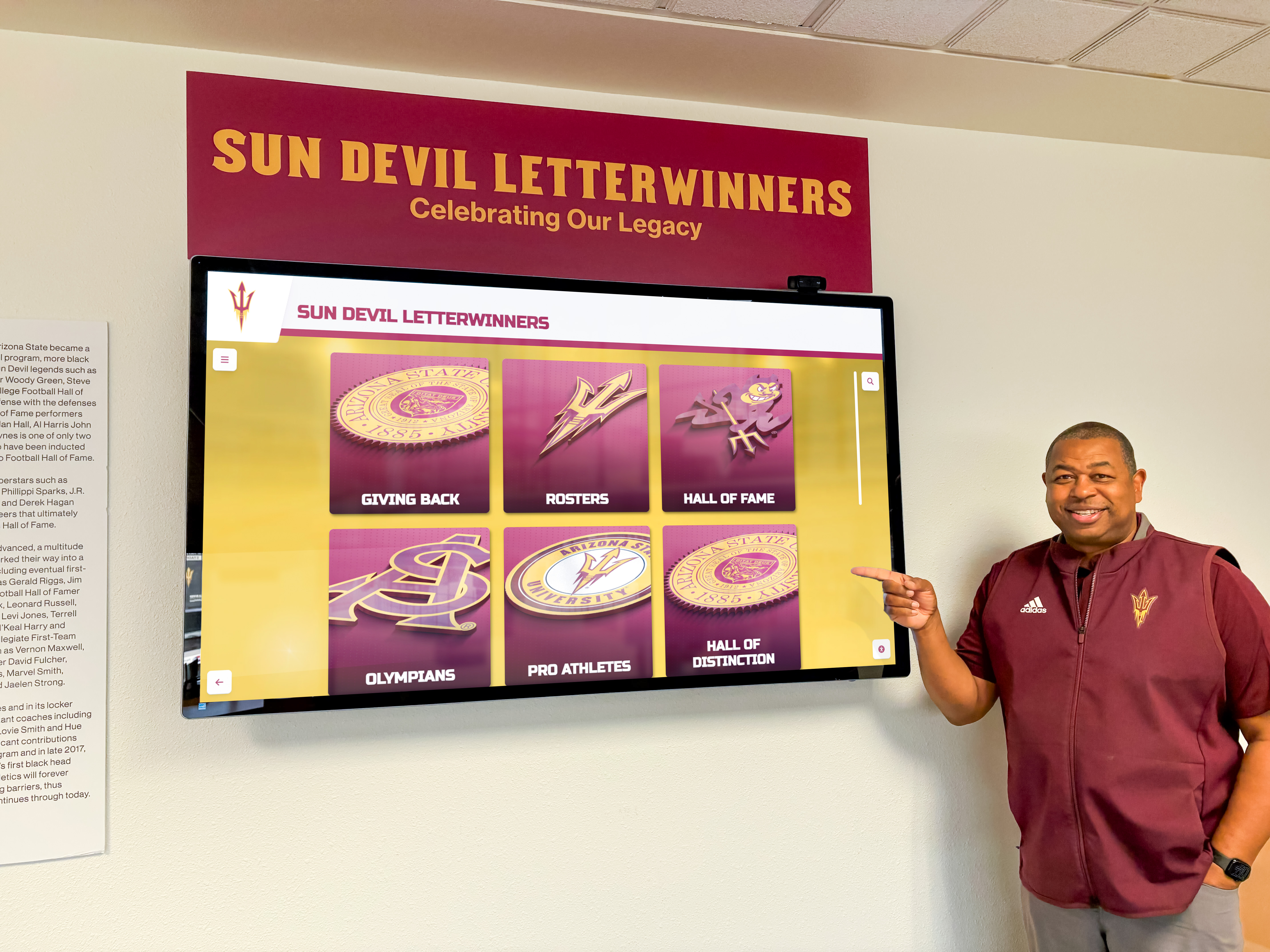
Some schools prefer waiting until substantial completion before display installation, protecting expensive electronics from construction activity. However, this approach requires careful coordination ensuring contractors remain available for addressing any issues discovered after general contractor demobilization.
Coordination with Other Finish Work
Display installation must coordinate with several other finishing trades to prevent conflicts and ensure quality results. Key coordination points include:
Painting Contractors: Wall paint should be complete before display installation, but installers must protect freshly painted surfaces during mounting work. Painters may need to return for touch-up after mounting hardware installation.
Flooring Contractors: Heavy displays and mounting equipment can damage fresh flooring. Coordinate installation sequencing or provide adequate floor protection during display work.
Millwork and Casework: If displays integrate with custom millwork, cabinetry, or architectural features, those elements must be complete and properly aligned before display mounting.
Electrical and Low-Voltage Contractors: These trades must terminate all rough-in work, install cover plates, and test all circuits before display installation. They should also remain available during display commissioning to address any discovered issues.
IT Department: School technology staff should be present during display installation to verify network connectivity, configure security settings, and ensure proper integration with school systems.
Proper coordination prevents situations where display installation damages other finished work or where incomplete systems delay display commissioning.
Post-Construction Phase: Commissioning and Training
Even when displays are installed during optimal construction phases, work isn’t complete until systems are fully commissioned and school staff are trained for ongoing management.
System Commissioning and Testing
Comprehensive commissioning verifies all display systems function properly before the general contractor leaves the project. Testing should include power system verification ensuring adequate voltage and stable power supply, network connectivity testing confirming reliable data connections and adequate bandwidth, touch functionality testing across entire display surface identifying any dead zones or calibration issues, content management system validation verifying authorized users can update content successfully, and integration testing with school databases, identity systems, or other connected platforms.
Commissioning Documentation Requirements
Technical Documentation
- As-Built Drawings: Updated construction documents showing actual installed locations of all display infrastructure
- Equipment Manuals: Complete documentation for all display hardware and software systems
- Warranty Information: Warranty periods, coverage details, and claim procedures for all equipment
- Network Diagrams: Documentation of network connections, IP addresses, and security configurations
- Maintenance Procedures: Recommended cleaning methods, periodic maintenance requirements, and troubleshooting guides
Support Resources
- Vendor Contact Information: Technical support phone numbers, email addresses, and hours of availability
- Software Access: Admin credentials, license keys, and access to content management systems
- Training Materials: Videos, quick-reference guides, and detailed instructions for common tasks
- Troubleshooting Procedures: Step-by-step guides for addressing common issues without vendor assistance
- Escalation Procedures: Clear process for reporting issues requiring vendor support or emergency response
Quality commissioning identifies issues while contractors and vendors remain on-site to address problems quickly rather than discovering failures after project closeout when mobilizing support becomes expensive and time-consuming.
Staff Training and Content Development
Technology succeeds only when users understand how to operate it effectively. Schools should insist on comprehensive training covering content management system navigation and basic operations, adding and editing recognition content including photos, videos, and biographical information, user account management and permission settings, basic troubleshooting and problem resolution, and content strategy for keeping displays fresh and engaging over time.
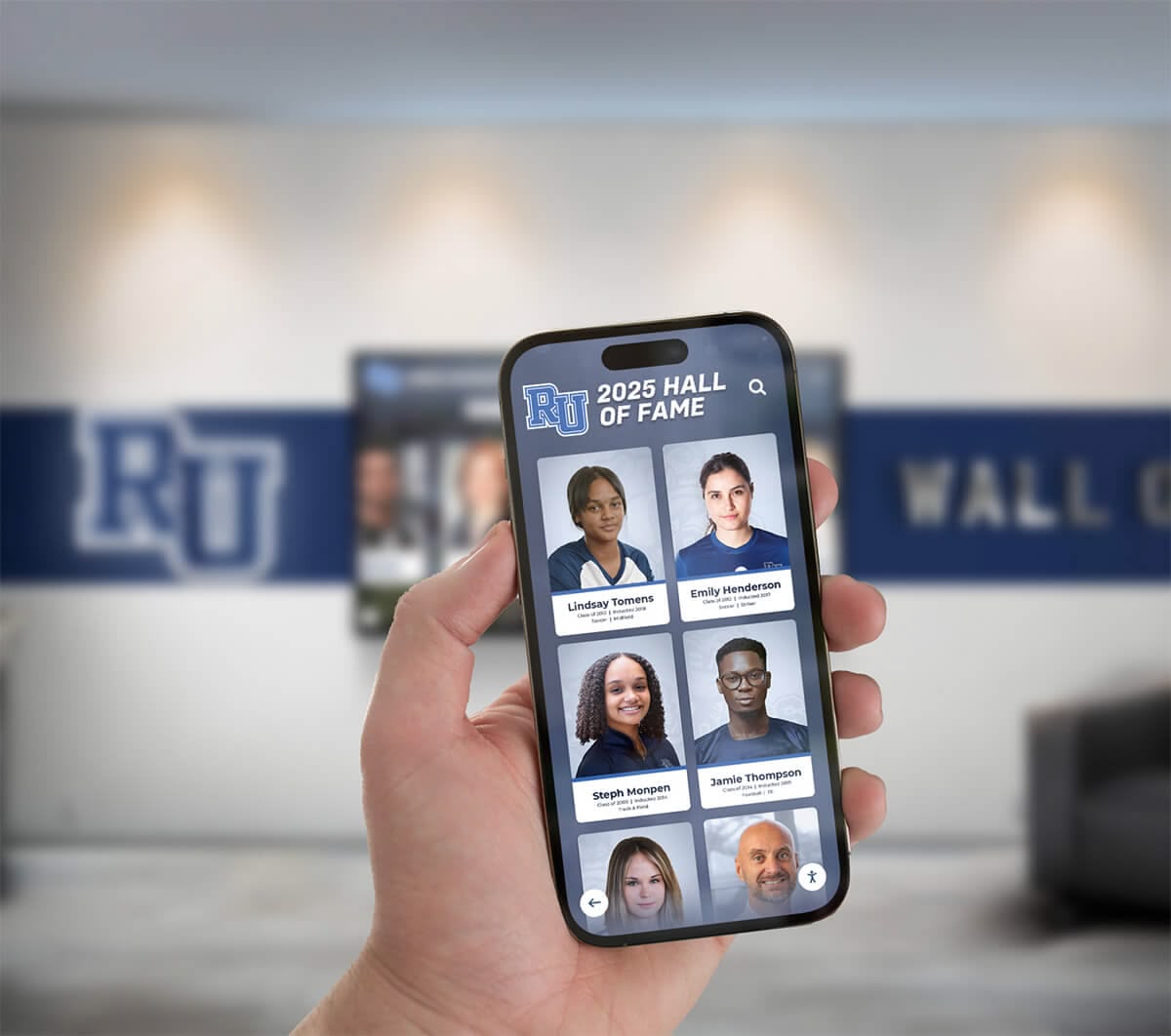
Training should include multiple school staff members preventing situations where single individuals become bottlenecks for updates or where staff transitions leave schools without anyone who understands system operation.
For schools implementing athletic recognition programs, training should address specific workflows for celebrating achievements across multiple sports, maintaining historical content, and engaging alumni through recognition displays.
Initial content development often occurs during the post-construction phase as schools populate displays with historical achievements, current team information, and recognition content. Many schools find this work takes longer than anticipated, so starting content development during construction—while displays are being manufactured and installed—ensures systems launch with compelling content rather than placeholder screens communicating incomplete implementation.
Common Installation Timing Mistakes to Avoid
Schools building new gymnasiums repeatedly make predictable mistakes that compromise display installations. Learning from these common errors prevents expensive problems.
Mistake 1: Treating Displays as Furniture Instead of Building Systems
The most expensive mistake schools make is viewing touchscreen displays as movable equipment added after construction rather than integrated building systems requiring planned infrastructure. This mindset leads to inadequate electrical capacity requiring panel upgrades, missing network connections necessitating exposed cable runs, lack of structural backing forcing surface-mounted hardware, and conflicts with architectural finishes compromising aesthetics.
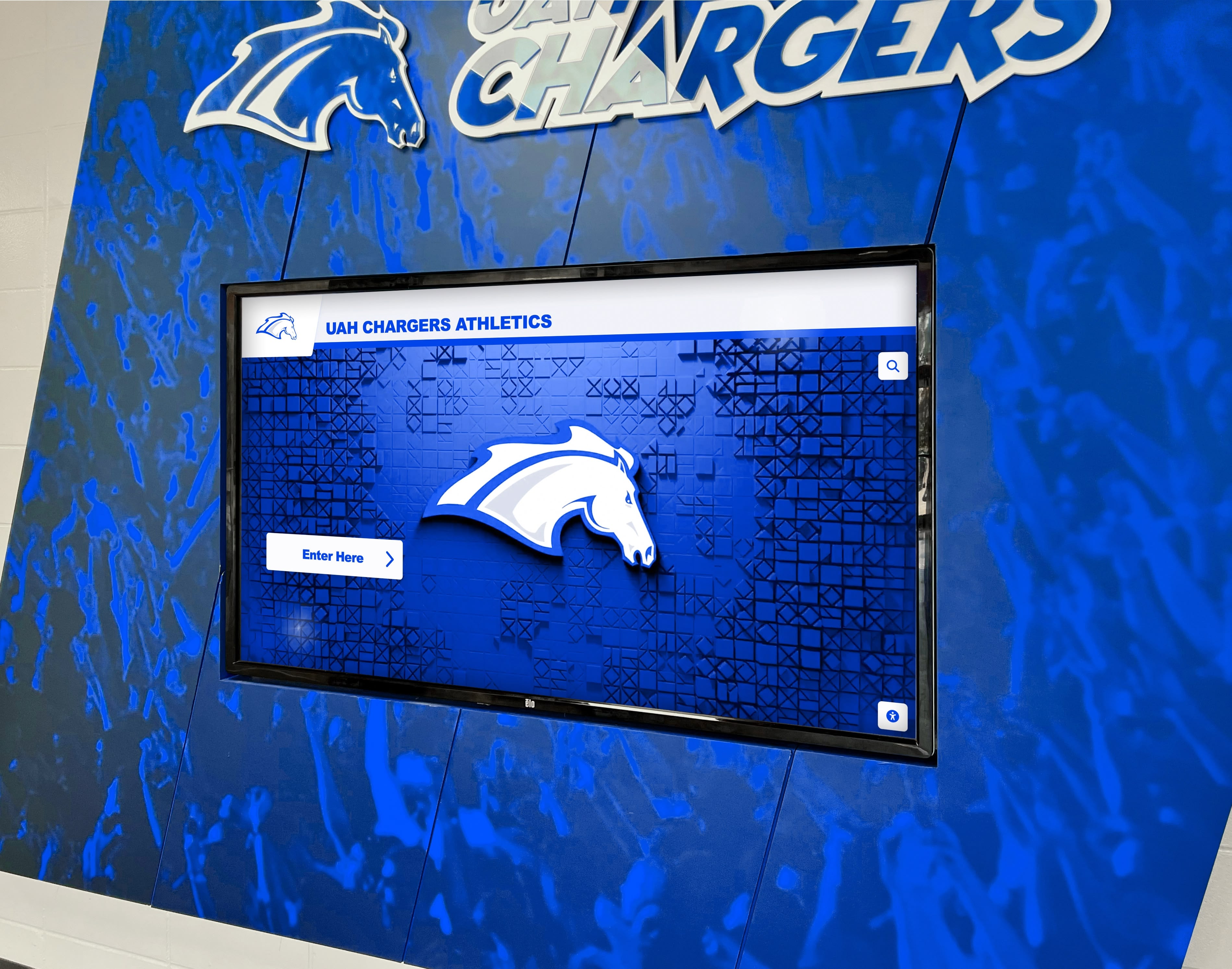
Treating Displays as Building Systems Means:
- Including displays in architectural drawings and specifications from initial design
- Coordinating infrastructure with electrical, low-voltage, and structural consultants
- Budgeting displays as part of base building construction, not furniture allowances
- Installing rough-in infrastructure during construction, not as after-construction retrofits
- Testing and commissioning displays before substantial completion and contractor demobilization
- Training facility staff as part of building systems training and turnover
Schools making this mental shift from the project’s beginning avoid the majority of installation problems and cost overruns that plague projects treating displays as afterthoughts.
Mistake 2: Waiting for Furniture and Equipment Phase
Many schools postpone display decisions until the furniture, fixtures, and equipment (FF&E) phase—typically occurring after construction completion. While some equipment appropriately waits until this phase, touchscreen displays requiring building infrastructure should not.
Waiting until FF&E phase creates several problems. Base building construction omits electrical and network rough-in requiring expensive retrofits. Display mounting may require wall modifications voiding building warranties. Post-occupancy installation disrupts school operations and limits contractor access. Compressed timelines pressure schools into poor equipment selections.
Smart schools separate displays requiring infrastructure (installation during construction) from true furniture items (installation during FF&E phase). This distinction ensures proper planning and timing for each category.
Mistake 3: Inadequate Infrastructure Planning
Even schools recognizing the need for display infrastructure sometimes underestimate actual requirements. Common infrastructure planning failures include sizing electrical circuits for display panels only, ignoring associated media players, computers, or audio systems that share circuits; planning single network drops when displays may need separate connections for content, management, and public WiFi; installing standard residential-grade wiring when commercial applications require plenum-rated cables and proper shielding; and providing minimal electrical capacity with no allowance for future display additions or technology changes.
Infrastructure should be sized 25-30% above calculated requirements, providing headroom for future additions and preventing premature capacity constraints requiring expensive electrical or network upgrades.
Mistake 4: Poor Communication Between Stakeholders
Display installation failures often result from communication breakdowns between groups that must coordinate. The IT department may not communicate network requirements to architects, leaving displays with inadequate connectivity. The athletic director may not engage with construction planners, resulting in displays in wrong locations or omitted entirely. The facilities team may not understand maintenance requirements until after displays are installed in locations preventing access for service. The equipment vendor may not coordinate with general contractors, causing installation delays or conflicts.

Successful projects establish clear communication channels from design through commissioning, with regular coordination meetings ensuring all stakeholders share current information and align on decisions affecting display implementation.
Mistake 5: Selecting Inappropriate Display Technology
Not all touchscreen displays suit high-use gymnasium environments. Schools sometimes select consumer-grade televisions rather than commercial displays, leading to premature failures. Others choose displays sized inappropriately for viewing distances, creating poor user experiences. Some select systems with complex content management requiring technical expertise schools lack.
Working with vendors experienced in educational athletic facility applications helps schools avoid inappropriate technology selections. Companies like Rocket Alumni Solutions specialize in recognition displays designed specifically for schools, providing proven systems avoiding common pitfalls affecting general-purpose digital signage in educational environments.
Special Considerations for Different Display Applications
Gymnasium touchscreen displays serve various purposes, each with unique installation timing and infrastructure requirements worth understanding.
Main Entrance Recognition Displays
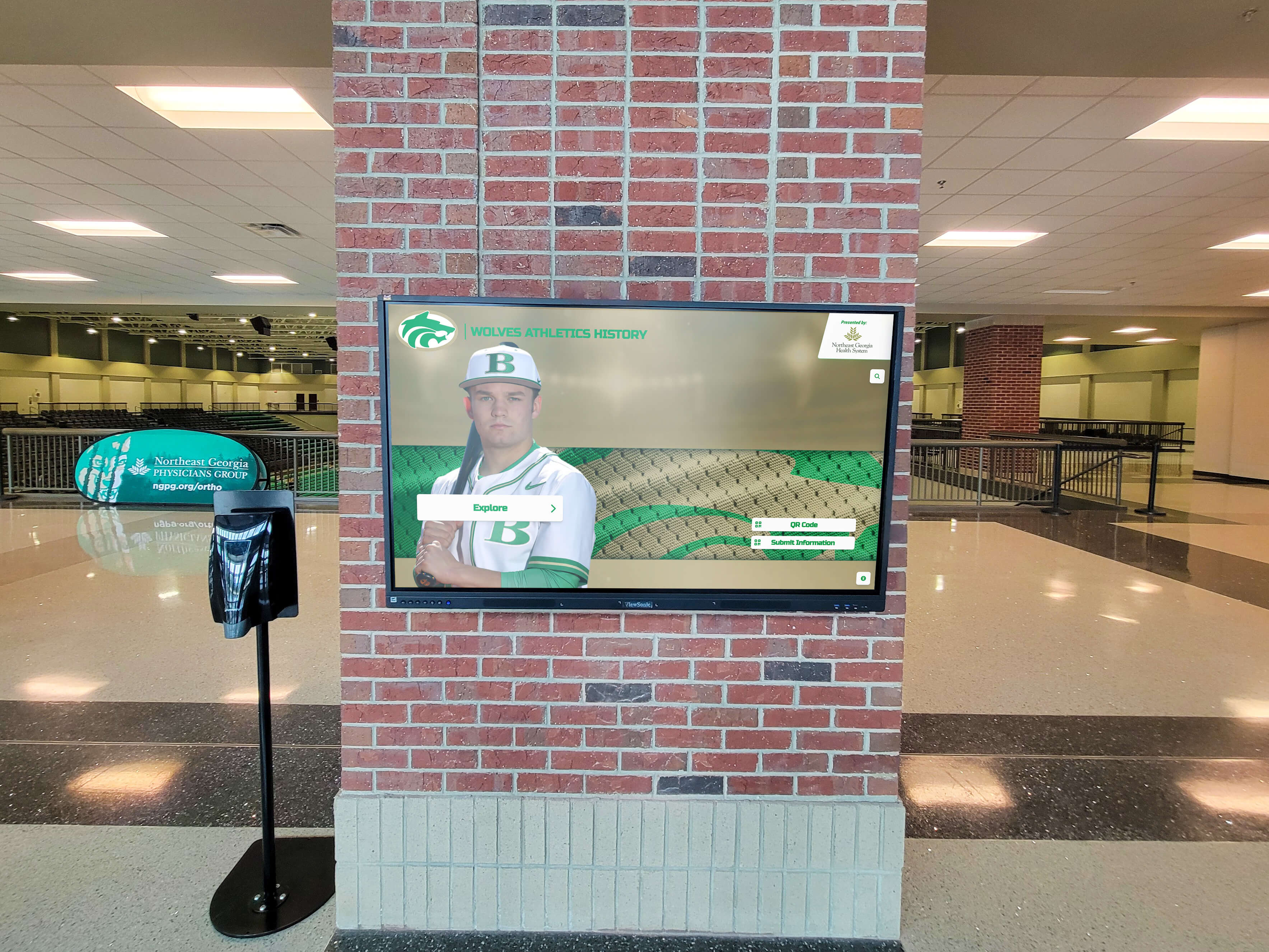
Displays in gymnasium main entrances celebrating athletic hall of fame inductees, championship histories, and program traditions require prominent, high-visibility placement in spaces where visitors naturally gather and explore. These installations benefit from:
High-End Presentation: Entrance displays represent programs to recruits, donors, and visitors, justifying premium equipment and professional installation quality creating positive first impressions.
Multiple Display Configurations: Some schools install multi-screen video walls creating dramatic visual impact unavailable from single displays. These configurations require careful planning during design to ensure adequate backing, power, and network infrastructure supports complex installations.
Integration with Architecture: Entrance displays should appear as intentional architectural features rather than afterthought equipment. Custom millwork, specialized lighting, and thoughtful placement require architectural coordination during design development.
Entrance Display Infrastructure Checklist
Physical Requirements
- Adequate wall area for display size without visual obstructions
- Structural backing appropriate for large-format displays or video wall configurations
- Ambient lighting designed to avoid glare while providing adequate illumination
- Durable finishes around displays withstanding high-traffic areas
- Accessible location for maintenance without disrupting daily operations
System Requirements
- Dedicated 20-amp circuits for large displays with room for future additions
- Redundant network connections providing backup if primary connection fails
- Adequate cooling for displays generating substantial heat in enclosed spaces
- Audio systems if displays will show video content with sound
- Integration with building access control for after-hours operation
For schools implementing digital trophy case alternatives, entrance locations provide maximum visibility while allowing physical trophy cases to be repurposed or eliminated, freeing valuable space for other uses.
Hallway and Corridor Displays
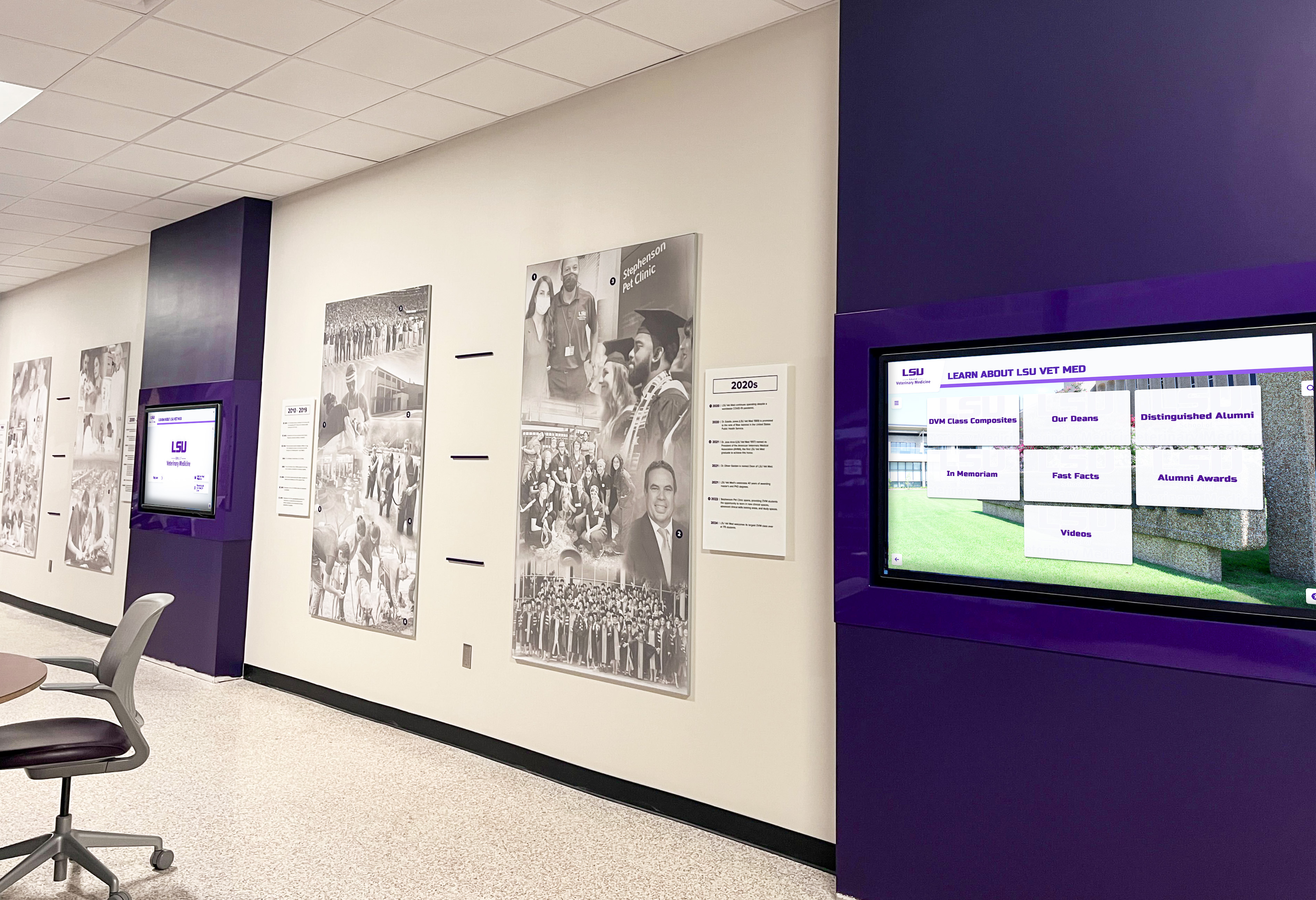
Displays along gymnasium hallways connecting locker rooms, weight rooms, and competition spaces create opportunities for team-specific recognition, motivational content, and historical timelines. These installations often use landscape-oriented displays supporting scrolling timelines and multi-athlete layouts.
Hallway displays should be positioned at appropriate heights for both standing viewing and accessibility compliance, protected from impact by passing equipment carts or maintenance vehicles, integrated with hallway lighting avoiding glare from overhead fixtures, and placed with adequate space for groups to gather without blocking circulation.
Many schools find success with school digital signage strategies that combine recognition content with important information about upcoming events, team schedules, and athletic program news.
Locker Room and Team Space Displays
Some gymnasiums include displays within locker rooms or team meeting spaces showing motivational content, game film review, or team-specific achievement recognition. These installations face unique challenges including humid environments from showers requiring displays rated for moisture exposure, potential impact damage from equipment or activities requiring protective enclosures, privacy considerations if displays have cameras or microphones, and security concerns about valuable electronics in spaces accessed by numerous people.
Locker room displays benefit from installation during construction when proper moisture barriers, ventilation, and protective mounting can be integrated into building design rather than retrofitted after completion.
Concourse and Spectator Area Displays
Displays in spectator concourses provide wayfinding, event information, concessions menus, and recognition content for visitors attending competitions. These installations require visibility from longer distances than interactive displays, content management systems enabling quick updates for event information, integration with scoring systems or game operations for live content, and audio systems for announcements or video sound in noisy environments.
Concourse displays often benefit from ceiling-mounted or overhead installations keeping screens visible over crowds while avoiding damage from passing spectators. This mounting requires structural coordination during design ensuring adequate backing in ceiling framing.
Technology Infrastructure Beyond the Display
Successful touchscreen installations require more than just screens and mounts. Complete systems depend on supporting technology infrastructure planned and installed during construction.
Media Players and Computing Equipment
Many large-format displays require external media players or small-form-factor computers providing processing power for interactive content, content management system clients, and complex multimedia playback. This equipment needs dedicated electrical circuits separate from display power, adequate ventilation preventing heat buildup that degrades reliability, network connectivity separate from display connections, and secure mounting preventing theft or tampering.
Media Player Installation Requirements
Physical Location Options
- Behind Display: Conceals equipment but may create heat buildup and complicates access for service
- Equipment Room: Provides proper cooling and security but requires longer cable runs to displays
- Accessible Enclosure: Balances concealment with service access using lockable boxes near displays
- Ceiling Space: Hides equipment while maintaining access through ceiling tiles, appropriate for some applications
Support Infrastructure
- Cooling: Adequate ventilation or active cooling preventing thermal shutdown
- Security: Lockable enclosures or secured rooms preventing equipment theft
- Power Conditioning: Surge protection and line conditioning extending equipment life
- Remote Management: Network access enabling IT staff to troubleshoot without physical access
Planning media player locations during design ensures adequate infrastructure while maintaining equipment security and accessibility for maintenance.
Audio Systems
Touchscreen displays showing video content require audio systems delivering sound to viewers. Options include display-integrated speakers suitable for quiet environments with limited ambient noise, external speaker systems providing better audio quality for larger spaces, assistive listening system integration supporting hearing-impaired visitors, and audio control systems enabling staff to adjust volume or mute displays when needed.
Audio infrastructure requires electrical power for amplifiers and speakers, audio cable runs from displays or media players to speaker locations, acoustic considerations preventing echo or feedback issues, and integration with facility sound systems for announcements or emergency communications.
Network Infrastructure and Bandwidth
Digital displays require robust network infrastructure supporting reliable content delivery. Critical considerations include adequate bandwidth for multiple displays showing HD or 4K video simultaneously, quality of service (QoS) configuration prioritizing display traffic during peak usage, VLAN segmentation separating display traffic from school administrative networks, redundant network paths providing failover if primary connections fail, and local caching reducing bandwidth requirements for frequently accessed content.
Schools should engage IT consultants or internal technology staff during design to ensure network infrastructure meets current needs while providing capacity for future expansion. Undersized networks create frustrating performance problems undermining confidence in otherwise excellent display systems.
Budgeting and Cost Considerations
Understanding complete costs for touchscreen display integration helps schools budget appropriately and avoid surprises during construction.
Typical Cost Breakdown for Gymnasium Display Integration
Complete display installations include several cost components schools must budget:
Gymnasium Touchscreen Display Cost Components
| Cost Category | Typical Range | Notes |
|---|---|---|
| Display Hardware | $3,000-$12,000 | Commercial-grade 55-75" interactive displays; price varies with size, features, and brand |
| Mounting Systems | $300-$1,500 | Commercial mounts, safety cables, anti-theft hardware appropriate for public spaces |
| Media Players/Computers | $500-$2,000 | Processing equipment for content management and interactive features |
| Electrical Infrastructure | $500-$3,000 | Dedicated circuits, outlet installation, panel capacity; significantly higher for retrofits |
| Network Infrastructure | $300-$2,000 | Cable installation, switch port capacity, network configuration |
| Content Management Software | $2,000-$8,000 initial + $500-$2,000/year | Recognition platform licensing, content development, ongoing support |
| Installation Labor | $1,000-$4,000 | Professional mounting, system configuration, testing, commissioning |
| Audio Systems (if needed) | $500-$3,000 | Speakers, amplifiers, cabling for video content with sound |
| Training and Documentation | $500-$2,000 | Staff training, user documentation, technical manuals |
Total Typical Range per Display Location: $8,000-$35,000
Actual costs vary based on display size, feature complexity, infrastructure requirements, and installation conditions
These costs represent installations during new construction. Retrofit installations after construction completion typically cost 30-60% more due to wall penetration requirements, finish matching, complicated cable routing, and coordination challenges in occupied buildings.
Value Engineering Without Compromising Functionality
Schools managing tight budgets may consider value engineering options including standardizing on fewer display sizes reducing equipment variety and training complexity, phasing installations with initial displays in highest-impact locations and future additions as budget allows, simplifying mounting with surface-mount systems instead of recessed installations requiring expensive architectural integration, leveraging existing network infrastructure where adequate capacity exists, and selecting appropriate display grades with commercial-quality equipment in high-use areas and less expensive options in lower-traffic locations.
However, schools should avoid false economies like using consumer-grade televisions instead of commercial displays, undersizing electrical or network infrastructure requiring future upgrades, or omitting professional installation relying on maintenance staff lacking specialized expertise.
Investment in quality systems during construction delivers better long-term value than cheaper installations requiring premature replacement or expensive modifications.
Conclusion: Strategic Planning Ensures Successful Integration
Installing touchscreen displays in new gymnasium construction requires strategic planning across design, pre-construction, construction, and commissioning phases. Schools achieving best results treat displays as integrated building systems from initial design rather than equipment added after construction completion.
The optimal installation timeline begins during schematic design when architects can plan infrastructure, continues through construction documents where specifications are finalized, advances during construction when rough-in occurs at the ideal moment while walls remain open, and concludes with installation during finishing phases allowing proper testing before occupancy.
Schools following this timeline achieve seamless integration with appropriate infrastructure, avoid expensive retrofits and change orders, ensure displays function reliably from day one, and create professional installations that honor athletic achievement while building program pride.
Solutions like Rocket Alumni Solutions provide purpose-built platforms designed specifically for educational athletic recognition, ensuring schools invest in proven systems rather than experimenting with general-purpose digital signage inadequate for comprehensive achievement celebration. These specialized platforms combine intuitive content management, professional presentation quality, and educational expertise that generic alternatives cannot match.
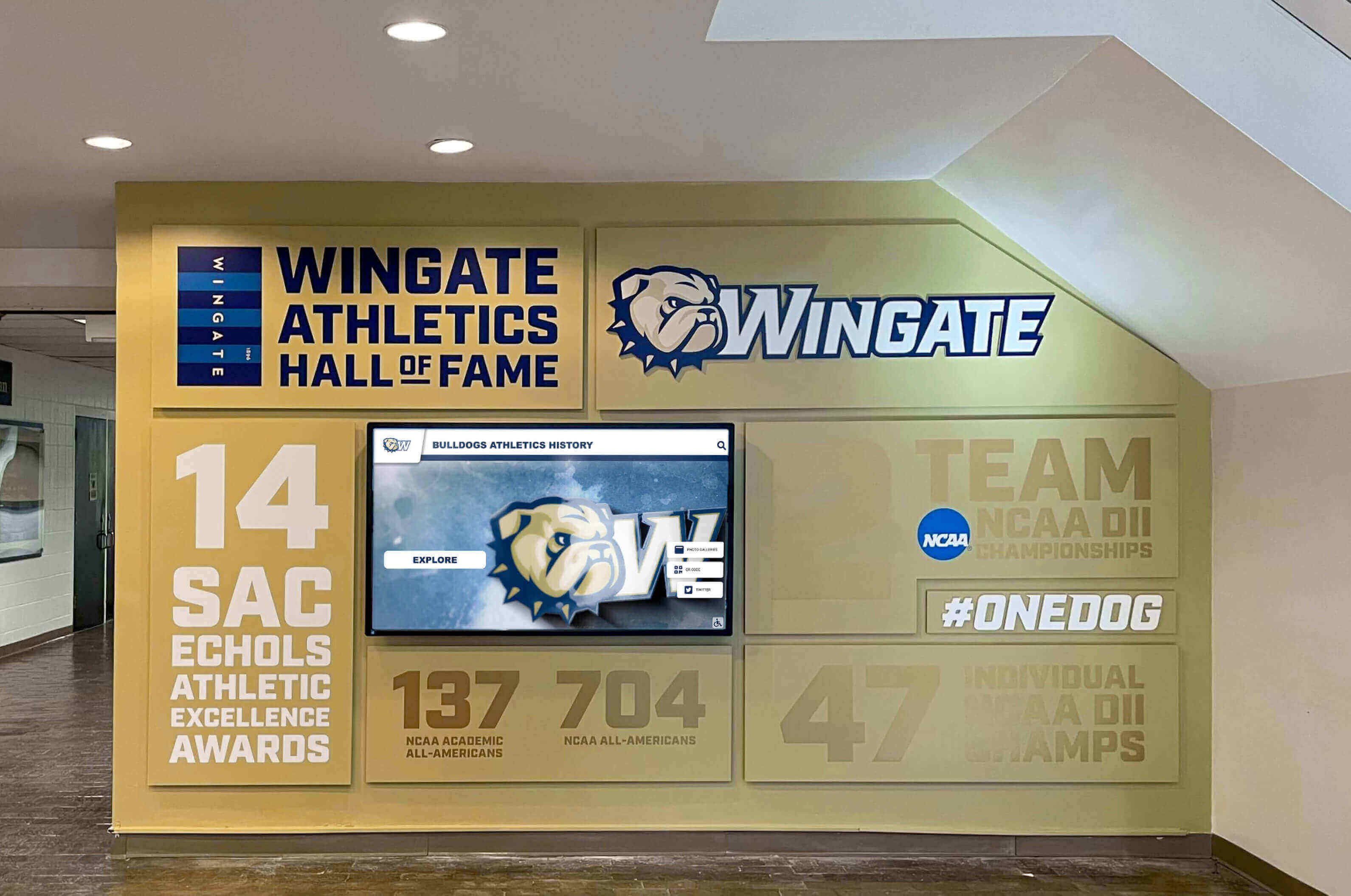
Whether building a new gymnasium or planning major renovations, remember that thoughtful display planning during design and construction phases creates recognition systems that celebrate athletic excellence for decades. The difference between displays that appear as afterthought additions versus intentional architectural features often comes down to planning them at the right time during the construction process.
Ready to plan touchscreen displays for your new gymnasium? Talk to our team to explore solutions designed specifically for educational athletic facilities, with expertise in construction coordination, infrastructure planning, and recognition systems that build program pride while celebrating achievement.
































