



Key Takeaways
Complete comparison guide for National College Signing Day showcase solutions. Discover how to display current signings, archive prior years, and adapt content throughout the school year with flexible digital recognition platforms.
National College Signing Day represents a cornerstone event in high school athletics and student achievement calendars. When schools prepare to showcase their newest college-bound students for the 25-26 school year, the right display solution determines whether that recognition remains a fleeting bulletin board photo or becomes part of a lasting institutional legacy. This comprehensive buyer’s guide compares traditional and digital approaches to college signing showcases, examining how modern platforms enable schools to not only celebrate current commitments but also archive and display every prior year, bringing historical content forward with ease while adapting throughout the academic year with real-time editing and multiple template options.
Understanding College Signing Day Recognition Requirements
Before comparing specific solutions, establishing clear requirements helps evaluation committees identify which features matter most for their institution’s needs.
The Dual Purpose: Current Celebration and Historical Archive
College signing recognition serves two distinct but complementary functions that shape platform requirements.
Immediate Recognition and Celebration
Schools need prominent, visible displays showcasing current year signings to honor student achievements publicly, build excitement around college commitments, inspire younger students to pursue post-secondary education, and demonstrate athletic and academic program success to communities.
This immediate recognition requires flexibility to feature current content prominently with attractive layouts, update content as additional students commit throughout signing periods, and adapt presentations for different events (signing ceremonies, parent nights, alumni gatherings).
Long-Term Historical Preservation
Beyond current celebration, comprehensive signing programs preserve institutional history by maintaining complete records of every signing year, documenting long-term college placement patterns, creating searchable archives for research and planning purposes, and demonstrating sustained program excellence over decades.
The challenge lies in balancing prominent current-year display with accessible historical archives—a balance traditional solutions struggle to achieve but purpose-built digital platforms handle elegantly through folder-based content organization.
Real-Time Content Adaptability Throughout the Year
College commitments don’t happen on a single day. Athletes sign during early and regular signing periods spanning from November through April. Academic commits finalize decisions between December and May. Late signings and transfers occur through summer.
Effective showcase solutions accommodate this extended timeline through immediate content updates without technical dependencies, scheduled publishing for coordinated announcements, draft states allowing content preparation before release, and approval workflows maintaining quality control across multiple contributors.
Schools managing college decision displays report that real-time editing capability proves critical during signing season when multiple commitments may arrive within hours of each other, requiring immediate recognition.
Multi-Template Flexibility for Different Contexts
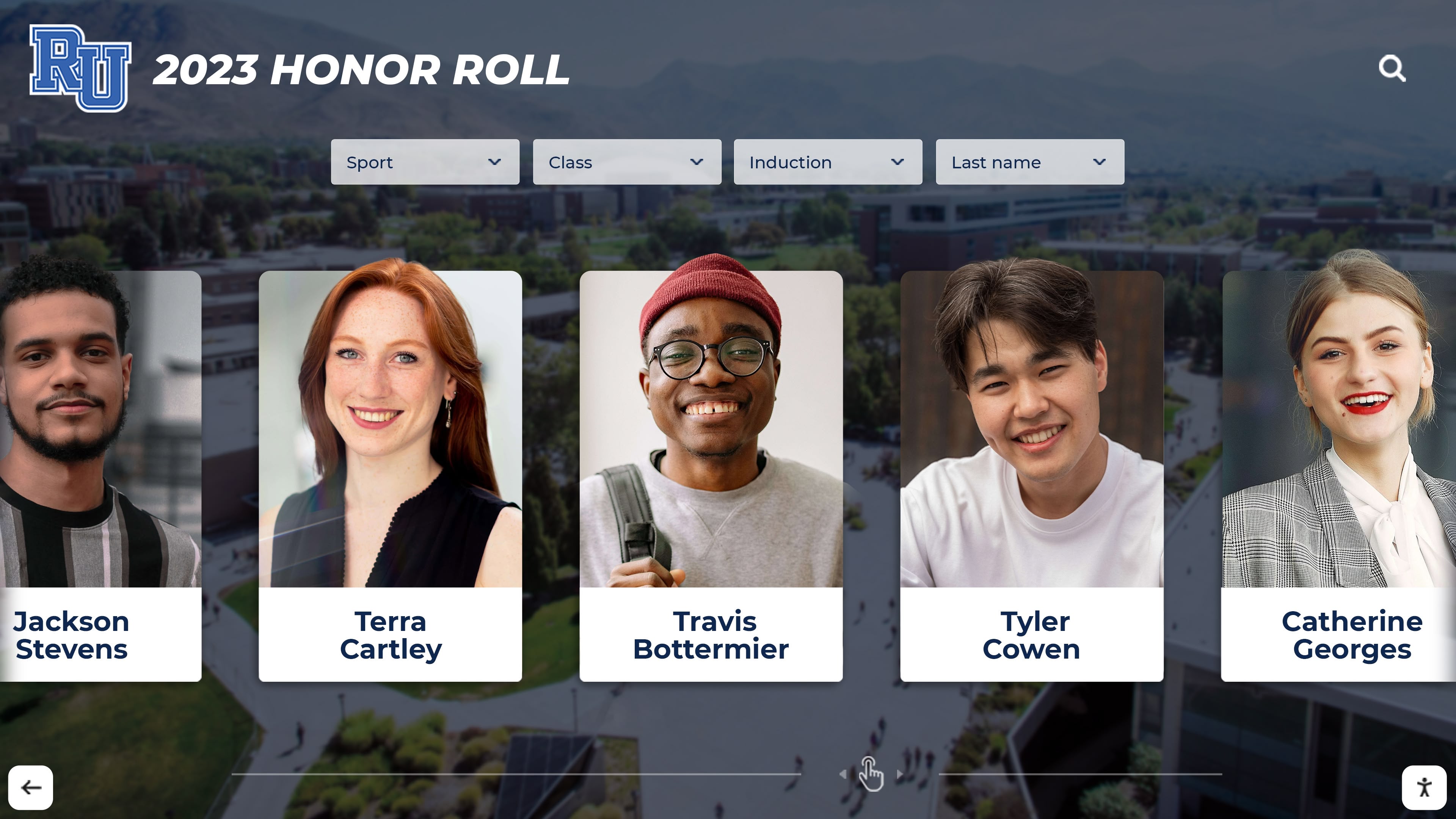
College signing information serves various purposes throughout the year requiring different presentation formats: celebratory homepage layouts during signing day events, detailed profile views for in-depth exploration, list views for quick scanning of all commits, comparison layouts showing multiple years side-by-side, and filtered views by sport, major, college, or other criteria.
Fixed-template systems force all content into identical presentations regardless of context, while flexible platforms provide template libraries enabling schools to select appropriate layouts for specific display purposes without custom development.
Traditional College Signing Display Approaches
Before examining modern digital solutions, understanding traditional methods provides baseline comparison for evaluating improvement opportunities.
Physical Bulletin Boards and Poster Displays
The most common traditional approach arranges printed photos, college logos, and commitment information on physical boards in high-traffic areas.
Advantages of Physical Displays
Bulletin boards offer immediate tangibility without technical requirements, low upfront cost using existing school boards, familiar creation process for staff, and visual presence in hallways where students naturally pass.
Critical Limitations
Physical approaches face fundamental constraints including space capacity limiting number of students recognized, single-year focus with no practical archival capability, manual update requirements for each addition or change, material costs for printing photos and graphics repeatedly, weather and wear degradation over time, and inability to reorganize or filter content after creation.
Most significantly, physical boards offer no solution for showcasing historical signings. Last year’s board gets dismantled to make room for current year, losing that institutional history permanently unless separately archived in storage where it becomes functionally inaccessible.
Static Digital Displays (Basic Digital Signage)
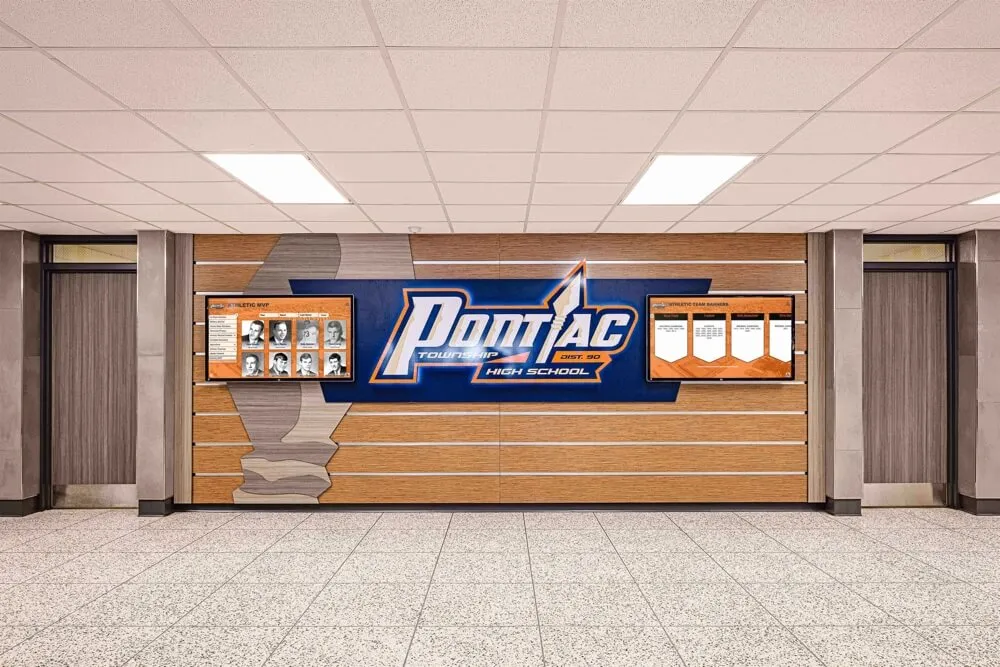
Some schools upgrade to basic digital signage systems displaying signing information on screens in hallways or offices.
Improvement Over Physical Boards
Digital screens eliminate printing costs, allow easier content updates than physical materials, and support photos and videos for richer storytelling.
Remaining Limitations
Generic digital signage platforms designed for advertising or announcements lack features essential for comprehensive recognition programs: no database organizing content by year, student, or category; limited interactive capabilities preventing exploration; complex content management requiring technical skills; and no specialized templates designed for college signing recognition.
These systems often reduce recognition to scrolling slideshows that visitors watch passively without ability to explore specific students, search for particular commitments, or access historical information from previous years.
Spreadsheets and PDF Archives
Some schools maintain signing records in spreadsheets or PDF documents shared via websites or network drives.
Value for Internal Records
Spreadsheets serve administrative record-keeping purposes and provide exportable data for reporting.
Poor Recognition Experience
Spreadsheet archives completely fail as celebratory recognition tools, offering no visual appeal, lacking photos and personal details that make recognition meaningful, requiring download rather than instant viewing, and providing no mobile-friendly access for families and community members.
Schools comparing full-service digital solutions to DIY approaches consistently find that while spreadsheets preserve data, they completely fail to honor students or inspire younger classes—primary purposes of signing recognition programs.
Digital College Signing Showcase Solutions: Evaluation Framework
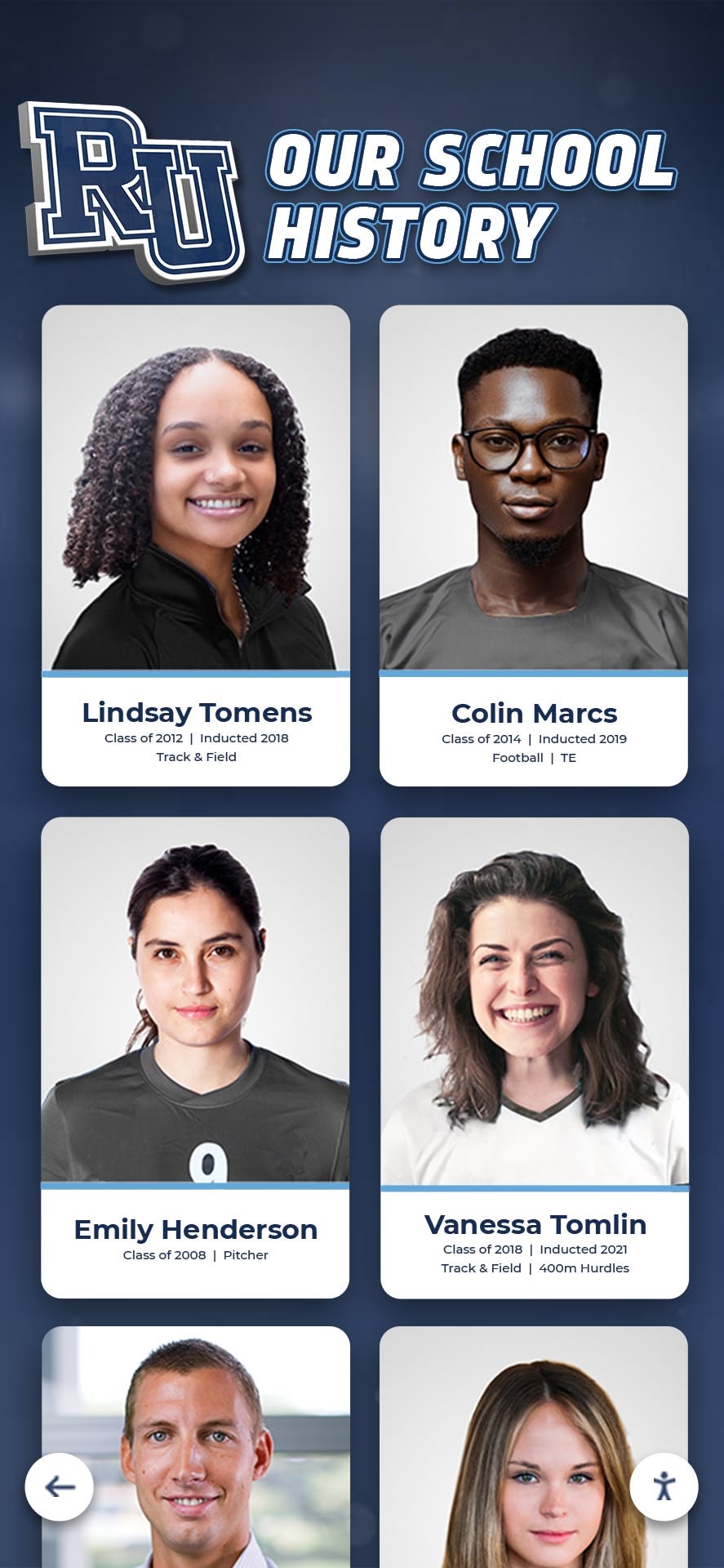
Purpose-built digital recognition platforms designed specifically for schools transform college signing recognition from temporary celebrations into permanent, flexible institutional assets.
Comparison Criteria: What Actually Matters
When evaluating vendors, focus on these critical decision factors rather than superficial features that sound impressive but rarely matter in practice.
Archival Capacity and Organization
Can the system store unlimited signing years without degraded performance or additional fees? Does it organize content in intuitive folder structures (by year, sport, college, etc.)? Can historical content be brought forward easily when needed for reunion events, milestone celebrations, or comparative analysis?
Content Management Accessibility
Can non-technical staff (athletic directors, counselors, coaches) manage content independently? How long does it take to add a new signing? Can multiple staff members contribute simultaneously? Are approval workflows available if desired?
Template Flexibility and Customization
How many pre-built templates are included? Can templates be customized to match school branding? Do different templates serve different purposes (homepage features, detailed profiles, list views)? Can template selection change without affecting underlying content?
Real-Time Editing Capability
Can changes publish immediately? Is there delay between content update and display visibility? Can edits happen remotely or only from specific computers? Are emergency corrections possible outside business hours?
Hardware Compatibility and Requirements
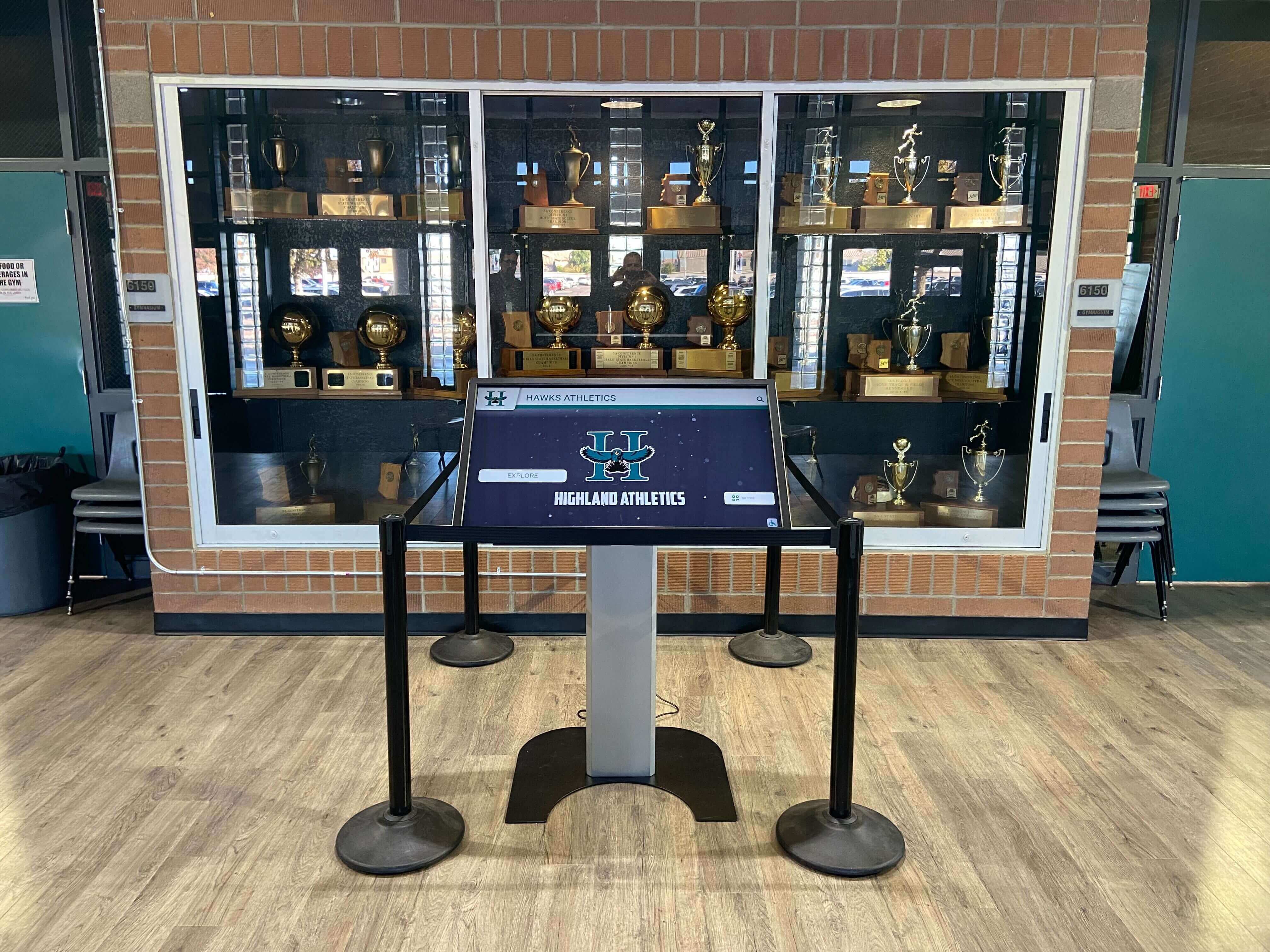
Does the solution require proprietary hardware or work with standard displays? What happens if hardware fails—can it be replaced easily? Are there ongoing hardware rental or lease requirements? Can existing school displays be repurposed?
Mobile and Remote Access
Can signing information be accessed via smartphones and tablets? Is there a companion mobile app or responsive web interface? Can families share their student’s recognition digitally? Do QR codes enable quick mobile access from physical locations?
Weighted Scoring Model for Objective Comparison
Assign weights reflecting institutional priorities to each criterion, then score vendors objectively:
| Criterion | Weight | Vendor A Score (1-10) | Vendor B Score (1-10) | Rocket Score (1-10) |
|---|---|---|---|---|
| Archival Capacity | 20% | Evaluate based on year limits and organization features | ||
| Content Management Ease | 25% | Evaluate based on technical skill requirements | ||
| Template Flexibility | 15% | Evaluate based on number and variety of layouts | ||
| Real-Time Editing | 15% | Evaluate based on update speed and accessibility | ||
| Hardware Flexibility | 10% | Evaluate based on compatibility and requirements | ||
| Mobile Access | 10% | Evaluate based on mobile-friendly features | ||
| Support Quality | 5% | Evaluate based on response time and expertise |
This framework prevents emotional decisions based on sales presentations and forces objective evaluation against defined needs.
Why Purpose-Built Platforms Outperform Generic Solutions
Schools initially attracted to generic digital signage or DIY website builders quickly discover these tools lack critical capabilities for comprehensive recognition programs.
The Archival Advantage: Unlimited Historical Preservation
Digital college commitment boards built specifically for educational recognition handle historical content fundamentally differently than generic platforms.
Folder-Based Organization by Year
Purpose-built platforms organize content in intuitive year-based folders: 2024-25 Signings, 2023-24 Signings, 2022-23 Signings, extending backward indefinitely. Each folder maintains complete independence—its own photos, details, and layouts—while sharing consistent navigation and search infrastructure.
This organization enables natural workflows where staff create new year folders as signing seasons approach, populate them throughout commitment periods, and preserve them permanently while focusing display prominence on current content.
Effortless Content Rotation
The “bringing content to the forefront” capability mentioned in platform specifications refers to this folder flexibility. Want to feature 2025-26 signings on the homepage during signing season? One navigation change. Hosting a 10-year reunion and want to showcase 2015 signings? Another simple adjustment. Comparing five-year college placement trends? Display multiple year folders side-by-side.
Generic digital signage platforms force manual rebuilding of displays for each different view, making historical access practically impossible despite theoretical content availability.

Template Variety: Multiple Layouts for Different Purposes
The “multiple template/layout options for home pages and beyond” specification addresses a critical recognition need: different contexts require different presentations.
Homepage Feature Layouts
During signing day events, schools want prominent hero displays showcasing newest commits with large photos, celebratory styling, and featured positioning. Homepage templates optimized for celebration prioritize visual impact and immediate recognition.
Detailed Profile Views
When visitors explore individual signings, detailed profile templates provide comprehensive information including student biography and achievements, college information and statistics, intended major and career goals, scholarship details if applicable, and photos from signing ceremonies and school career.
List and Directory Views
For quick scanning or research purposes, list templates enable compact presentation of many signings with sortable columns (name, college, sport, major) and filter options by various criteria.
Comparison and Historical Views
Special templates designed for showing multiple years simultaneously enable side-by-side comparison of signing classes and visualization of long-term college placement patterns.
Schools implementing digital halls of fame report that template flexibility transforms single-purpose signing displays into multi-use platforms serving recognition, research, planning, and recruitment simultaneously.
Real-Time Editing: Adapting Throughout the Year
The specification that “edits can be made in real time so this can adapt and change throughout the school year” addresses perhaps the most significant practical advantage over traditional methods.
Immediate Publishing Capability
When a student commits Tuesday morning, purpose-built platforms enable immediate recognition by noon without requiring technical staff intervention, approval delays, or content rebuilding.
Cloud-based content management systems accessible from any device mean athletic directors can add signings from their laptops between meetings, counselors can update information from home offices, and designated student assistants can manage uploads during after-school hours.
Throughout-the-Season Flexibility
College signing seasons extend across months. Football early signing occurs in December, regular signing in February. Basketball signing happens in November and April. Academic commits finalize from December through May. Late signings and transfers continue through summer.
Real-time editing means displays remain current throughout these extended timelines rather than becoming stale snapshots captured at initial signing day events but never updated as additional students commit.
Correction and Enhancement Capability
Immediate editing also enables quick corrections when details change (student switches major, updates scholarship status, adds achievements) and progressive enhancement as additional content becomes available (adding signing ceremony photos weeks after initial announcement, including college enrollment photos when available).

Decision Framework: Choosing the Right Solution
With understanding of traditional limitations and modern capabilities, applying structured decision framework ensures selection aligning with institutional needs and constraints.
Step 1: Define Your Recognition Scope
Begin by clarifying what you want to accomplish beyond basic “showcase signings” objectives.
Current Year Only or Historical Archive?
If your program only cares about current-year recognition with no interest in preserving historical records, simpler solutions may suffice. However, most schools discover historical archiving becomes valuable over time for demonstrating sustained program excellence, supporting college counseling with placement history, engaging alumni with memories of their signing years, and conducting long-term program analysis.
Choosing platforms supporting archiving from the start avoids painful migration later when you realize years of signing history have been permanently lost to dismantled bulletin boards.
Single Sport/Program or Comprehensive?
Athletic departments initially focused only on traditional signing day sports (football, basketball, baseball, softball) increasingly recognize all sports and academic commits to build inclusive culture. Platform capacity for unlimited recognition without per-student fees matters when expanding from 20 football signings to 200+ comprehensive signings across all programs.
Display-Only or Interactive Exploration?
Passive displays where visitors only watch scrolling content serve different purposes than interactive touchscreens where people actively explore, search, and discover. If your goals include inspiring underclassmen through exploration of college options, college counseling support through placement research, or alumni engagement through historical discovery, interactive capabilities become essential rather than optional enhancements.
Step 2: Evaluate Technical and Staff Capacity
Technology selection must match realistic institutional capacity for implementation and maintenance.
Content Management Skills Available
If no one on staff has website management experience or technical comfort, platforms requiring HTML editing, database management, or complex software will fail regardless of capabilities. Solutions with social-media-simple content management (upload photo, enter text, click publish) ensure sustainable long-term operation.
Conversely, schools with dedicated technology coordinators and IT support may prefer platforms offering advanced customization capabilities even if baseline complexity is higher.
Hardware Infrastructure
Do you have existing digital displays in ideal locations? Are there network connections and power in preferred placement areas? Is there budget for new hardware purchase or only software subscriptions?
Solutions requiring proprietary hardware create vendor lock-in and limit future flexibility, while platform-agnostic software works with standard commercial displays and allows hardware replacement without system rebuilding.
Comparing digital signage software options reveals significant differences in hardware requirements and vendor dependencies that create long-term cost implications beyond initial pricing.
Step 3: Assess Budget Reality and Total Cost of Ownership
Initial price quotes rarely reflect true long-term costs of recognition platforms.
Transparent Pricing Models
Evaluate whether pricing includes all necessary features or requires add-on purchases for critical capabilities, how pricing scales as you add content or users, whether hardware costs are separate or bundled, what support and training are included versus charged separately, and what happens when you need to expand or modify systems.
Hidden Costs to Surface
Beyond quoted prices, investigate ongoing technical support requirements (is dedicated IT staff time needed?), content management labor (how long does routine maintenance take?), hardware replacement and repair costs over multi-year timeframes, and migration costs if you later want to switch platforms.
Deal-Breaker Checklist: Red Flags to Watch
Certain vendor practices indicate potential future problems:
- Per-inductee or per-student fees that make comprehensive recognition financially prohibitive as programs grow
- Proprietary hardware requirements creating vendor lock-in and eliminating replacement flexibility
- Complex content management requiring web development skills ensuring system languishes without technical staff time
- No mobile or remote access capabilities limiting recognition reach to physical display locations
- Single template or fixed layout preventing adaptation for different purposes and contexts
- No customer references or installation examples suggesting unproven solutions or problematic track records
If any of these red flags appear during evaluation, proceed with caution and demand clear explanations before committing.
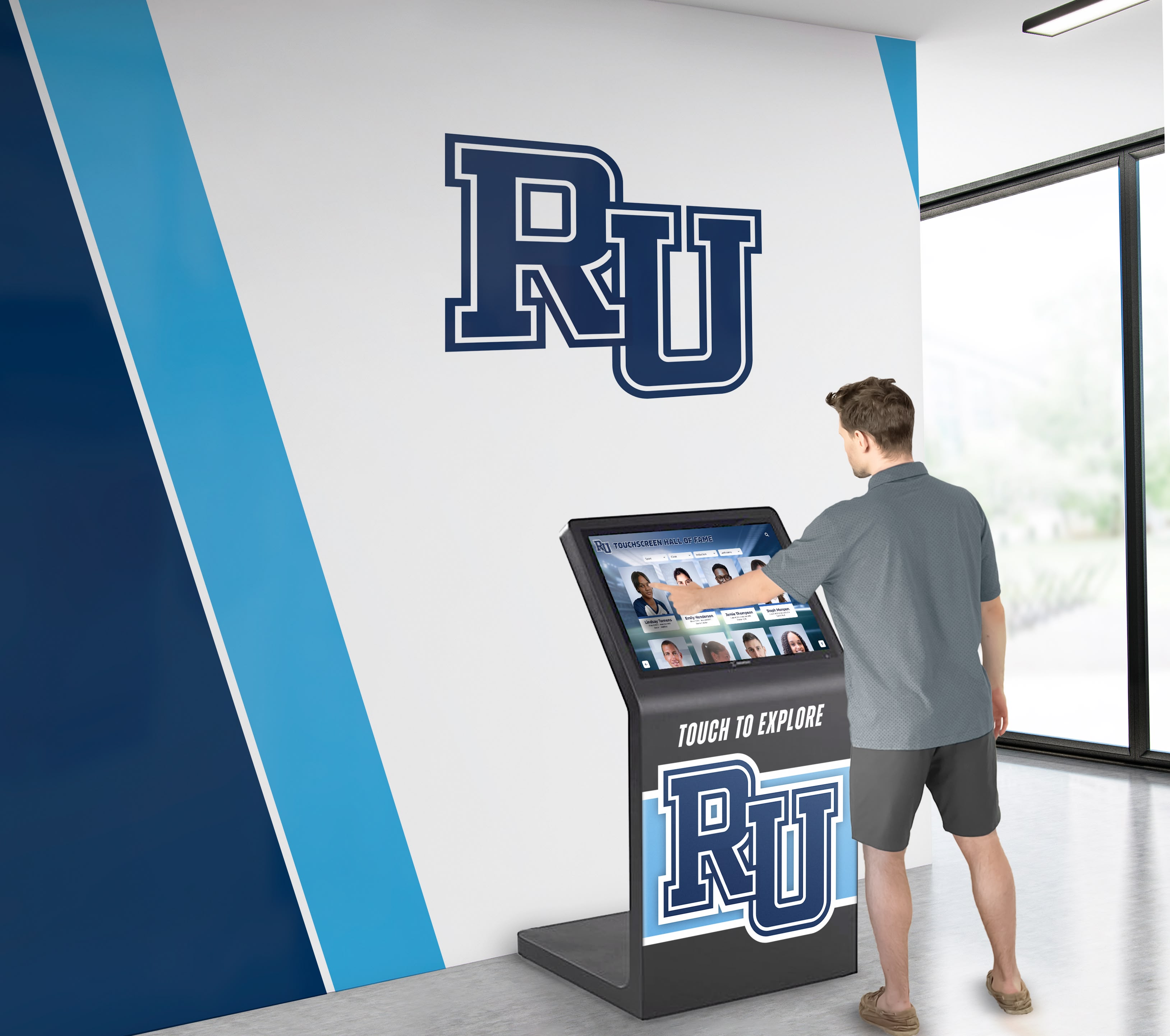
Why Rocket Alumni Solutions Wins for College Signing Recognition
Purpose-built specifically for educational recognition programs, Rocket Alumni Solutions addresses every comparison criterion with features designed around real school workflows rather than adapted from generic signage.
Unlimited Archival Capacity with Intuitive Organization
Rocket’s folder-based content architecture organizes unlimited signing years in hierarchical structures matching natural thinking: by academic year, by sport or program, by college destination, or any custom categorization schools prefer.
Each folder maintains complete independence with its own content, photos, and details while sharing consistent navigation infrastructure. Schools preserve every signing year indefinitely without storage fees, performance degradation, or organizational chaos.
The “bringing folders to the forefront” capability means featuring 2025-26 signings prominently during signing season requires only navigation adjustment, not content rebuilding. Showcasing historical years for reunions, milestone celebrations, or comparative analysis is equally effortless.
Real-Time Cloud-Based Content Management
Non-technical staff manage content through intuitive interfaces requiring no coding, database knowledge, or web development skills. Upload photos, enter details, select templates, and publish—process takes minutes rather than hours.
Cloud accessibility enables content management from any device, anywhere, anytime. Athletic directors add signings between meetings on laptops. Coaches upload photos from smartphones. Designated students manage content during after-school hours from library computers.
Immediate publishing means recognition appears seconds after submission without waiting for technical staff, approval delays, or system rebuilds. Throughout-the-year editing keeps displays current as commitments continue across extended signing seasons.
Comprehensive Template Library for Every Context
Rocket provides dozens of pre-built templates optimized for different recognition purposes: hero homepage displays for celebration events, detailed profile layouts for in-depth exploration, compact list views for quick scanning, comparison templates for multi-year analysis, mobile-optimized layouts for smartphone access, and QR-linked formats for connecting physical and digital experiences.
Template selection changes without affecting underlying content. The same signing database powers homepage celebrations during events, detailed exploration on hallway touchscreens, mobile viewing for families, and historical research years later—appropriate presentation for each context without content duplication.
Schools implementing National Honor Society digital recognition and similar programs report that template flexibility transforms single-purpose installations into multi-use platforms serving various constituencies simultaneously.
Hardware Flexibility and Platform Agnosticism
Rocket software works with any commercial touchscreen display, existing school screens, and standard web browsers. No proprietary hardware required. No vendor lock-in. No forced obsolescence when hardware generations change.
Schools choose appropriate displays for their budgets and spaces—43-inch touchscreens for trophy cases, 65-inch displays for main hallways, or existing projector systems repurposed during renovations. Hardware failure means simple replacement with equivalent commercial displays, not costly vendor-specific repairs.
This flexibility proves particularly valuable for multi-location implementations where different spaces require different hardware solutions but should share consistent content and user experience.
Mobile and Remote Access for Extended Reach
Recognition extends beyond physical displays through responsive web interfaces and mobile apps enabling students and families to access signing information from smartphones, prospective students to explore college placement patterns during recruitment, alumni to discover historical signing classes from their eras, and community members to celebrate achievements remotely.
QR codes placed near physical displays create seamless transitions from hallway exploration to mobile deep-dives, enabling visitors to continue engagement beyond brief hallway encounters.
This extended reach amplifies recognition impact exponentially—when every signing can be shared digitally with extended family, friends, and social networks, celebration multiplies far beyond the limited audience physically visiting school buildings.
Implementation Roadmap: Launching Your Digital Signing Showcase
Schools ready to implement modern digital recognition benefit from structured launch approaches ensuring successful adoption and sustained long-term operation.
Phase 1: Planning and Preparation (4-6 Weeks Before Launch)
Stakeholder Alignment
Secure buy-in from athletic directors managing signing processes, counseling staff coordinating academic commits, technology coordinators supporting technical infrastructure, administrators controlling budgets, and coaches contributing content and promotion.
Content Preparation
Gather existing historical signing records if available, identify designated content managers and assign responsibilities, develop content standards for photos and information, and create communication templates for requesting information from students.
Phase 2: Implementation and Training (2-4 Weeks)
System Configuration
Platform vendors handle technical setup including folder structure creation, template customization for school branding, user account setup and permissions, and integration with existing websites or systems if desired.
Staff Training
Brief training sessions (typically 30-60 minutes) cover content management basics, template selection and customization, approval workflows if implemented, and troubleshooting common issues.
White-glove support and customer success programs from purpose-built vendors like Rocket ensure schools never feel abandoned during implementation or ongoing operation.
Phase 3: Launch and Promotion
Coordinated Unveiling
Time launch with signing day events for maximum impact and celebrate the new recognition system with ceremonial unveiling, feature current signings prominently to drive immediate engagement, promote mobile access and historical exploration features, and gather initial feedback for iterative improvement.
Sustained Communication
Continue promoting throughout the year as additional students commit and new features or content become available, ensuring the system becomes ingrained in school culture rather than remaining novelty that fades after initial excitement.
Conclusion: Building Legacy Recognition That Lasts
National College Signing Day recognition serves purposes far beyond single-day celebration. Comprehensive showcase solutions honor current student achievements, preserve institutional history permanently, inspire younger students through tangible examples, demonstrate program excellence to communities, support college counseling through placement research, and engage alumni with memories of their own commitments.
Traditional bulletin boards and basic digital signage fail to deliver on these comprehensive goals due to fundamental limitations in capacity, flexibility, and sustainability. Purpose-built educational recognition platforms designed specifically for schools transform college signing recognition from temporary displays into permanent institutional assets that grow in value over decades.
The “bringing folders to the forefront” flexibility mentioned in platform specifications represents this fundamental difference. Solutions like Rocket Alumni Solutions organize unlimited content in intuitive structures where current commitments shine prominently while complete historical archives remain instantly accessible—balance impossible with traditional approaches where space constraints force choosing between current celebration and historical preservation.
Real-time editing capability enables recognition that adapts continuously throughout extended signing seasons rather than freezing at initial events and becoming stale. Multiple template options ensure appropriate presentation for every context—homepage celebrations, detailed exploration, research analysis, mobile viewing—without content duplication or system complexity.
Schools evaluating college signing showcase solutions should prioritize archival capacity and organization over single-year features, content management accessibility over technical sophistication, template flexibility over single-layout perfection, real-time editing over scheduled publishing, and hardware flexibility over vendor-specific requirements.
Platforms meeting these criteria transform college signing recognition from administrative checkbox tasks into powerful tools building school pride, inspiring student achievement, and preserving institutional legacy for generations.
Ready to discover how purpose-built digital recognition platforms can transform your National College Signing Day showcase while preserving your school’s complete signing legacy? Book a demo to see how schools nationwide use Rocket Alumni Solutions to celebrate current commitments, archive every prior year, and adapt recognition throughout the school year with real-time editing and multiple template options.
































