




Key Takeaways
Run a digital hall of fame reading order accessibility audit to ensure screen readers and keyboard users encounter inductee names, achievements, media, and controls in a logical sequence.

What Is Reading Order and Why Does It Matter for Inductee Pages
Reading order is the sequence in which content is presented to a visitor who is not viewing the page visually—specifically, the order in which a screen reader announces elements and the order in which keyboard focus moves from one interactive control to the next. It is determined by the Document Object Model (DOM): the linear arrangement of HTML elements in the page’s source code, independent of how CSS positions them on screen.
On a well-constructed inductee page, the DOM and the visual layout agree: the inductee’s name appears first in both source and on screen, followed by their sport or category, their achievements, any media, and finally navigation controls. On many recognition platforms, CSS has repositioned elements for aesthetic reasons—moved a statistics callout above the biography, floated a related-inductees sidebar to the right, or appended a site navigation bar to the bottom of the source—without adjusting the underlying DOM. Sighted visitors see the intended visual hierarchy; screen reader users and keyboard-only visitors encounter the content in the DOM order, which may place statistics before the inductee’s name, or offer no way to skip repeated navigation and reach the biography directly.
For school administrators and athletic directors, the practical consequence is that a visitor with a visual impairment—whether a family member of an inductee, a student researching athletic history, or an alumnus returning to campus—may navigate an inductee page and encounter years of athletic accomplishments before ever learning whose accomplishments they are. That is not a minor UX friction; it is a structural failure in the recognition experience.
WCAG 2.1 Success Criterion 1.3.2 (Meaningful Sequence) is a Level A requirement that addresses this directly: when the sequence of content affects its meaning, that sequence must be programmatically determinable. A digital hall of fame heading hierarchy that pairs correct heading levels with correct DOM order satisfies both SC 1.3.2 and the related SC 1.3.1 (Info and Relationships), which requires structural relationships—name heading over achievements, sport label within the inductee section—to be conveyed in markup as well as visually.
Visual Order Versus Programmatic Order: The Core Distinction
The table below is the key concept at the center of any digital hall of fame reading order audit. Every finding in the audit traces back to a mismatch between one column and the other.
| Element | Visual Order (what sighted visitors see) | Programmatic Order (what screen readers announce) | Mismatch? |
|---|---|---|---|
| Site navigation bar | Top of page | Often end of DOM (appended after body content) | Yes — common failure |
| Inductee name (H1) | First within the profile section | Should be first in the profile DOM subtree | Pass if correctly structured |
| Sport / category label | Below the name | May precede the name in source if styled with flexbox order | Yes — frequent with flex layouts |
| Achievement highlights | Visually prominent callout, top-right | May be placed before the biography in source for visual float | Yes — common with CSS float |
| Biography / narrative | Below achievement highlights | Should follow the name and sport, before statistics | Varies by platform |
| Action controls (share, bookmark) | Corner of the profile card | May be first in the card DOM for z-index layering | Yes — occasional failure |
| Photo gallery / video | Inline within the profile | May be appended to end of DOM and displayed via position: fixed | Yes — modal overlays commonly fail |
| Related inductees sidebar | Visually to the right of the biography | May precede the biography in the source column layout | Yes — common with CSS columns |
| Pagination / navigation | Bottom of the page | Usually at the end of DOM — typically correct | Pass if placed in footer |
| Skip navigation link | Visually hidden at top | Should be the first element in the DOM | Pass if implemented; often absent |
A mismatch in this table is not automatically a failure if the affected content’s meaning is not altered by the reordering—WCAG SC 1.3.2 applies when “the sequence in which content is presented affects its meaning.” In practice, almost every mismatch on an inductee page affects meaning: a screen reader user who hears achievement statistics before the inductee’s name cannot contextualize those statistics.
The Four Zones Where Reading Order Breaks on Inductee Pages
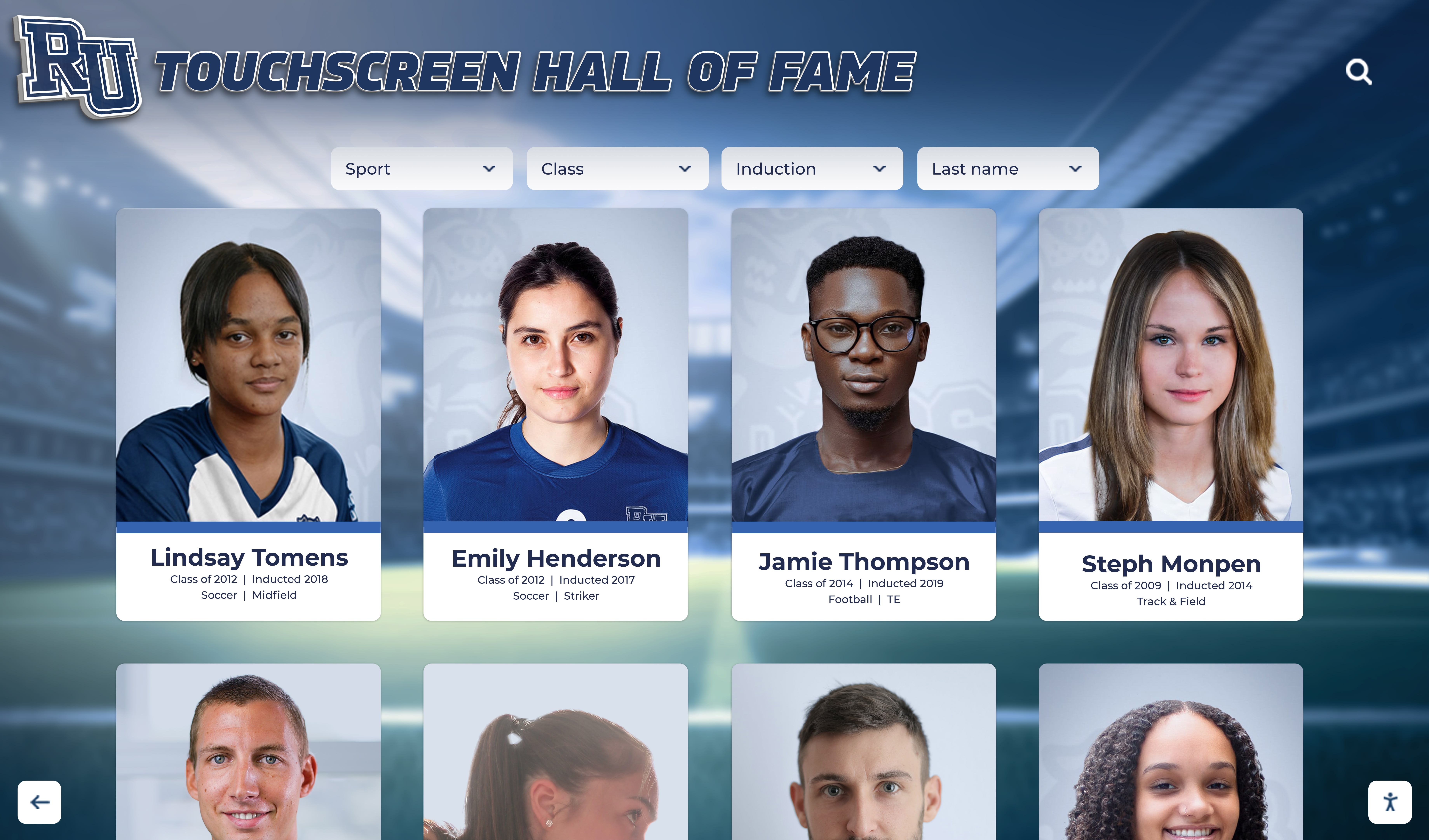
Inductee pages on school recognition platforms tend to cluster reading order failures in four predictable zones. Auditing each zone separately keeps the finding list organized and makes the remediation conversation with a platform vendor concrete.
Recognizing which zone produced a finding also determines who owns the fix: some are template-level changes the vendor controls; others are CMS entry conventions the school controls.
Zone 1: The Inductee Profile Header
The profile header contains the inductee’s name, portrait image, sport or award category, graduation year, and usually a tagline or a brief summary. It is the first section a visitor interacts with, and it is where the reading order most often diverges from the visual order.
Common failures in the profile header:
- Flexbox
flex-direction: row-reverseororderproperty moves the sport label before the name in the DOM. The name appears visually on the left; the sport label appears visually to the right; but in the source the sport label element precedes the name element because of how the flex container renders its children. - The portrait image is the first DOM element but carries no
alttext or an uninformativealtvalue. A screen reader announces the image before the name, and if the alt text is empty or “photo,” the user receives no information before the biography begins. - A “Class of” year badge is absolutely positioned over the portrait. The badge appears visually as an overlay but sits at the end of the header’s DOM subtree, so screen readers announce it after the biography section that follows.
Zone 2: Achievement and Statistics Sections
Recognition profiles typically include a formatted achievement or statistics section—career points, championship titles, awards, or academic honors—that is visually prominent, often formatted as a callout box or a horizontal strip of numbers. These sections are the second most common source of reading order failures.
Common failures in achievement sections:
- A CSS float places the statistics box visually above the biography. In the source, the biography precedes the statistics because floated elements remain in the normal document flow; the float pulls the visual appearance up but the DOM order stays below.
- An absolutely positioned achievement callout sits visually between the header and the biography. Absolute positioning removes the element from the document flow entirely; the element announces in the order it appears in the source, which may be before or after any other section depending on where the developer inserted it.
- Flexbox column reversal in a two-column layout places statistics on the left visually but in the second column in the source. Visitors using left-to-right reading order assistive technology encounter the biography (right column in source) before the statistics (left column in source), even though they are visually reversed.
Zone 3: Media Overlays and Galleries
Many hall of fame profiles include a video highlight, a photo gallery, or an archived game footage link. These media elements create reading order failures when they use overlay or modal patterns.
Common failures in media zones:
- A modal video player is appended to the
<body>at the end of the DOM. When a visitor activates the video button, the modal appears visually centered over the profile. But because the modal element is at the bottom of the DOM, keyboard focus does not move to it automatically; the visitor must tab through all remaining body content before reaching the video controls. - A photo gallery is built with
position: fixedand inserted after all page content in the source. The gallery is unreachable by keyboard until the user has tabbed through every link, button, and interactive element that appears later in the DOM. - Image captions are placed before the images they describe in the source. A caption that introduces an image using an adjacent text pattern works only if the caption follows the image in the DOM. Placing it before breaks the reading order relationship between image and description.
Zone 4: Related Inductees and Category Navigation
Inductee profile pages commonly include a related-content section—other honorees from the same sport, graduation class, or championship team—and category or sport navigation. These sections introduce reading order issues through sidebar and multi-column layouts.
Common failures in related content and navigation:
- A two-column layout places the related-inductees sidebar before the main biography in the source. The sidebar appears visually to the right; in the source, it precedes the biography column. Screen readers announce the related inductees before the current inductee’s own biography.
- A sport or decade navigation rail is appended after the biography but positioned absolutely to the left side of the screen. Keyboard users must tab through the entire biography before reaching the navigation, even though it appears visually adjacent to the header.
- A “Back to Hall of Fame” breadcrumb is positioned after the biography in the DOM because it was inserted by a CMS template that appends it to the content area. Keyboard users encounter the breadcrumb after reading the entire profile, rather than before the main content where it visually appears.
How to Run a Digital Hall of Fame Reading Order Accessibility Audit
A reading order audit does not require access to the platform’s source code or a developer’s involvement in the discovery phase. The tools listed below are free and browser-based. Plan for one to three hours on a typical inductee page with a full header, biography, achievement section, media, and related content.
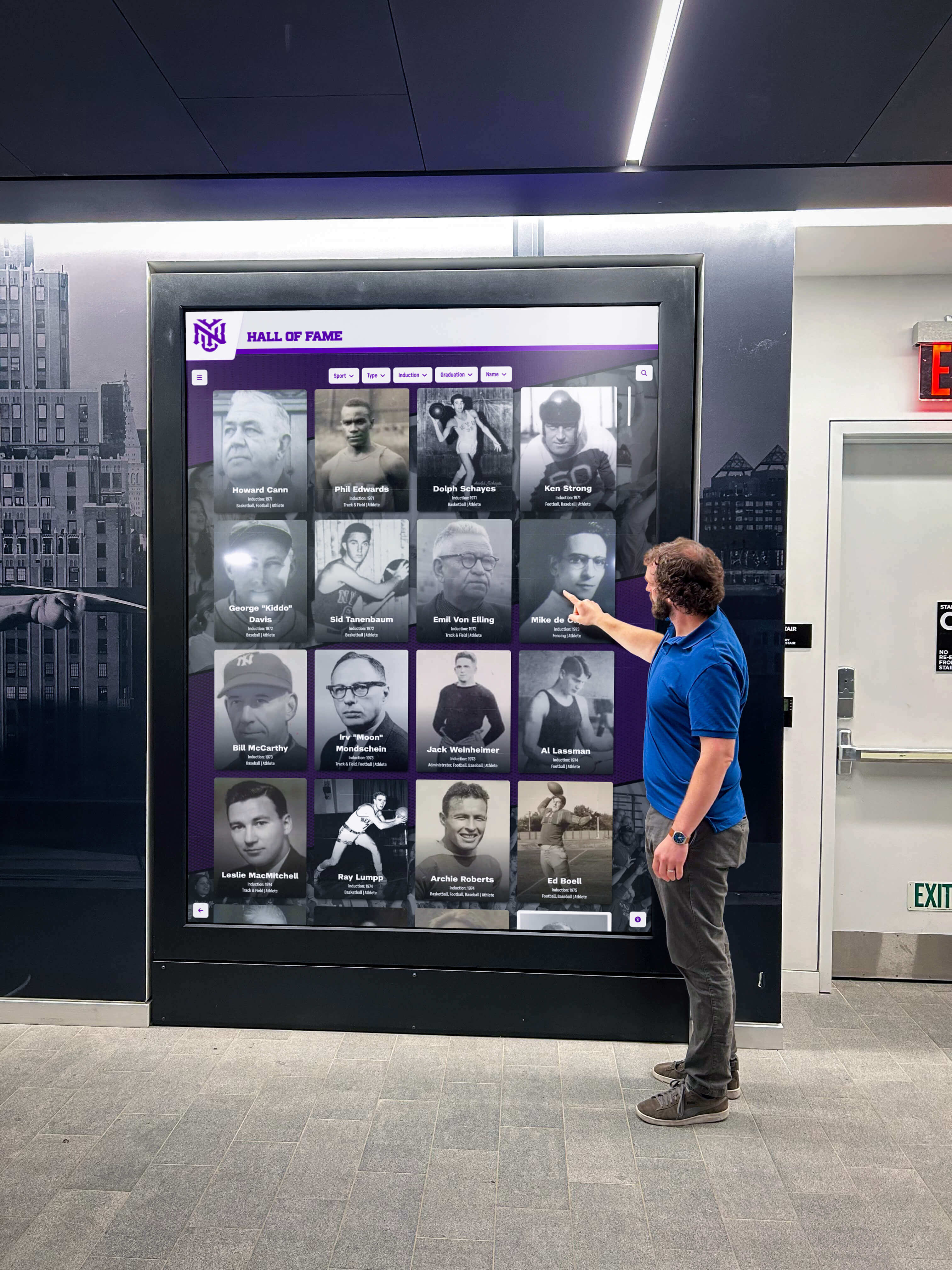
Step 1 — Disable All CSS and Read the Unstyled Page
Open an inductee profile page in Chrome or Firefox. In Chrome, open DevTools (F12), go to the Sources tab, and use the Coverage tool to identify loaded stylesheets. Alternatively, install the Web Developer extension (free, Chrome and Firefox) and use the CSS → Disable All Styles function.
With styles disabled, the page renders in pure DOM order. Read the page from top to bottom. The sequence of content you see—without any visual positioning—is the sequence a screen reader follows. Document the order:
- Is the inductee’s name the first meaningful text element?
- Does the sport or category label follow the name?
- Does the biography follow the sport label?
- Does the achievement section follow the biography (or precede it with clear structural rationale)?
- Does media appear in a location that makes sense after reading the preceding text?
- Does related content appear after the main profile is complete?
Any deviation that would confuse a reader encountering the content for the first time is a candidate finding.
Step 2 — Navigate by Keyboard Only
Close DevTools and re-enable styles. Set a timer. Navigate the inductee page using only the Tab key (forward) and Shift+Tab (backward) to move between interactive elements, and the arrow keys to move within them. Do not touch the mouse or trackpad.
Document the tab stop sequence:
- Does a skip-navigation link appear as the first tab stop, offering a way to jump past repeated navigation?
- Is the inductee name reachable before the biography’s interactive elements?
- Can a keyboard user reach the video or gallery controls without tabbing through all page content first?
- When a modal opens (photo gallery, video), does focus move into the modal automatically?
- When the modal closes, does focus return to the control that opened it?
Any tab stop that requires the user to traverse content out of logical order is a reading order finding. Searchable inductee profiles built on well-structured templates typically pass this step because their DOM order was intentionally aligned with the visual layout from the start.
Step 3 — Run a Screen Reader Announcement Sequence
Activate NVDA on Windows (free download) or VoiceOver on macOS (Command + F5). Navigate to the inductee profile page. Use the screen reader’s “browse mode” (NVDA: Insert + Spacebar to toggle) to move through the page element by element. Record the announcement sequence in a document:
1. [Site navigation announced]
2. [Inductee name announced — H1]
3. [Portrait image alt text announced]
4. [Sport/category label]
5. [Achievement highlights or biography — which comes first?]
...
Compare this sequence against the visual layout. Every position where the announcement sequence contradicts the visual hierarchy—where a statistic is announced before the name it belongs to, or where a sidebar summary is announced before the biography—is a documented finding.
Step 4 — Check Heading Hierarchy and ARIA Landmarks
Correct reading order depends not only on DOM sequence but also on the structural cues that allow screen reader users to navigate by heading or landmark. Open the screen reader’s element list (NVDA: Insert + F7; VoiceOver: VO + U) and view the heading list.
Verify:
- The inductee’s name is an H1 (or the page’s single primary heading)
- Section headings (“Achievements,” “Biography,” “Career Statistics”) are H2 or H3 in a consistent hierarchy
- No heading levels are skipped (no H1 followed immediately by H3)
- ARIA landmark roles are present:
<main>wraps the inductee profile,<nav>wraps navigation,<aside>wraps the related-inductees sidebar if present
Reading level guidelines for inductee profiles that establish clear heading conventions also make it easier to validate reading order because the heading tree provides a structural map of the page’s intended sequence.
Step 5 — Document Findings
Complete one row per finding in a spreadsheet:
| Column | Content |
|---|---|
| Zone | Header / Achievement / Media / Related |
| Element | Sport label, statistics box, video modal, sidebar |
| Visual position | First below name, above biography, right column |
| DOM position | Before name, after biography, end of body |
| Mismatch type | Flex order, absolute positioning, modal append |
| WCAG reference | SC 1.3.2 (Meaningful Sequence) |
| Priority | High / Medium / Low |
| Proposed fix | Reorder DOM, add aria-modal, add skip link |
Organize findings by zone before sharing with your platform vendor. A zone-organized list lets the vendor’s developer address all profile header issues in one template edit rather than treating each finding as a separate ticket.
Remediation Patterns for Common Reading Order Failures
Pattern 1: Correct Flex and Grid Order Without Rewriting the Layout
If a two-column layout places the sidebar before the biography in the source but the biography is visually on the left, the DOM can be reordered without changing the visual output. Move the biography column before the sidebar column in the HTML source and use CSS order property only to control which visual column each element appears in:
<!-- Biography appears first in DOM — correct reading order -->
<div class="profile-columns" style="display: flex;">
  <div class="biography" style="order: 1; flex: 2;">
    <!-- Inductee biography content -->
  </div>
  <div class="related-sidebar" style="order: 2; flex: 1;">
    <!-- Related inductees -->
  </div>
</div>
This approach keeps the visual layout identical while aligning the DOM order with the intended reading sequence. It is a template-level fix that resolves every inductee page simultaneously.
Pattern 2: Move Modals to the Correct DOM Position and Manage Focus
Photo gallery and video modals that are appended to the end of the <body> should instead be placed immediately after the control that opens them in the DOM, or managed through JavaScript focus control:
<!-- Option A: Place modal after its trigger -->
<button id="open-gallery" aria-haspopup="dialog">View photo gallery</button>
<div role="dialog" aria-modal="true" aria-labelledby="gallery-title" id="photo-gallery" hidden>
  <h2 id="gallery-title">Photo Gallery — Jane Doe, Volleyball, 2001</h2>
  <!-- Gallery contents -->
  <button id="close-gallery">Close gallery</button>
</div>
When using JavaScript to append modals dynamically, move focus to the first interactive element inside the modal on open (dialog.querySelector('button').focus()) and return focus to the trigger on close (openButton.focus()). Without explicit focus management, keyboard users are stranded outside the modal even when it is visually visible.
Pattern 3: Add a Skip Navigation Link
A skip link allows keyboard users to jump past the site navigation directly to the inductee profile content. It should be the first element in the DOM, visually hidden until focused:
<a href="#inductee-profile" class="sr-only sr-only-focusable">Skip to inductee profile</a>
<nav><!-- Site navigation --></nav>
<main id="inductee-profile"><!-- Profile content --></main>
The .sr-only-focusable class (or equivalent) hides the link visually but renders it visible and positioned at the top of the screen when keyboard focus reaches it. For programs that maintain a consistent online presence alongside physical kiosks—covering a wide range of digital hall of fame display content—a skip link on the web version prevents keyboard users from tabbing through the full navigation on every page load.
Pattern 4: Align Portrait Alt Text with Reading Order
The inductee portrait is typically the first image in the DOM. Its alt text should provide the information a sighted visitor would glean from seeing the portrait in context: the inductee’s name, sport, and approximate era. Do not leave alt text empty or use a generic value like “photo.”
<img src="/profiles/jane-doe-2001.jpg"
     alt="Jane Doe, Volleyball, inducted 2001 — action photo from her senior season"
     width="400" height="400">
An informative alt text ensures that a screen reader user who encounters the portrait first—before the name heading, in a DOM order that has not yet been corrected—still receives the core identifying information.
Connecting the Audit to Your School’s Recognition Program
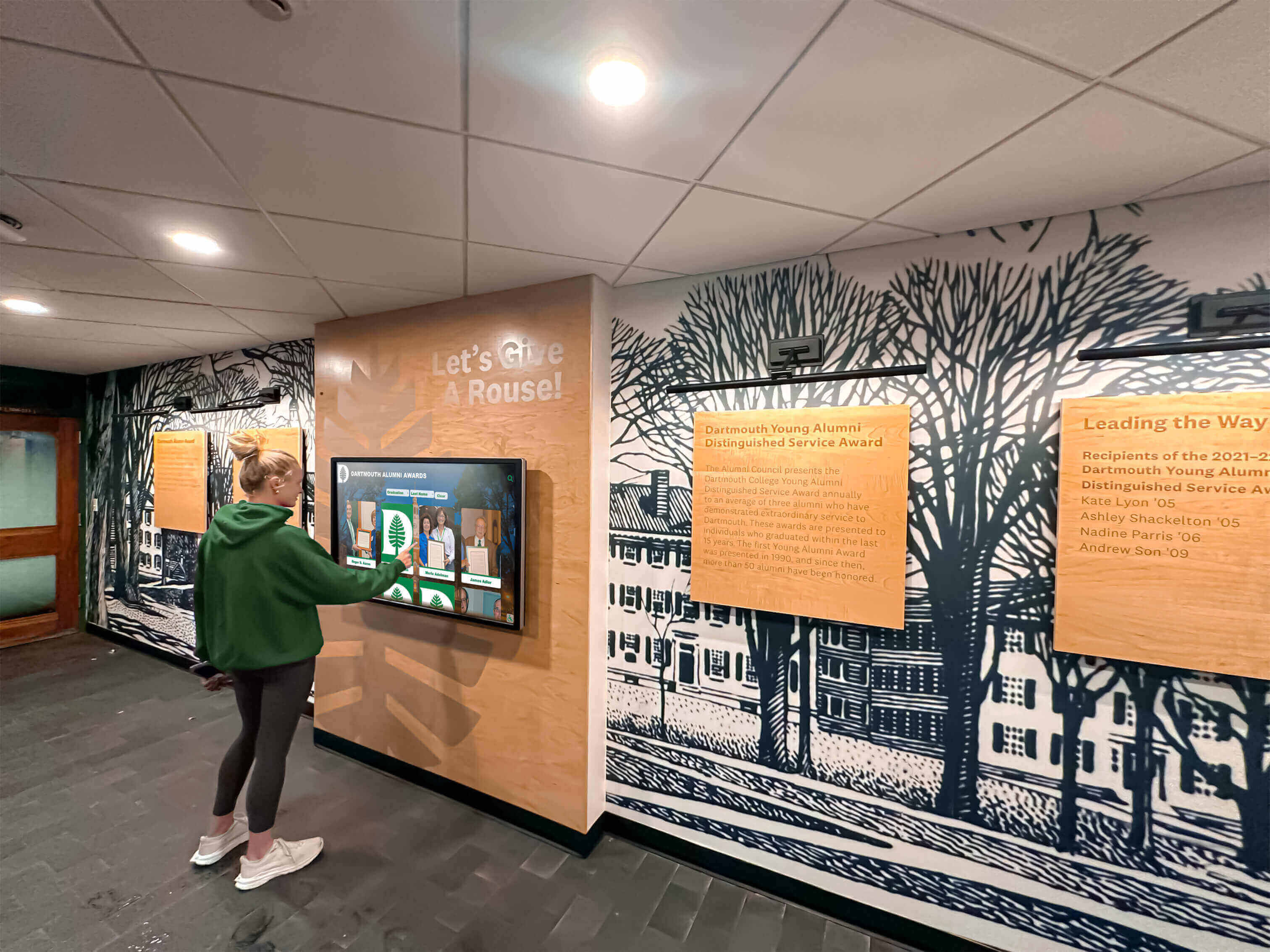
Reading order failures accumulate in recognition platforms for the same reason other accessibility issues do: the platform was designed for visual aesthetics first. A designer who positions a statistics callout above the biography using absolute positioning is solving a visual problem; the reading order consequence is invisible unless someone tests with assistive technology.
For school athletic directors and IT staff, the important point is that reading order is testable without specialized tools. Disabling CSS, navigating by keyboard, and listening to a screen reader each take less than thirty minutes on a typical inductee page. Adding those three checks to the QA step for any new platform deployment—or for any template update that affects layout—prevents the accumulation of structural failures that require expensive remediation later.
Athletic programs that honor inductees from multiple generations of competition benefit particularly from correct reading order. Alumni returning for reunion weekends, induction ceremonies, or basketball recognition events often include members who are older or who use assistive technology. A recognition display that welcomes every visitor equally—keyboard user, screen reader user, touchscreen user—reflects the same inclusive values the awards themselves are meant to celebrate.
For institutions that maintain both a physical touchscreen kiosk and a web-accessible version of their hall of fame, reading order must be audited on both. The physical kiosk runs in a controlled browser environment where CSS is unlikely to be disabled, but the web version is publicly accessible and must conform to WCAG Level A requirements. Programs that use a single template for both should ensure that the DOM order is correct at the template level, not fixed separately for each environment. Comprehensive basketball hall of fame recognition content and other sport-specific archives benefit from templates that establish correct reading order structurally, so that every new inductee added to the system inherits it automatically.
Audit Timing: When to Prioritize a Reading Order Review
Not all periods carry equal risk for reading order regressions. The following events should each trigger a targeted review:
After a platform template update. Vendor updates to the profile card template or the inductee detail page layout are the most common source of new reading order failures. After any template update, run the unstyled-page check and the keyboard-only navigation test before pushing to production.
After introducing a new sport or award category. New categories often introduce new page sections—achievement tables, related inductees from that sport, archival media—each of which is a new reading order risk if the template was not designed with the addition in mind.
Before high-attendance recognition events. Induction ceremonies, athletic banquets, and alumni reunion weekends bring visitors who use the digital hall of fame under time pressure in a public space. Running the audit in the week before a high-traffic event catches regressions that would otherwise surface in front of an audience.
After expanding from a kiosk-only installation to a public website. A kiosk in a supervised lobby operates under different expectations than a public website indexed by search engines and accessible to anyone with a screen reader. When a program moves to a touchscreen hall of fame guide that includes a public web presence, the reading order audit should be part of the launch checklist, not a follow-up.
After adding media to an existing inductee profile. Video highlights and photo galleries added to profiles that were originally built without them frequently introduce modal or overlay patterns that break keyboard reading order. Each media addition is an occasion to retest the affected profile’s tab stop sequence.
Quick-Reference Reading Order Audit Checklist
Use this checklist at each review cycle. A pass requires the programmatic order—DOM sequence—to match the intended reading sequence for every section that affects meaning.
Profile Header
- Inductee name is the first meaningful text element in the profile DOM subtree
- Portrait image alt text identifies the inductee by name, sport, and year
- Sport or category label follows the name in DOM order (not preceding it due to flexbox
order) - Graduation year or induction year follows the sport label
- No absolutely positioned elements appear in the profile section that DOM-order-follows the biography
Achievement and Statistics Section
- Achievement highlights appear after the biography in the DOM (or before it with explicit heading structure that makes the sequence logical)
- No CSS float or absolute positioning places statistics before the name heading in reading order
- Career statistics tables are preceded in the DOM by their caption or a descriptive heading
Media Overlays and Galleries
- Video player and photo gallery modals use
role="dialog"andaria-modal="true" - Focus moves into the modal automatically when it opens
- Focus returns to the trigger control when the modal closes
- Modal is either placed immediately after its trigger in the DOM or focus-managed via JavaScript
Related Content and Navigation
- Related inductees sidebar appears after the main biography in the DOM, not before
- Category or sport navigation rail does not precede the inductee biography in the DOM unless a skip link is provided
- Breadcrumb is the first element within
<main>or is clearly positioned before the biography heading
Skip Navigation and Landmarks
- A skip navigation link is the first focusable element in the DOM
-
<main>landmark wraps the inductee profile content -
<nav>landmark wraps site navigation -
<aside>landmark wraps any related-inductees sidebar - Heading hierarchy is sequential: H1 for inductee name, H2 for major sections, no skipped levels
Tool-Assisted Verification
- Unstyled page (CSS disabled) was reviewed and content sequence makes sense
- Keyboard-only navigation completed without dead ends or illogical tab sequences
- Screen reader announcement sequence matches the intended reading order
- WCAG SC 1.3.2 (Meaningful Sequence) and SC 1.3.1 (Info and Relationships) reviewed against findings
Working With Your Platform Vendor on Reading Order
If your hall of fame runs on a purpose-built recognition platform, template-level DOM reordering is the most efficient remediation path. Organize your findings by zone and include the unstyled-page screenshot for each failure before contacting the vendor. Most platform vendors can address profile header and achievement section reading order in a single template revision once they have a clear specification.
Schools evaluating platforms for new or replacement hall of fame deployments should include reading order questions in the vendor evaluation alongside color contrast and touch target size. A platform that establishes correct DOM order in its inductee profile template from the start costs nothing extra to deploy accessibly; one that relies on CSS positioning for layout requires additional remediation work for every inductee page in the system.
Questions to bring to your vendor:
- Does the inductee profile template place the name heading as the first element in the profile DOM subtree, before sport label, achievement section, and biography?
- Does the template use CSS
orderorflex-direction: row-reversein any layout that changes the visual sequence from the source order? - Are photo gallery and video modals implemented with
role="dialog",aria-modal="true", and JavaScript focus management? - Is a skip navigation link included in the profile page template?
- Does the platform include a WCAG SC 1.3.2 (Meaningful Sequence) check in its accessibility test suite?
- Is there a staging environment where DOM order changes can be verified before updating production inductee pages?
Building Correct Reading Order Into the Content Workflow
A reading order audit conducted at deployment time establishes a correct baseline. Maintaining that baseline requires building a reading order check into the content workflow for every subsequent addition.
The most durable approach is a platform template that establishes correct DOM order structurally, so that every new inductee profile inherits it without any editor intervention. When the template places the name heading, sport label, biography, achievement section, and related content in the correct source order—and CSS handles only the visual presentation, not the reading sequence—every new profile added through the CMS is correct by default.
For programs that add inductees after each award season, that structural guarantee is the difference between an ongoing audit burden and a one-time template fix. An athletics director adding ten new inductees after the spring sports season should not need to verify DOM order on each profile; the template should make correct order automatic.
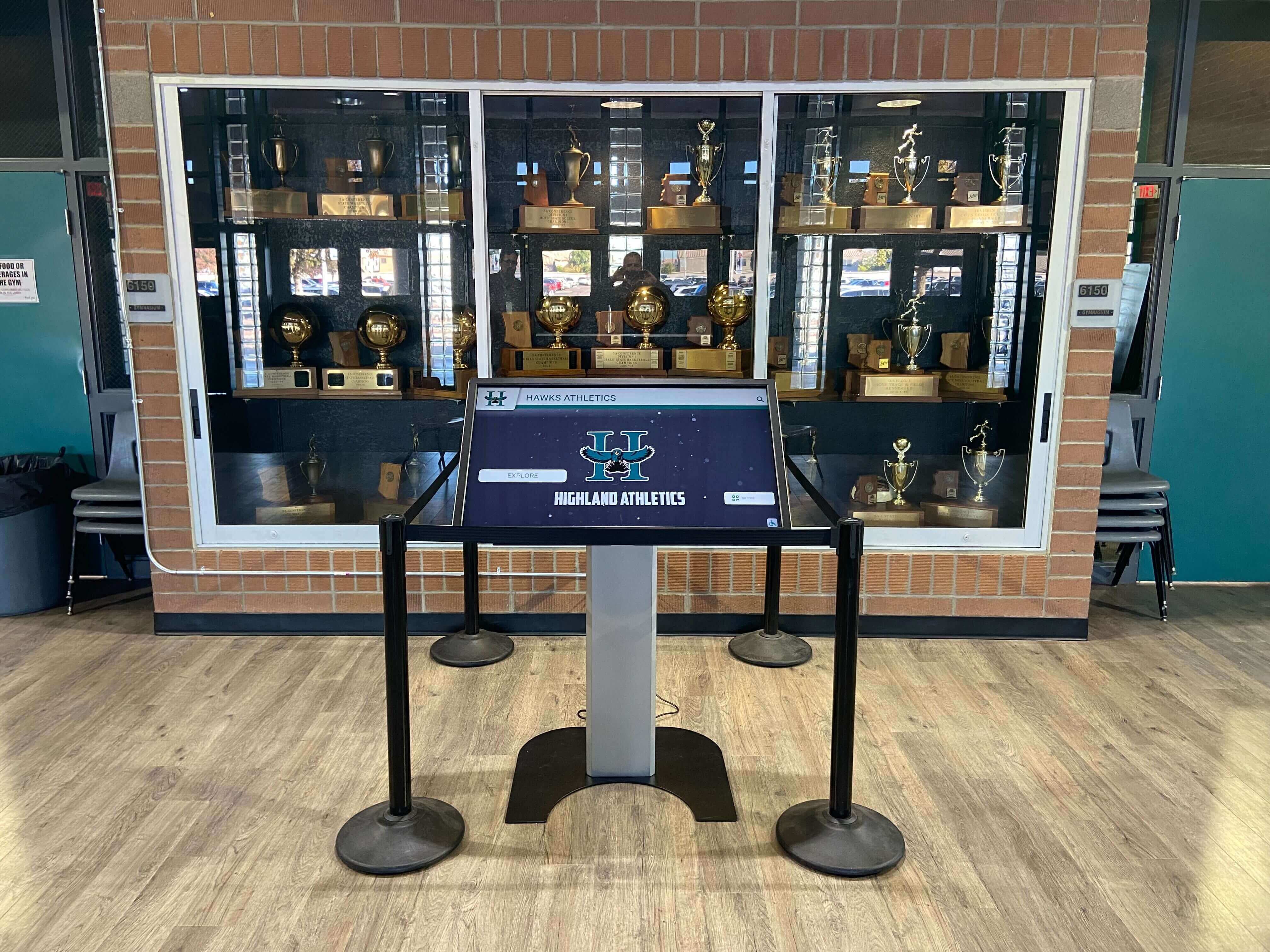
Recognition programs that serve guests during ceremonies, reunions, and open-house events—audiences that include the full spectrum of visitors with and without assistive technology—owe every honoree the same standard: that their name, sport, achievements, and story arrive in a sequence that tells a complete, coherent account of what made them worthy of recognition.
































