




Key Takeaways
Learn how to design helpful empty states in digital hall of fame displays so visitors are guided rather than stranded when search, filters, or profiles return no results.
What Empty States Are and Why They Matter
In interactive software, an “empty state” is any screen or section that displays when there is no content to show. For a digital hall of fame, empty states appear in at least four distinct situations:
- A visitor’s search query matches no inductee names or records in the database
- One or more active filters—sport, graduation year, award category, or team—reduce results to zero
- An inductee profile exists in the system but lacks a biography, photo, or key data fields
- A recognition category (such as Academic All-Conference or Community Service) has been created in the system but has not yet been populated with honorees
Each situation creates a different kind of visitor frustration, and each calls for a slightly different design response. Lumping all four into a single generic “No results found” message wastes an opportunity to help visitors accomplish what they came to do.
Why does this matter for schools? Visitors to a hall of fame display—parents, alumni, students, prospective students, donors, and community members—arrive with a purpose. They want to find a specific person, browse a sport’s history, or explore an era’s achievements. When the display fails to help them navigate around gaps, they lose confidence in the system’s completeness. That erodes institutional trust in a setting where trust is the entire point of recognition.

Research on digital product usability consistently shows that empty states are among the most neglected design elements. A well-crafted empty state can do several things simultaneously: explain why no results appeared, suggest an alternative path, surface related content, and invite the visitor to take a meaningful action. A poorly designed one simply confirms failure and offers nothing.
Scenario 1: Search Returns No Matching Profiles
The most common empty state in any digital hall of fame occurs when a visitor types a name, term, or phrase that matches nothing in the database. This happens for predictable reasons: a name is misspelled, a nickname differs from the official record, a profile hasn’t been digitized yet, or the person being searched was never formally inducted.
What Not to Do
A plain “No results for ‘Mike Thompson’” message stops the experience cold. It gives the visitor no information about whether Mike Thompson was never inducted, was inducted under a different name, or simply hasn’t been added to the system yet.
Effective Design Responses
Spell-check suggestions. Display a prompt such as “Did you mean Michael Thompson?” or “Showing results for Thompson” when a close match exists. Most hall of fame platforms support fuzzy matching on athlete names; verify with your vendor that this feature is enabled.
Browse prompts. Pair the no-results message with a prominent button or link offering to show all inductees, or to browse inductees alphabetically. A message like “We couldn’t find that profile. Browse all 340 inductees by sport or year?” keeps the visitor engaged with real content.
Nomination invitation. If your school accepts nominations year-round, the empty state is an ideal place to surface that pathway. “Don’t see someone who deserves recognition? Submit a nomination.” This turns a visitor dead end into an actionable community moment.
Search tips. A concise inline tip—“Try searching by last name, sport, or graduation year”—helps visitors self-correct without reading a manual.
Contact prompt for archivists. For schools actively working to digitize historical records, a message such as “Our archives team is still adding historical inductees. Contact us if you know of someone who should be recognized” both sets honest expectations and turns visitors into contributors. This is especially relevant if your school is midway through a school records scanning and digitization project that will eventually fill the gaps.
The key principle here is that the empty state should always offer at least one clear next step. A message without a next step is a wall; a message with a next step is a door.

Scenario 2: Filters Narrow Results to Zero
The second empty state scenario occurs when a visitor applies one or more filters—sport, year, team, award type—and the combination returns no matches. This is a subtly different problem from a failed text search because the visitor used the system’s own navigation tools and still got nowhere.
Common Causes
- A sport is listed in the filter menu but has no inductees yet
- The year range selected predates the school’s digital records
- Two filters are simultaneously applied and no inductee satisfies both (for example: Women’s Golf AND 1985)
- A category was created in anticipation of future inductees but hasn’t been populated
Effective Design Responses
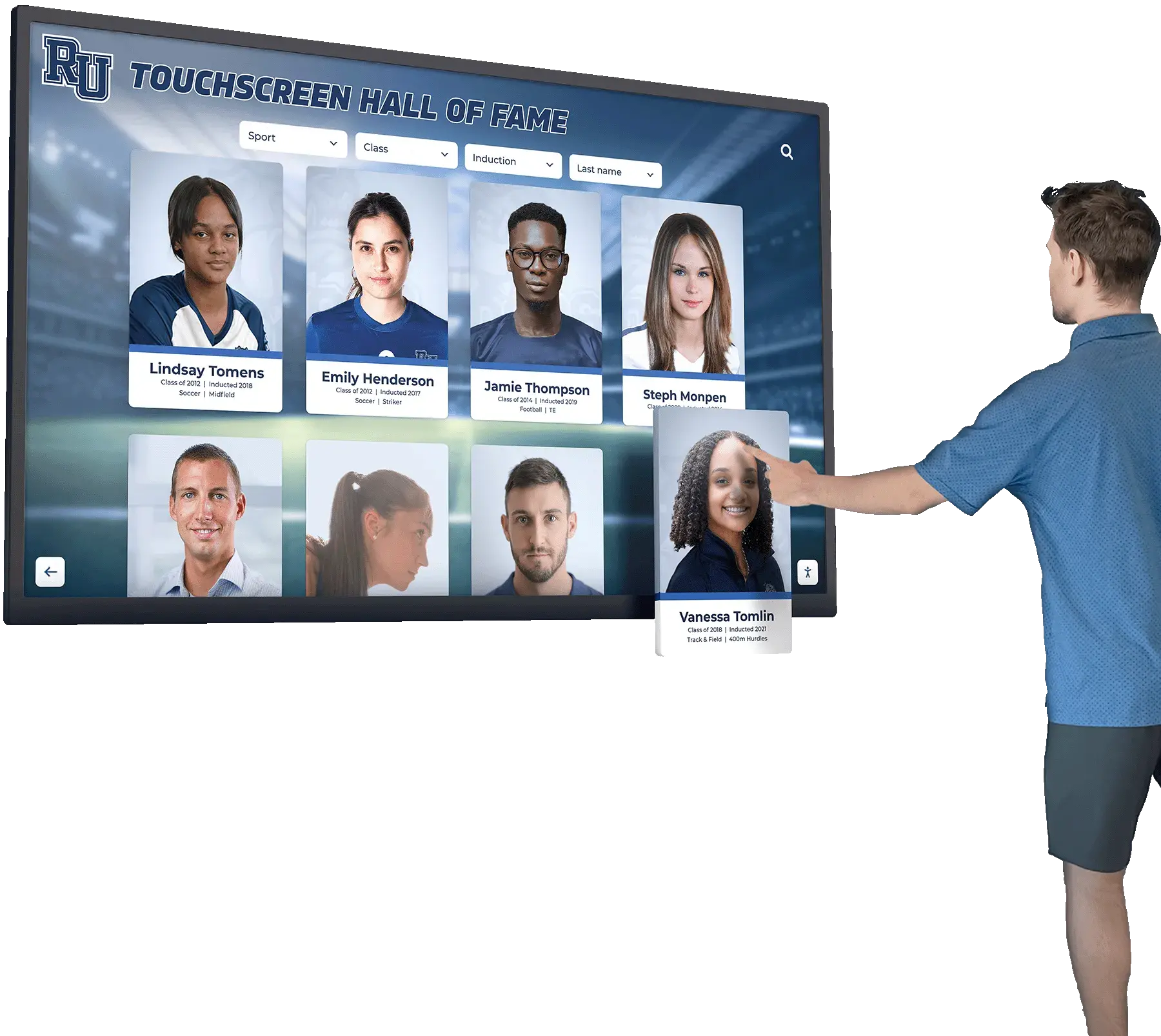
Display the active filters. Always show which filters are currently applied as removable chips or tags above the results area. This way, visitors immediately understand why results are empty and know exactly what to change.
Suggest filter relaxation. A message like “No results for Women’s Golf — 1985. Try removing the year filter to see all Women’s Golf inductees” guides the visitor toward a productive result without requiring them to figure it out independently.
Show total available records. Displaying “Showing 0 of 340 inductees” alongside the active filters helps visitors calibrate their expectations and motivates them to adjust rather than abandon.
Prevent impossible filter combinations. The most sophisticated approach is to disable or dim filter options that would create zero results given the visitor’s current selections. This proactive design eliminates the empty state entirely for filter-driven navigation. Ask your platform vendor whether this is supported.
Offer a “Clear all filters” button. Make this button visually prominent whenever filters are active and results are zero. It should be the easiest possible escape route.
Understanding what content your hall of fame should celebrate is essential context for deciding which filter categories to create. Reviewing your program’s athletic mission statement and recognition values before configuring the category taxonomy helps ensure filters reflect actual inductee data rather than aspirational categories with no content behind them.
Scenario 3: Profile Exists but Data Is Incomplete
This empty state is the most damaging to institutional credibility because it puts an inductee’s name in front of visitors with nothing to show for it. A profile card might appear in search results or filter views, but clicking it reveals a blank biography, a missing photo, or an empty list of achievements.
Why This Happens
Incomplete profiles are common during the initial migration phase when a school digitizes decades of historical records. Names get entered first, photos are collected later, and biographies come last—sometimes months later. During that interim period, the profile is technically live but substantively empty.
Effective Design Responses
Use a structured placeholder layout. Instead of a blank screen, display the profile’s fixed fields (name, sport, graduation year, induction year) with clearly marked placeholders for missing elements. A gray silhouette where the photo should be—accompanied by text like “Photo coming soon”—is far less jarring than a broken layout.
Write interim biography text. For historical inductees whose biographical details haven’t yet been researched, a brief placeholder narrative—"[Name] was inducted for [sport] achievements. Extended biography in progress."—maintains dignity and signals that the gap is temporary rather than permanent.
Hide empty profiles from search and filter results. If your platform supports a “published vs. draft” distinction, keep profiles in draft status until they meet a minimum data threshold (name, photo, sport, induction year, and at least one achievement). This prevents visitors from encountering shells.
Create an in-progress indicator. A small badge reading “Profile being completed” informs visitors that the system is actively maintained and that content is coming. This is especially useful for recently inducted honorees whose profiles are being built in real time.
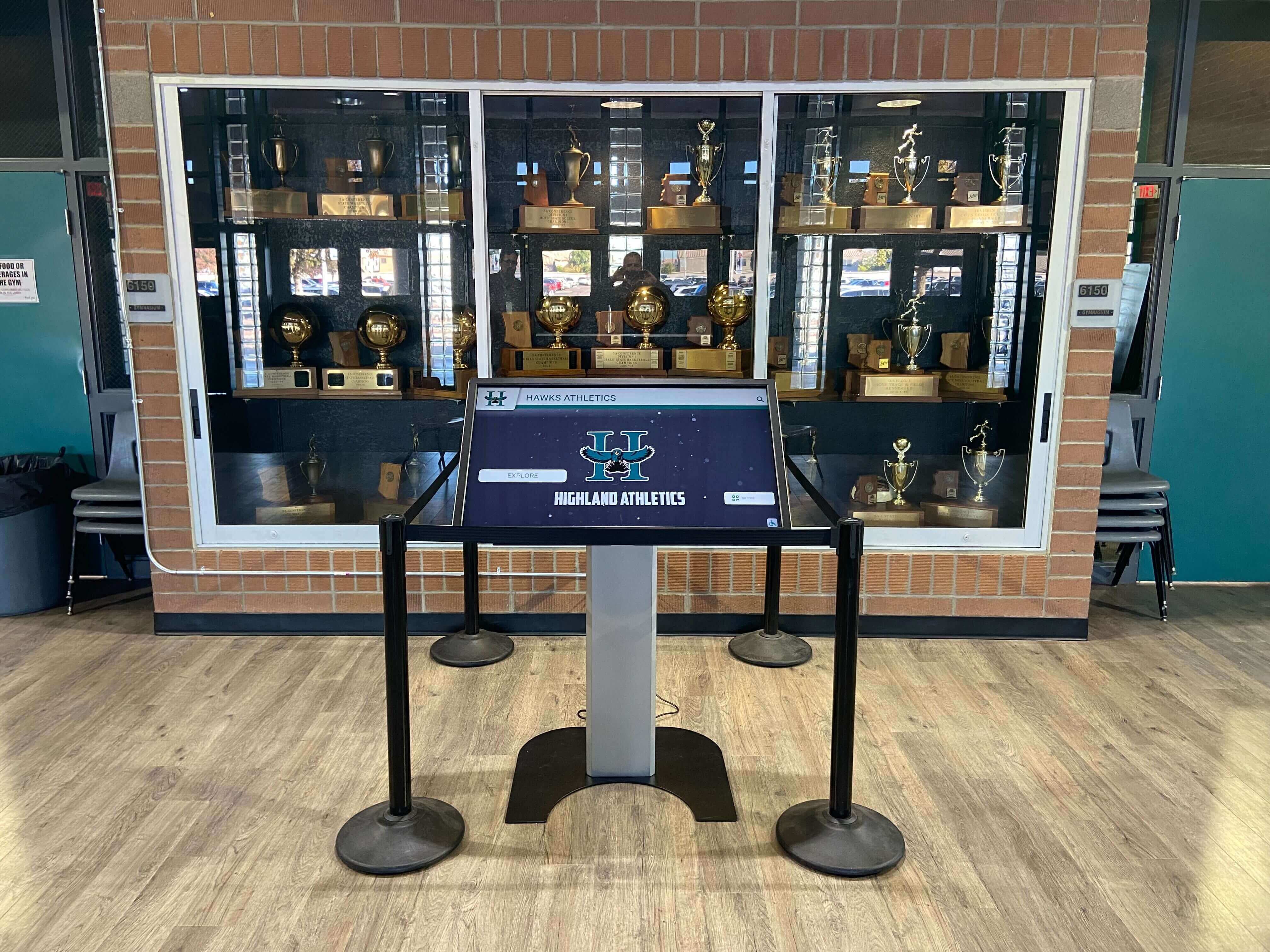
For schools managing large collections of historical profiles across many sports and eras, a phased completion strategy works best. Prioritize profiles most likely to be searched—recent inductees, prominent alumni, record holders—and complete them first before surfacing them publicly. Institutions leveraging multi-screen digital signage and widget systems can use supplementary screens in hallways and lobbies to drive visitors to the most complete and engaging profiles rather than exposing them to the whole catalog indiscriminately.
Athletic directors and archivists should establish a minimum data checklist for publishing any profile. A practical threshold might be: name, verified photo, sport, graduation year, and at least three sentences of biographical content. Until that threshold is met, the profile remains unpublished.
Scenario 4: Recognition Category Has No Inductees Yet
The fourth empty state occurs at the category level: a section of the hall of fame (Women’s Swimming, Faculty Excellence, Community Service, Fine Arts) appears in navigation but has no inductees listed beneath it. This signals either a gap in historical records or a category added prematurely before its first class of inductees is selected.
Effective Design Responses
Explain the category’s purpose. Rather than a blank section, provide a one-paragraph description of what the category celebrates and who is eligible. This educates visitors and builds anticipation for future inductees.
Show the category’s nomination criteria. If nominations are accepted, this is an ideal place to explain the criteria, timeline, and process. Visitors who find an empty category and see a clear path to nomination often become the most engaged community advocates for the recognition program.
Indicate when the first class will be inducted. “First inductees will be announced in Spring 2027” sets expectations and gives the visitor a reason to return.
Consider delaying the category’s visibility. If a category has no content and no near-term plan for populating it, hiding it from navigation until content is ready is cleaner than publishing an empty section. Categories with no inductees reduce visitor confidence in the completeness of the entire system.
Implementation Guidance for IT and Facilities Teams
Most of the empty-state improvements described above require configuration in the hall of fame platform’s content management system rather than custom software development. Here is a practical implementation checklist:
Content Management Configuration
- Audit every active filter category against actual inductee data. Remove or hide filter options that have no matching profiles.
- Set minimum data thresholds for publishing profiles. Create a “draft” or “pending” status for profiles below the threshold.
- Write default empty-state messages for each section type (search, filter, profile, category) in the platform’s CMS. Generic messages should be replaced with contextually accurate text.
- Verify that fuzzy name matching is enabled in search settings.
Display and Navigation Settings
- Confirm that active filters are visible as removable items on the results screen, not hidden in a sidebar the visitor may not notice.
- Add a “Clear all filters” button to the results view and verify it resets all active filters in a single tap.
- Test every named filter combination against the live database to identify and resolve zero-result combinations before the display goes live.
- If the platform supports it, enable smart filter dimming that prevents impossible combinations.
Ongoing Maintenance
- Schedule a quarterly audit of search logs to identify frequently attempted searches that return zero results. These represent either missing profiles or common name variations worth adding as search aliases.
- Review newly created categories each semester to confirm inductee nominations are on track before the category becomes publicly visible.
- Establish a workflow for the archivist or athletic director to flag incomplete profiles for priority completion.
The best approaches for showcasing athletic achievements digitally consistently emphasize that a smaller, well-curated set of complete profiles creates a better visitor experience than a large but partial catalog. Empty-state design is ultimately an argument for data quality governance, not just interface polish.
Accessibility Considerations for Empty States
Empty-state messages must meet the same accessibility standards as every other screen in the display. For school institutions receiving federal funding, WCAG 2.1 AA compliance applies to digital displays as well as web-based content.
Plain language. Empty-state messages should use simple, direct language free of technical jargon. “No athletes found for this filter” is clearer than “Query returned null results.”
Sufficient contrast. Placeholder text in empty states often appears in light gray, which frequently fails contrast ratio requirements. Test all placeholder and empty-state text against WCAG’s 4.5:1 ratio for normal text.
Screen reader announcements. When search results update to zero, the change should be announced to assistive technology users. A live region or ARIA alert attribute ensures screen readers announce the empty state rather than leaving the visitor uncertain whether the search completed.
Focus management. After a filter change or search that produces zero results, keyboard focus should move to the empty-state message or the first suggested alternative action so keyboard and switch-access users don’t have to navigate the entire interface to discover what happened.
Touch target sizing. “Clear filters,” “Browse all,” and nomination links in empty states must meet the minimum 44×44 pixel touch target size to be usable by visitors with limited motor control.
Connecting Empty-State Design to the Broader Recognition Mission
Empty-state design might appear to be a narrow technical concern, but it connects directly to the school’s broader recognition mission. When a visitor comes to celebrate a graduate’s induction—perhaps on a homecoming weekend, or during the kind of milestone moment described in memorable commencement ceremonies—and the display cannot surface the profile they came to see, the technology fails the human moment it was built to serve.
Athletic directors and administrators who invest in recognition programs understand that the system’s credibility depends on reliability. A digital hall of fame that consistently guides visitors toward content—even when their original search leads nowhere—builds institutional trust every bit as much as a beautiful lobby installation or a well-produced induction ceremony.
The practical implication is that empty-state design should be part of your vendor evaluation process, not an afterthought. During demonstrations, specifically test the system’s behavior when search returns no results and when filters narrow to zero. Ask the vendor to show you what an incomplete profile looks like to a visitor. These moments reveal how well the platform is designed for real-world data conditions rather than polished demo content.
Key Principles: A Summary for Decision-Makers
For athletic directors, archivists, and administrators managing digital hall of fame implementations, here is a concise summary of empty-state design principles:
Always offer a next step. Every empty state—whether from a failed search, a zero-result filter, or an incomplete profile—should include at least one clear action the visitor can take.
Match the message to the cause. A search with no results deserves a different message than a filter combination with no results. Context-specific messaging is more helpful and more respectful of the visitor’s effort.
Prevent empty states before they occur. Audit filter options against actual data, keep incomplete profiles in draft status, and hide empty categories until they have content.
Treat empty states as data collection. Search logs showing frequently attempted zero-result queries are a direct list of profiles your community wants to find. Use that data to prioritize digitization and data-entry work.
Keep accessibility standards consistent. Empty-state screens must meet the same contrast, focus, and language standards as every other screen in the display.
Set expectations honestly. If the archive is still being built, say so. Visitors respect transparency and often become advocates when they understand that the work is ongoing.
Schools that approach their recognition programs with long-term thinking—building archives systematically, maintaining data quality standards, and planning recognition events carefully—tend to have fewer empty-state problems in the first place because they build complete profiles before inductees are announced rather than publishing partial records.
Evaluating Your Platform’s Empty-State Capabilities
Before committing to a digital hall of fame platform—or before planning a major content migration on an existing system—ask these specific questions about empty-state handling:
- What does the system display when a text search returns zero matches? Is the message configurable?
- Does the platform support fuzzy name matching to surface near-matches when exact matches fail?
- Can filter options be hidden or disabled when no inductees match them?
- Does the system support a draft or unpublished status for profiles that are below a minimum data threshold?
- What does an incomplete profile look like to a visitor—is there a structured placeholder layout?
- Can we configure custom empty-state messages for each section (search, filter, category)?
- Does the platform provide search analytics so we can identify frequently attempted zero-result queries?
- Are all empty-state screens compliant with WCAG 2.1 AA accessibility standards?
Platforms that can answer these questions affirmatively have been designed with real-world data conditions in mind. Platforms that treat empty states as edge cases reveal that they were designed primarily for polished demonstration environments where every search finds a result.
Conclusion
Every digital hall of fame will encounter empty states—it is a function of incomplete archives, evolving data, and the natural gap between what visitors hope to find and what has been fully documented. The difference between a system that visitors trust and one they abandon lies not in whether empty states occur, but in how thoughtfully those moments are handled.
School administrators, athletic directors, and archivists who invest in empty-state design—configuring helpful messages, auditing filter options, maintaining draft thresholds, and monitoring search logs—give their recognition programs a durability and credibility that a beautiful interface alone cannot provide. The goal is a display that guides every visitor toward something meaningful, even when it cannot give them exactly what they came to find.
If your school is evaluating or upgrading its digital hall of fame platform, look for a solution that treats empty-state handling as a first-class design requirement rather than an afterthought. The right platform will guide visitors, protect inductee dignity, and give your archivist or athletic director the tools to maintain content quality over time.
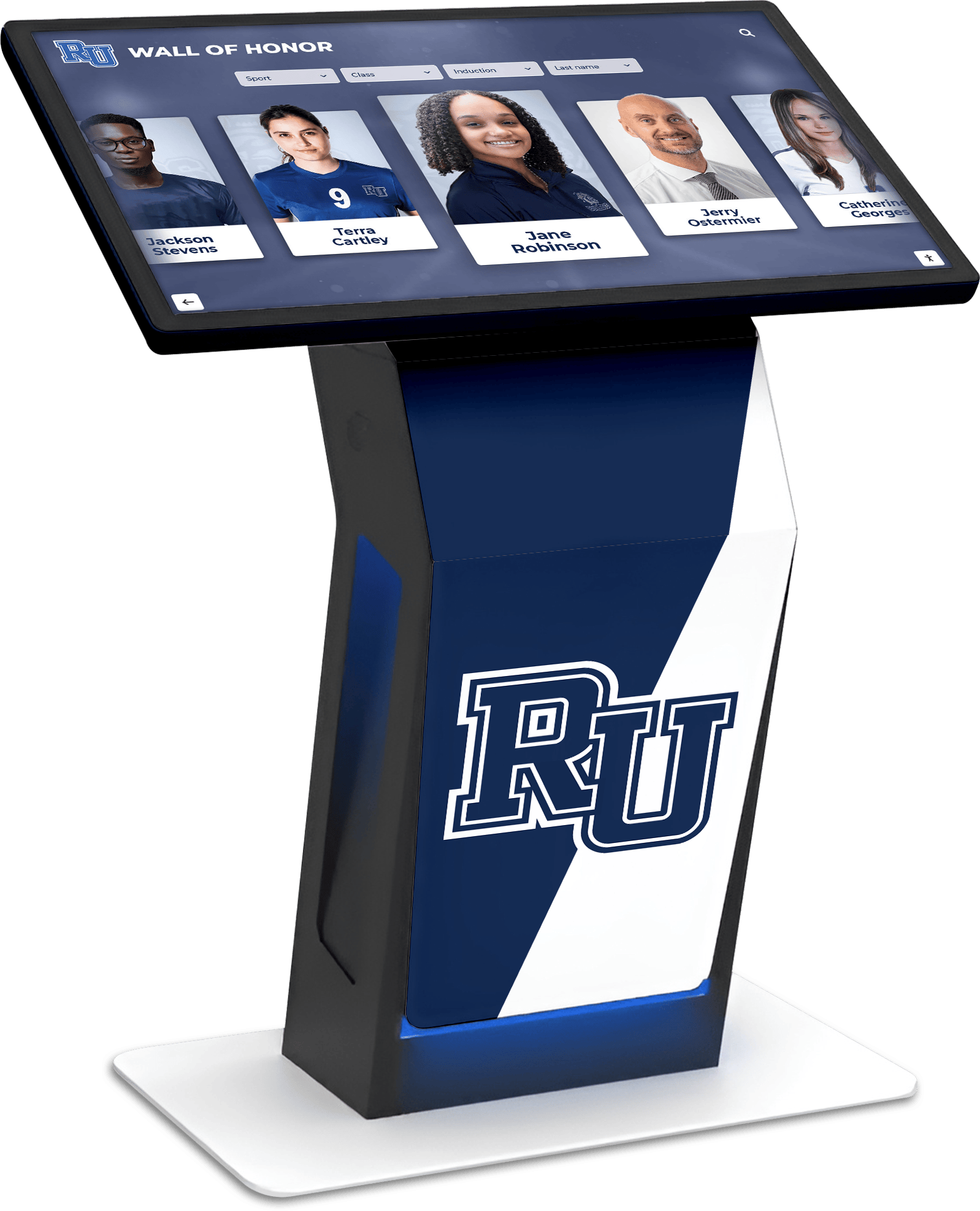
Ready to see how a purpose-built platform handles empty states and keeps visitors engaged even when search or filters return no results? Book a demo with Rocket Alumni Solutions to explore the platform’s UX design, content management controls, and real-world data handling in action.
Disclaimer: This article provides general UX and content management guidance for digital hall of fame implementations. Specific platform capabilities vary by vendor. Schools should verify accessibility compliance, filter behavior, and empty-state configuration with their platform provider. WCAG standards referenced are current as of August 2026.
































