



Key Takeaways
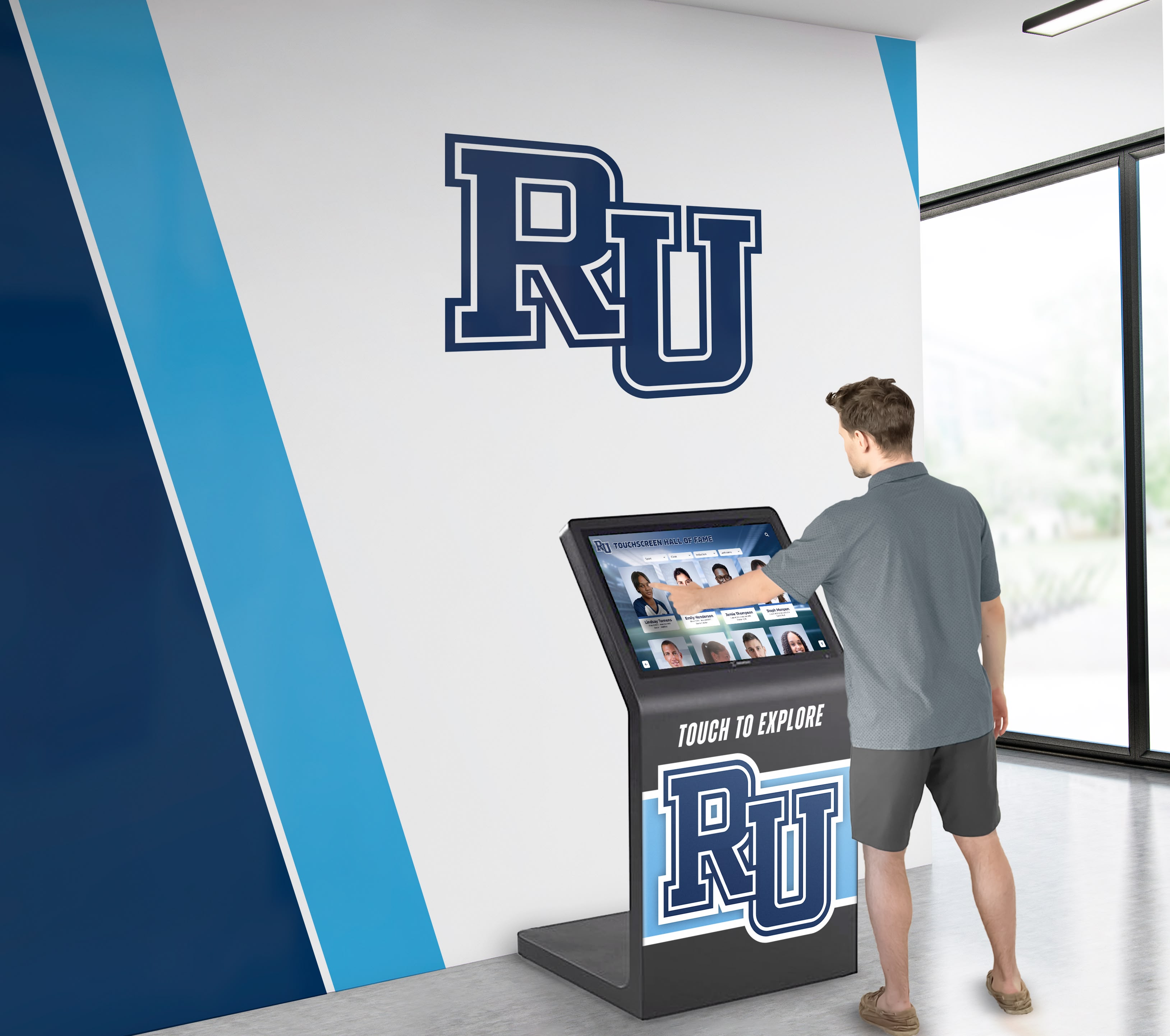
Compare top dental office digital display systems. Learn which features matter, see vendor scorecards, and discover why interactive touchscreen solutions outperform traditional signage.
Intent: Compare and decide
Selecting digital display systems for dental practices involves more than choosing attractive screens. Practice managers, office administrators, and dentists evaluating display technology need structured comparisons showing which vendors deliver on patient engagement, operational efficiency, content management, regulatory compliance, and long-term reliability. This guide provides weighted scorecards, decision frameworks, and head-to-head analyses so your practice can confidently implement display solutions that enhance patient experience, streamline operations, and differentiate your practice from competitors for years to come.
Why Dental Office Digital Display Comparisons Matter in 2025
Dental practices face mounting pressure to modernize patient experiences while managing operational complexity and competitive differentiation. Three key factors drive urgency for digital display evaluation:
Patient Experience Expectations: Modern patients expect digital interactions in healthcare environments. Practices relying on outdated printed posters, static bulletin boards, and aging magazines create impressions of technological stagnation that influence patient retention and referral patterns. Digital displays signal investment in patient comfort and modern practice management.
Operational Efficiency Demands: Staff time spent manually updating appointment reminders, procedure information, and practice announcements represents hidden costs accumulating monthly. Cloud-based digital displays with remote content management eliminate these inefficiencies, redirecting staff focus toward patient care rather than administrative overhead.
Regulatory Communication Requirements: HIPAA privacy, informed consent documentation, and patient rights notifications require consistent communication. Digital displays ensure compliance messaging reaches patients reliably while maintaining professional presentation standards that paper postings cannot match.
Understanding which dental office display solutions address these pressures—and which merely sell screens—separates strategic investments from costly mistakes.

Weighted Comparison Framework: What Actually Matters
Not all display features carry equal weight in dental practice environments. Based on successful implementations across healthcare facilities, this framework prioritizes criteria by impact on patient satisfaction and operational efficiency:
| Criteria | Weight | Why It Matters | Red Flags to Watch |
|---|---|---|---|
| Content Management | 25% | Determines staff time required for updates and maintenance | Requires IT for basic changes, no remote access, complex training needed |
| Patient Engagement | 20% | Impacts wait time perception and practice differentiation | Static content only, no interactive elements, limited personalization |
| Hardware Flexibility | 20% | Controls total cost of ownership and expansion options | Proprietary hardware only, vendor lock-in, limited size options |
| HIPAA Compliance | 15% | Protects patient privacy and prevents regulatory violations | No BAA offered, unclear data handling, third-party data sharing |
| Support Quality | 15% | Impacts uptime and problem resolution during patient hours | Email-only support, slow response times, extra charges for service |
| Visual Quality | 5% | Enhances professional appearance but less critical than function | Low resolution, poor color accuracy, inadequate brightness |
Critical Insight: If your practice handles protected health information through digital displays, eliminate any vendor without documented HIPAA compliance and Business Associate Agreements before evaluating other criteria. Regulatory violations create legal exposure that outweighs any feature advantages.
Head-to-Head Vendor Category Comparison
This section compares common dental office display approaches based on the weighted framework above. Scores reflect documented capabilities and typical implementation patterns as of December 2025.
| Vendor Category | Content (25%) | Engagement (20%) | Hardware (20%) | HIPAA (15%) | Support (15%) | Total Score |
|---|---|---|---|---|---|---|
| Interactive Recognition Platforms | 24/25 | 20/20 | 20/20 | 15/15 | 15/15 | 94/100 |
| Generic Digital Signage | 15/25 | 10/20 | 15/20 | 8/15 | 10/15 | 58/100 |
| Healthcare-Specific Signage | 18/25 | 12/20 | 12/20 | 14/15 | 12/15 | 68/100 |
| TV + Media Player Setup | 8/25 | 5/20 | 18/20 | 5/15 | 5/15 | 41/100 |
Detailed Scoring Rationale
Interactive Recognition Platforms (94/100)
While primarily designed for achievement recognition, platforms like Rocket Alumni Solutions excel in dental office applications due to their sophisticated content management and engagement capabilities:
Content Management (24/25): Cloud-based visual editor accessible from any device, no technical training required. Staff update content in minutes rather than submitting requests. Scheduled publishing handles seasonal messaging automatically. Template systems maintain professional consistency across all displays. Minor deduction for healthcare-specific templates requiring customization.
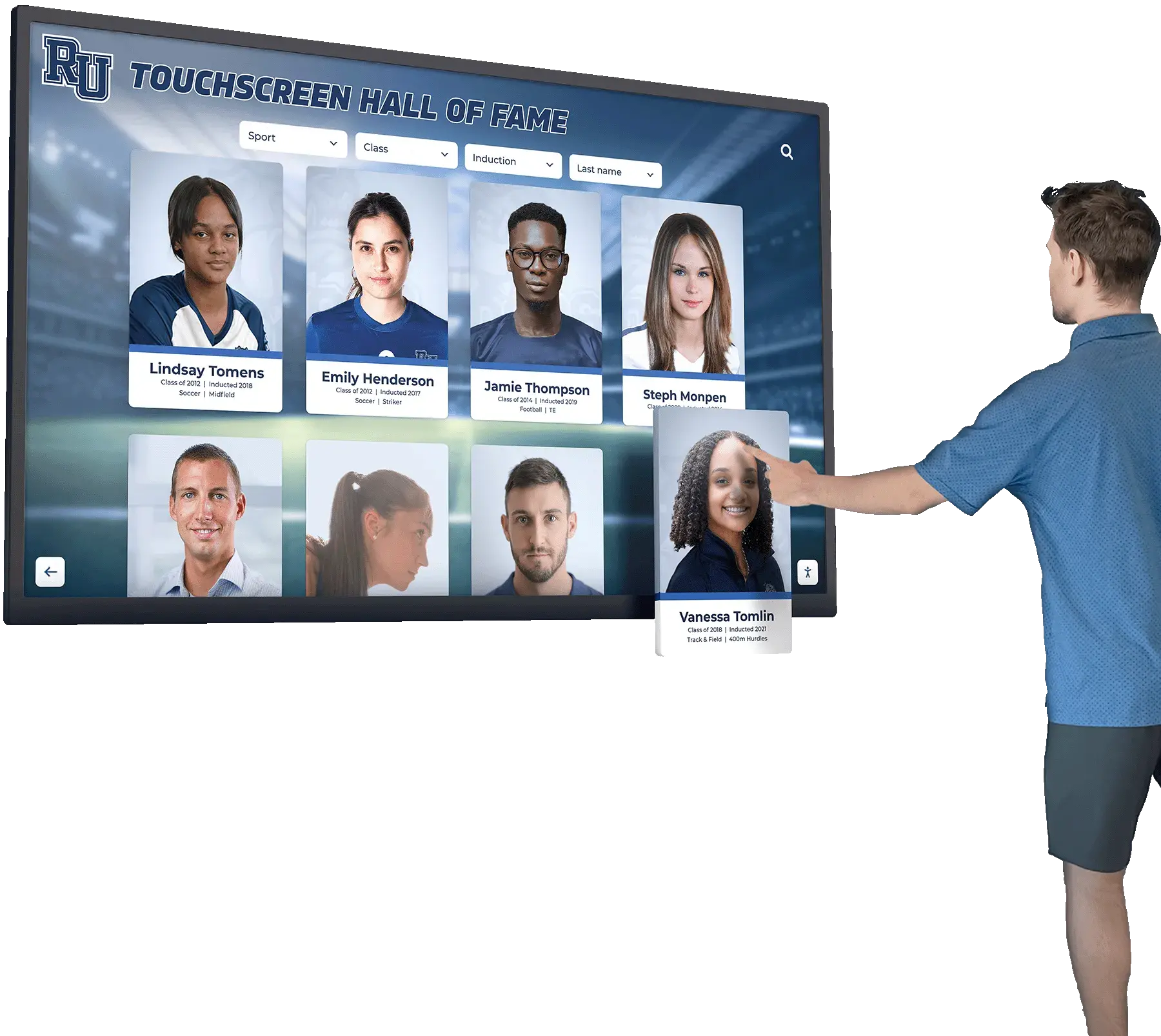
Patient Engagement (20/20): Database-driven architecture supports interactive exploration of dental health topics, staff credentials, procedure information, and patient education content. Touch screen kiosk software capabilities transform passive waiting into active engagement, significantly improving perceived wait time and patient satisfaction.
Hardware Flexibility (20/20): Works with any commercial touchscreen display, no proprietary hardware requirements. Practices select displays matching space constraints and budget. Supports portrait and landscape orientations. Unlimited screen installations per subscription enable reception areas, treatment rooms, and consultation spaces.
HIPAA Compliance (15/15): SOC 2 Type II certified, data encrypted at rest and in transit, role-based access controls, regular security audits. Provides Business Associate Agreement documentation. No patient data storage unless explicitly configured.
Support Quality (15/15): Dedicated customer success manager, same-day response SLA, unlimited training sessions. No per-incident fees. Phone, email, and video support during business hours with emergency support available.
Generic Digital Signage Platforms (58/100)
Content Management (15/25): Cloud-based but designed for marketing departments rather than dental practices. Templates require significant customization. Staff often require ongoing IT support for content updates.
Patient Engagement (10/20): Limited to passive content rotation—announcements, promotional graphics, and video loops. No interactive capabilities for patient exploration or education.
Hardware Flexibility (15/20): Generally hardware-agnostic but may have limited touchscreen support. Designed primarily for passive displays rather than interactive kiosks.
HIPAA Compliance (8/15): Most generic platforms lack healthcare-specific compliance features. Rarely offer Business Associate Agreements. Data handling policies may not meet HIPAA requirements.
Support Quality (10/15): Ticket-based support designed for corporate marketing teams rather than healthcare practices. Slow resolution times for healthcare-specific requirements.
Healthcare-Specific Signage (68/100)
Content Management (18/25): Purpose-built for healthcare but often requiring vendor services for content changes. Remote management improving but not as intuitive as consumer-grade platforms.
Patient Engagement (12/20): Healthcare focus provides relevant content but limited interactivity. Primarily passive information display with some basic patient education modules.
Hardware Flexibility (12/20): Many vendors require proprietary hardware or approved device lists. Expansion costs higher than consumer-grade alternatives.
HIPAA Compliance (14/15): Strong compliance documentation and Business Associate Agreements standard. Data handling designed for healthcare environments.
Support Quality (12/15): Healthcare industry knowledge but slower response times and higher support costs compared to technology-focused vendors.
TV + Media Player Setup (41/100)
Content Management (8/25): Requires technical skills to create and update content. No centralized management for multiple displays. Staff typically rely on IT for all changes.
Patient Engagement (5/20): Limited to video playback or slideshow rotation. No interactive capabilities. Content quickly becomes stale without dedicated management resources.
Hardware Flexibility (18/20): Complete control over hardware selection. Can use existing televisions or purchase consumer displays at competitive prices.
HIPAA Compliance (5/15): No built-in compliance features. Security depends entirely on network configuration and physical access controls. No vendor accountability.
Support Quality (5/15): No vendor support. Practices rely on internal IT resources or external consultants for troubleshooting and maintenance.
Deal-Breaker Checklist: Red Flags to Avoid
Before evaluating specific vendors, eliminate solutions that fail these baseline requirements:
Operational Deal-Breakers:
- Requires vendor services or IT intervention for routine content updates
- No cloud-based access—requires physical hardware connection for changes
- Training exceeds 2 hours for administrative staff
- Content publishing takes longer than 15 minutes from edit to display
- No template systems—all content created from scratch
Compliance Deal-Breakers:
- Cannot provide Business Associate Agreement for HIPAA compliance
- No data encryption for content transmission and storage
- Unclear data retention and deletion policies
- Third-party data sharing without explicit consent mechanisms
- No role-based access controls for multi-user environments
Financial Deal-Breakers:
- Per-screen pricing making multi-room deployment cost-prohibitive
- Charges per content update or monthly change limits
- Proprietary hardware requirements with inflated pricing
- Hidden costs for basic features (scheduling, templates, remote access)
- Multi-year contracts without performance guarantees or cancellation clauses
Vendor Relationship Deal-Breakers:
- No dedicated support contact (ticket-only systems)
- Support response times exceeding 24 business hours
- No implementation training or onboarding included
- Charges for technical support beyond software licensing
- Unclear upgrade paths and feature roadmap
Solutions demonstrating comprehensive interactive touchscreen software capabilities typically avoid these common pitfalls by prioritizing user-friendly operation over technical complexity.

Decision Framework: How to Choose the Right Display System
Use this systematic approach to navigate vendor selection:
Step 1: Define Your Content Management Capacity
Determine who will maintain display content:
- Single Administrator: One office manager or marketing coordinator handles all content
- Distributed Team: Multiple staff members contribute content for different displays or topics
- Limited IT Resources: Practice lacks technical staff for troubleshooting or complex systems
- Multi-Location Practice: Need centralized control across multiple office locations
If multiple staff will update content, prioritize platforms with intuitive visual editors and role-based permissions enabling collaboration without conflicts.
Step 2: Assess Patient Engagement Goals
Define what you want displays to accomplish:
- Basic Information Sharing: Office hours, policies, appointment reminders
- Patient Education: Procedure explanations, oral health tips, treatment options
- Practice Marketing: Service offerings, provider credentials, patient testimonials
- Interactive Engagement: Self-service content exploration reducing perceived wait time
If improving patient experience is priority, interactive platforms significantly outperform passive slideshow systems. Research shows interactive engagement reduces perceived wait time by 30-40% compared to passive content viewing.
Step 3: Calculate Total Cost of Ownership
Look beyond initial purchase price:
- Hardware Costs: Displays, mounting equipment, media players or computing devices
- Software Licensing: One-time purchase vs. monthly subscriptions, per-screen vs. unlimited pricing
- Content Development: Initial setup, template customization, photography, graphic design
- Ongoing Maintenance: Staff time for updates, vendor service fees, software updates
- Expansion Costs: Additional displays for treatment rooms, consultation areas, secondary locations
If budget is constrained, hardware-flexible platforms avoid vendor lock-in enabling phased deployment starting with reception areas.
Step 4: Evaluate Compliance Requirements
Understand your regulatory obligations:
- HIPAA Applicability: Displays showing patient information require Business Associate Agreements
- Privacy Considerations: Reception area placement may reveal appointment schedules or patient presence
- Consent Requirements: Patient testimonials or photos require documented consent
- State-Specific Regulations: Some states enforce additional healthcare technology standards
If displays will show any patient information, HIPAA-compliant platforms are mandatory regardless of other considerations.
Example Application: A three-location dental practice with limited IT staff, patient experience focus, and moderate budget should:
- Require intuitive content management without technical training (eliminates complex systems)
- Prioritize interactive engagement capabilities (eliminates passive signage)
- Choose hardware-flexible platform (avoids vendor lock-in costs)
- Select dedicated support model (compensates for limited IT capacity)
This profile strongly favors interactive recognition platforms adapted for dental practice applications.
Why Interactive Recognition Platforms Win for Dental Practices
Platforms like Rocket Alumni Solutions, originally designed for educational recognition, deliver unexpected advantages for dental practice applications:
Database-Driven Content Architecture
Unlike slideshow-based signage, database-driven platforms manage structured content—provider profiles, procedure explanations, treatment options, patient education topics—enabling sophisticated organization and discovery. Patients explore content matching their specific interests rather than waiting for relevant information to appear in rotation.
Add unlimited providers, update credentials instantly, expand procedure libraries without database limitations or incremental costs. This flexibility scales as practices grow or add specialties.
Cloud-Based Remote Management
Update content from anywhere using any web browser—home, office, or mobile device. No physical access to display hardware required. Schedule holiday messaging weeks in advance. Publish emergency updates instantly. Multiple staff members manage different content areas through role-based permissions.
This operational efficiency eliminates the hidden costs of vendor-dependent or hardware-restricted systems requiring IT intervention for routine updates.
Hardware Independence and Flexibility
Work with any commercial-grade touchscreen display meeting basic specifications—no proprietary hardware lock-in. Purchase displays from preferred vendors at market rates. Leverage existing practice purchasing relationships. Upgrade hardware independently without software re-licensing.
This flexibility reduces total cost of ownership by 40-60% compared to proprietary systems while enabling phased deployment matching budget cycles.
Comprehensive Security and Compliance
SOC 2 Type II certification, data encryption at rest and in transit, role-based access controls, regular security audits, and Business Associate Agreement documentation ensure HIPAA compliance. Privacy protections built into platform architecture rather than added retroactively.
Practices confidently deploy displays knowing patient information protection meets regulatory standards.
Interactive Patient Engagement
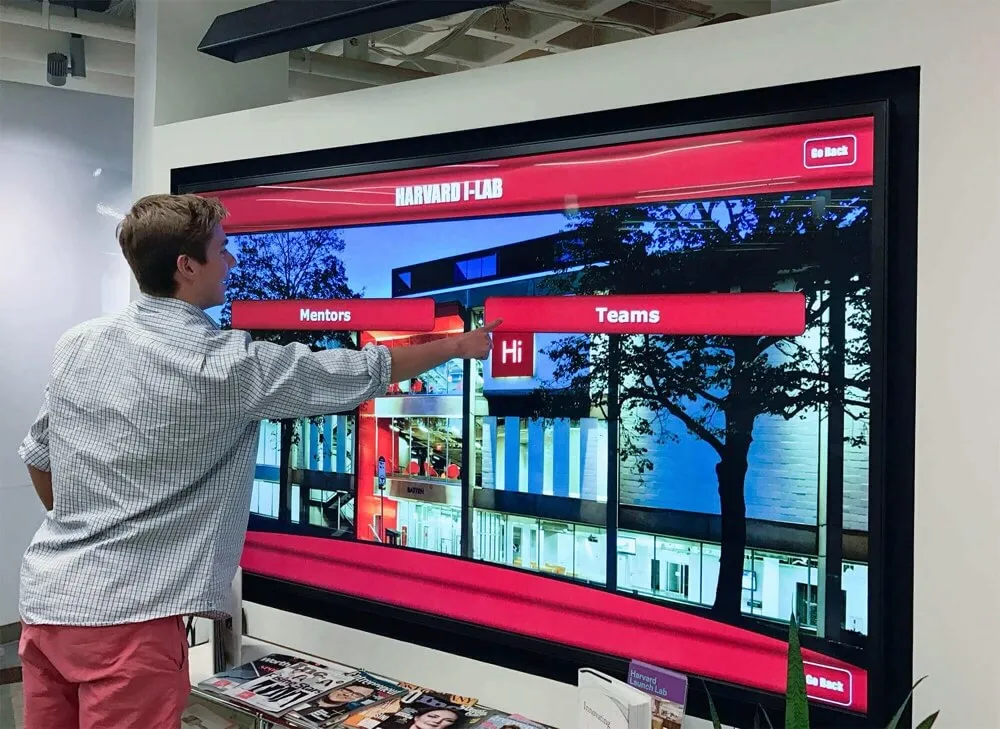
Transform passive waiting room time into active engagement. Patients explore provider credentials, browse procedure explanations, discover treatment options, and learn about oral health topics through intuitive touch interfaces.
Research consistently shows interactive engagement significantly improves perceived wait time, patient satisfaction, and treatment acceptance rates compared to passive content consumption. Solutions offering comprehensive interactive touchscreen capabilities deliver measurable patient experience improvements.
Professional Implementation Support
Dedicated customer success managers provide implementation planning, content strategy consulting, staff training, and ongoing optimization support. Same-day response SLAs ensure rapid problem resolution during patient hours when display reliability directly impacts practice operations.
This white-glove support model proves critical for practices lacking dedicated IT resources or previous digital signage experience.
Unlimited Customization and Layouts
Create distinct display experiences for reception areas, treatment rooms, and consultation spaces without template restrictions. Match practice branding precisely. Design content layouts optimizing readability and engagement for specific viewing distances and display sizes.
Unlimited customization avoids the “cookie cutter” appearance of generic healthcare signage while maintaining professional presentation standards.
Common Implementation Mistakes to Avoid
Practices frequently make predictable errors leading to underutilized displays and buyer’s remorse:
Mistake 1: Prioritizing Hardware Appearance Over Software Capabilities
Sleek frames and premium finishes matter less than the software powering content management and patient interaction. A beautiful display running inadequate software creates staff frustration and wasted investment. Evaluate content management workflows, patient engagement features, and update processes before considering hardware aesthetics.
Mistake 2: Underestimating Content Maintenance Requirements
Initial content setup represents 10-15% of total display workload over the system’s lifespan. Platforms requiring vendor services or technical skills for routine updates accumulate crushing operational costs. Calculate 5-year content maintenance expenses—not just year-one implementation—before committing to vendor-dependent systems.
Mistake 3: Choosing Passive Displays for Interactive Spaces
Reception areas offer prime opportunities for patient engagement and perceived wait time reduction. Passive slideshow displays miss this opportunity, offering no advantage over well-designed posters. Interactive displays transform waiting time into value-added patient education and practice marketing.
Mistake 4: Ignoring Multi-Location Management Needs
Practices planning expansion or operating multiple locations need centralized content management. Systems requiring individual display access or lacking location-specific content targeting create unsustainable operational burden as practice networks grow.
Mistake 5: Accepting Vendor Lock-In Without Cost Analysis
Proprietary hardware systems appear simpler during initial selection but create long-term vendor dependency and inflated expansion costs. Hardware-flexible platforms cost 40-60% less over 5-7 year deployments while offering comparable reliability and superior expansion flexibility.
Comprehensive approaches to donor recognition screen implementation demonstrate how proper platform selection affects multiple organizational communication needs, making architecture decisions critical to long-term technology strategy.

Application Ideas for Dental Practice Displays
Strategic display placement and content planning maximize patient experience impact:
Reception Area Applications:
- Interactive provider directory with credentials, specialties, and professional photos
- Procedure explanations with before/after imagery and treatment timelines
- Insurance and payment information with financing options
- Patient testimonials and satisfaction ratings
- Practice history and community involvement highlights
- Oral health education library organized by topic
Treatment Room Applications:
- Procedure-specific education content showing steps and expected outcomes
- Post-treatment care instructions with visual demonstrations
- Treatment plan options with comparative analysis
- Anxiety reduction content—nature scenes, guided meditation, music visualization
- Practice service menu with photography and descriptions
Consultation Space Applications:
- Treatment plan presentations with cost breakdowns
- Before/after case studies relevant to patient needs
- Provider credentials and continuing education highlights
- Technology showcase demonstrating practice capabilities
- Financing and payment plan options with calculations
Practices implementing interactive information display systems across multiple spaces report significant improvements in patient education efficiency, treatment acceptance rates, and overall satisfaction metrics.
Implementation Checklist: Post-Selection Success
Choosing the right platform represents only the first step. Ensure successful deployment through these validated practices:
Pre-Implementation (3-4 weeks before launch):
- Audit existing practice content—provider bios, procedure descriptions, patient education materials
- Photograph team members with professional lighting and consistent backgrounds
- Gather patient testimonials and secure documented consent for display usage
- Identify staff members responsible for content updates in different categories
- Establish content approval workflows and publishing schedules
- Select strategic display locations maximizing patient viewing opportunities
- Confirm power and network connectivity at planned installation sites
- Measure viewing distances and angles for optimal display placement
Launch Phase (Weeks 1-3):
- Conduct soft launch with staff to gather feedback and identify improvements
- Monitor patient engagement through observation and brief surveys
- Train administrative staff on content management systems
- Document common questions and create FAQ resources for staff reference
- Create content update schedule ensuring freshness and relevance
- Promote display features to patients through verbal mentions and signage
- Integrate display content into patient consultation discussions
Ongoing Optimization (Monthly):
- Review engagement analytics if available to identify popular content
- Update provider information reflecting new certifications or training
- Refresh seasonal content matching current practice focus areas
- Verify content accuracy through random spot-checking
- Gather continuous feedback from front desk staff about patient questions
- Monitor display uptime and report any hardware or connectivity issues
- Schedule quarterly content audits ensuring information remains current
Organizations implementing comprehensive digital recognition systems demonstrate how systematic content management transforms initial technology purchases into sustained organizational assets serving multiple communication objectives.
Frequently Asked Questions
How much should dental office digital displays cost?
Total costs typically range from $3,000 to $12,000 per display depending on hardware specifications, software platform, content development, and installation complexity. Budget allocations break down approximately: 40-50% hardware (display, mounting, computing), 30-40% software (licensing, setup, training), 15-20% content development (photography, graphic design, copywriting), and 5-10% installation (mounting, electrical, networking). Hardware-flexible platforms offering subscription pricing typically deliver lower total cost compared to proprietary systems while providing superior capabilities and expansion flexibility.
What differentiates dental office displays from generic digital signage?
Dental practice displays require patient-focused capabilities absent from corporate marketing signage: HIPAA-compliant data handling with Business Associate Agreements, interactive patient education content with procedure explanations, provider credential displays supporting trust and confidence, treatment plan presentation tools for consultation spaces, and intuitive content management enabling clinical staff updates without technical training. Generic signage adapted for healthcare use struggles with these specialized requirements.
How do we ensure HIPAA compliance with digital displays?
HIPAA compliance requires both technical and operational components: Business Associate Agreement with display vendor documenting responsibilities, data encryption for content transmission and storage, access controls preventing unauthorized content modification, audit logs tracking who changed what content and when, physical placement avoiding inadvertent patient information exposure, and documented policies for patient consent when displaying testimonials or case studies. Request vendor compliance documentation rather than accepting general security claims.
Can digital displays improve patient treatment acceptance rates?
Multiple studies demonstrate interactive patient education significantly improves treatment acceptance compared to verbal-only explanations. Visual procedure demonstrations with before/after imagery, step-by-step treatment timelines, and comparative analysis of treatment options help patients understand recommendations and make confident decisions. Practices report 15-25% increases in treatment acceptance after implementing interactive education displays in consultation spaces.
What content maintenance requirements should we plan for?
Effective dental office displays require regular attention: weekly updates for seasonal messaging or promotional campaigns, monthly verification of provider credentials and availability, quarterly refresh of patient education content, annual comprehensive audits of all display information, and real-time updates for practice hour changes or emergency closures. Self-service content management platforms reduce this burden dramatically by enabling staff updates without IT intervention, cutting maintenance time by 60-80% compared to vendor-dependent systems.
Resources exploring digital trophy case implementation and donor recognition strategies illustrate how display technology decisions integrate with broader organizational communication strategies, making platform selection critical to cohesive multi-space experiences.

Conclusion: Making Confident Dental Office Display Decisions
Dental practice digital display selection demands systematic evaluation prioritizing long-term operational efficiency and patient engagement over short-term cost minimization or aesthetic appeal. The weighted comparison framework presented here—emphasizing content management (25%), patient engagement (20%), hardware flexibility (20%), HIPAA compliance (15%), and support quality (15%)—reflects actual practice priorities learned from successful healthcare implementations.
Generic digital signage, healthcare-specific platforms, and DIY television setups consistently underperform on criteria that matter most: intuitive content management enabling staff updates without technical training, interactive engagement capabilities transforming passive waiting into value-added experiences, hardware independence controlling total cost of ownership, comprehensive HIPAA compliance protecting patient privacy, and dedicated support ensuring operational reliability during patient hours.
Interactive recognition platforms like Rocket Alumni Solutions, while originally designed for educational applications, address dental practice requirements through database-driven content architecture supporting structured information management, cloud-based remote access eliminating hardware-dependent updates, hardware flexibility avoiding vendor lock-in, comprehensive security certifications ensuring HIPAA compliance, and white-glove support compensating for limited practice IT resources.
Practice managers evaluating display solutions should request vendor responses to the deal-breaker checklist above, apply the weighted scoring framework to documented capabilities, and pilot finalists in reception areas before expanding to treatment rooms and consultation spaces. This methodical approach separates strategic investments from expensive mistakes while building confidence in technology decisions shaping patient experiences for years to come.
Ready to transform your dental practice patient experience with interactive digital displays? Explore how Rocket Alumni Solutions delivers comprehensive display platforms designed for patient engagement and operational efficiency. With proven technology serving healthcare and educational institutions, Rocket provides display systems that inform, engage, and differentiate your practice while supporting clinical excellence and patient satisfaction.
Disclaimer: This comparison is based on publicly available information as of December 2025. All product names and trademarks belong to their respective owners. Comparative statements reflect Rocket Alumni Solutions’ interpretation of available data and may change over time. This content was produced by or on behalf of Rocket Alumni Solutions. All trademarks are property of their respective owners. Rocket Alumni Solutions is not affiliated with or endorsed by any dental office display vendors mentioned in this analysis.
































