



Key Takeaways
Discover economical touchscreen memory display solutions for family caregivers supporting loved ones with dementia. Compare options, features, and implementation strategies for home care environments.
This guide explores economical touchscreen memory display solutions specifically designed for family caregivers supporting loved ones with dementia. From budget-conscious hardware options and free software platforms to practical implementation strategies for home environments, these approaches provide meaningful cognitive engagement without requiring institutional budgets or technical expertise.
Understanding Memory Displays for Dementia Care
Before evaluating specific solutions, understanding how digital memory displays support dementia care helps clarify what features matter most for family caregiving situations.
How Memory Displays Support Cognitive Function
Digital memory displays serve therapeutic functions beyond simple photo viewing, addressing core challenges that dementia presents:
Memory Reinforcement: Repeated exposure to familiar faces, places, and events strengthens remaining neural pathways. Digital displays facilitate this repetition by cycling through curated content automatically, providing consistent cognitive stimulation without requiring active engagement from caregivers or patients. Research in therapeutic interventions for dementia suggests that visual memory cues support orientation and reduce anxiety in individuals experiencing cognitive decline.
Orientation Support: Displaying current date, time, weather, and upcoming appointments helps individuals with dementia maintain temporal orientation. This information reduces confusion and anxiety while supporting independence in daily routines. Simple, large-format displays showing “Today is Tuesday, January 28, 2026” provide concrete reference points when memory fails.
Social Connection: Photos and videos of family members maintain relationships even when in-person visits aren’t possible. For individuals with dementia, seeing familiar faces regularly reinforces family bonds and provides comfort during periods of confusion or distress. Caregivers report that photo displays reduce agitation and improve mood, particularly during late afternoon and evening hours when sundowning behaviors often intensify.
Conversation Starters: Memory displays create natural conversation opportunities for caregivers and visitors. Rather than struggling to initiate meaningful interactions with someone experiencing memory loss, displays provide concrete visual references that prompt stories, questions, and emotional connections. This structured approach to conversation reduces caregiver stress while improving quality of interactions.
Key Features for Family Caregiver Environments
Home-based dementia care differs fundamentally from institutional settings, requiring different feature priorities:
Remote Content Management
Family members need to add photos and update content from anywhere without visiting the display location. Cloud-based systems enabling smartphone uploads and remote scheduling are essential for distributed families.
Simple Navigation
Individuals with dementia require large buttons, clear labels, and intuitive navigation that doesn't frustrate or confuse. Interfaces should support independent browsing without caregiver assistance.
Automated Operation
Displays should cycle through content automatically, turn on and off on schedule, and require minimal daily interaction. Caregivers managing multiple responsibilities can't troubleshoot technology problems regularly.
Multi-Display Support
Family caregivers supporting two loved ones need solutions that manage multiple displays from one account, sharing content across locations or customizing for each individual's specific memories.
Economical Hardware Options for Home Care
Family caregivers working with limited budgets have several hardware approaches, each offering different tradeoffs between cost, functionality, and ease of use.
Budget Tablet Solutions ($150-400)
Consumer tablets repurposed as memory displays represent the most economical entry point for family caregivers testing digital memory approaches:
Amazon Fire HD Tablets ($150-230): Fire tablets provide basic functionality at minimal cost. The 10-inch Fire HD 10 offers sufficient screen size for comfortable viewing from several feet away. These devices run simplified Android interfaces that reduce complexity but limit customization options. Battery life supports all-day operation when plugged in, and the included stand accessories enable countertop or table placement.
iPad (9th or 10th Generation) ($329-449): iPads deliver more sophisticated capabilities with superior display quality and longer software support lifecycles. The larger ecosystem of iOS apps includes several dementia-specific memory applications. While more expensive than Fire tablets, iPads provide better long-term value for families planning extended use.
Android Tablets ($200-350): Samsung Galaxy Tab A series and similar Android tablets offer middle-ground options balancing cost and functionality. These devices support Google Photos integration and work with various slideshow applications, though configuration requires more technical knowledge than iPad alternatives.
Dedicated Digital Photo Frames ($100-300)
Purpose-built digital frames eliminate tablet complexity but sacrifice touchscreen interactivity and application flexibility:
Nixplay Smart Photo Frames ($150-250): These cloud-connected frames receive photos via smartphone apps, email, or web interfaces. Simple operation and automatic rotation make them accessible for individuals with dementia, though limited screen size (typically 10 inches) and non-touch interfaces restrict functionality compared to tablet solutions.
Skylight Frame ($159): Skylight emphasizes simplicity with email-based photo additions that family members can send from any device. The touchscreen-free design prevents accidental changes, though this same limitation means individuals can’t actively browse memories.
Touchscreen Display Solutions ($400-1,500)
Professional-grade touchscreen displays designed for interactive applications provide superior durability and functionality but require higher initial investment:
Portable Touchscreen Monitors ($400-600): USB-powered touchscreen monitors paired with compact computers (Raspberry Pi, Intel NUC, or similar) create functional memory displays with true multi-touch capabilities. This approach requires technical setup but provides flexibility for custom applications and long-term expandability.
All-in-One Touchscreen Systems ($800-1,500): Purpose-built interactive displays combining screen, computer, and mounting in single units offer institutional-quality hardware for home environments. While expensive for most family budgets, these systems deliver reliability and professional appearance for caregivers prioritizing long-term solutions.
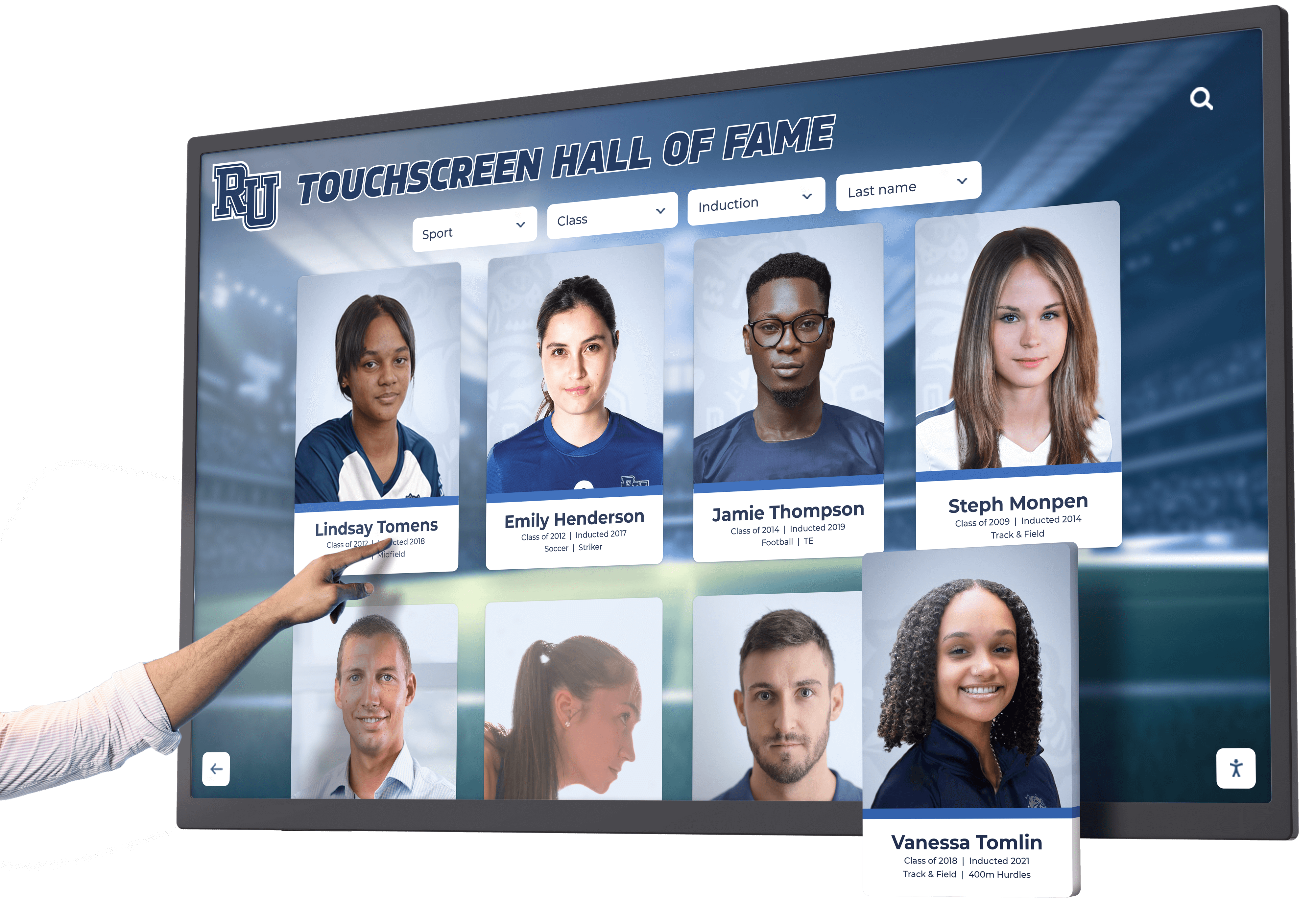
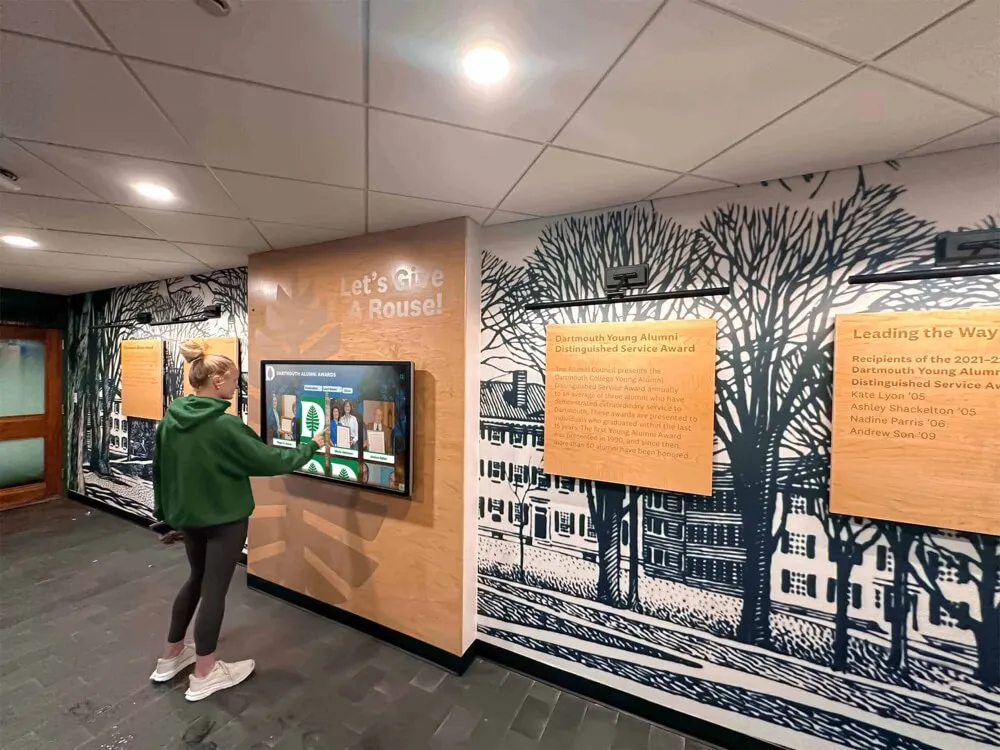
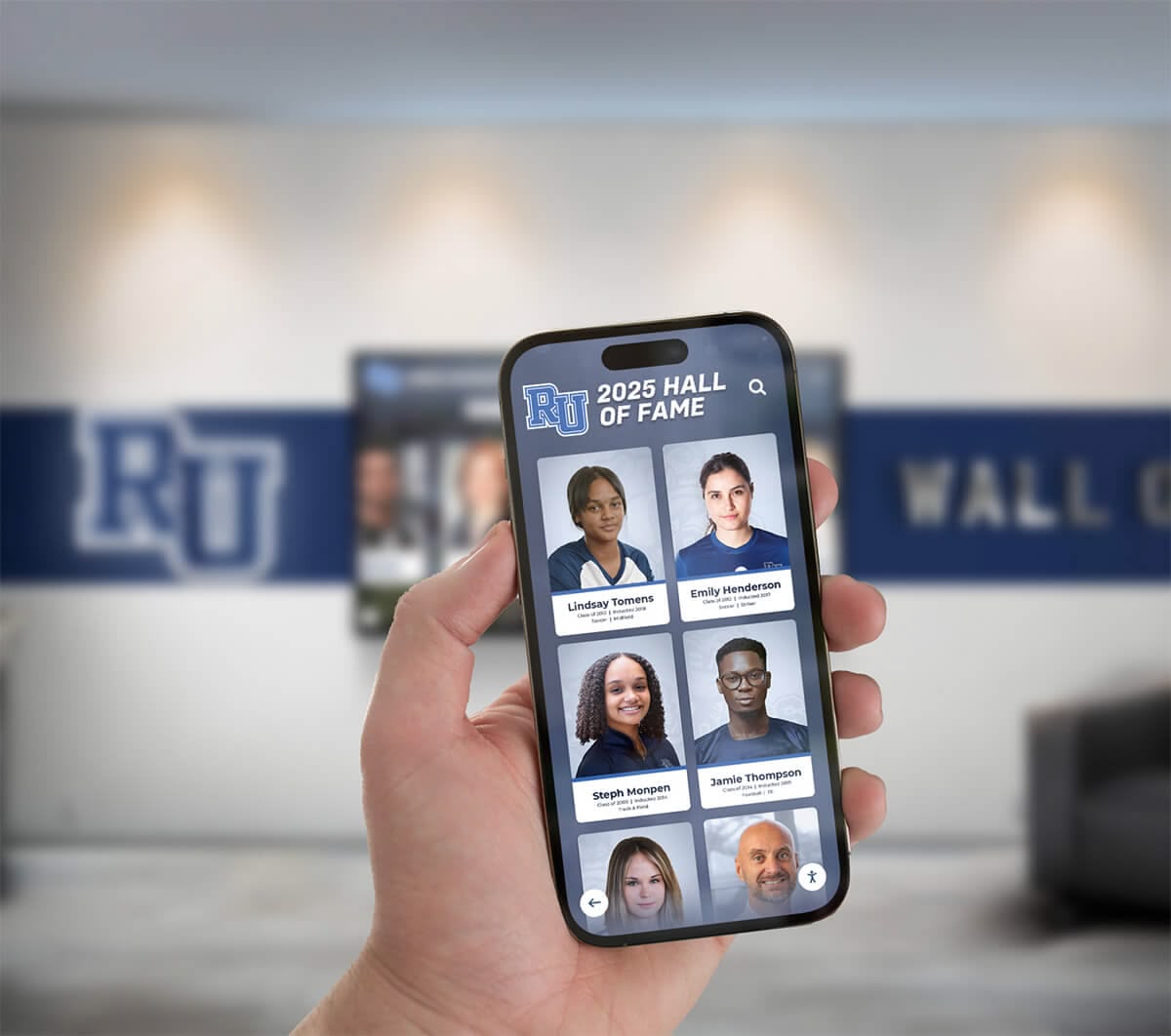

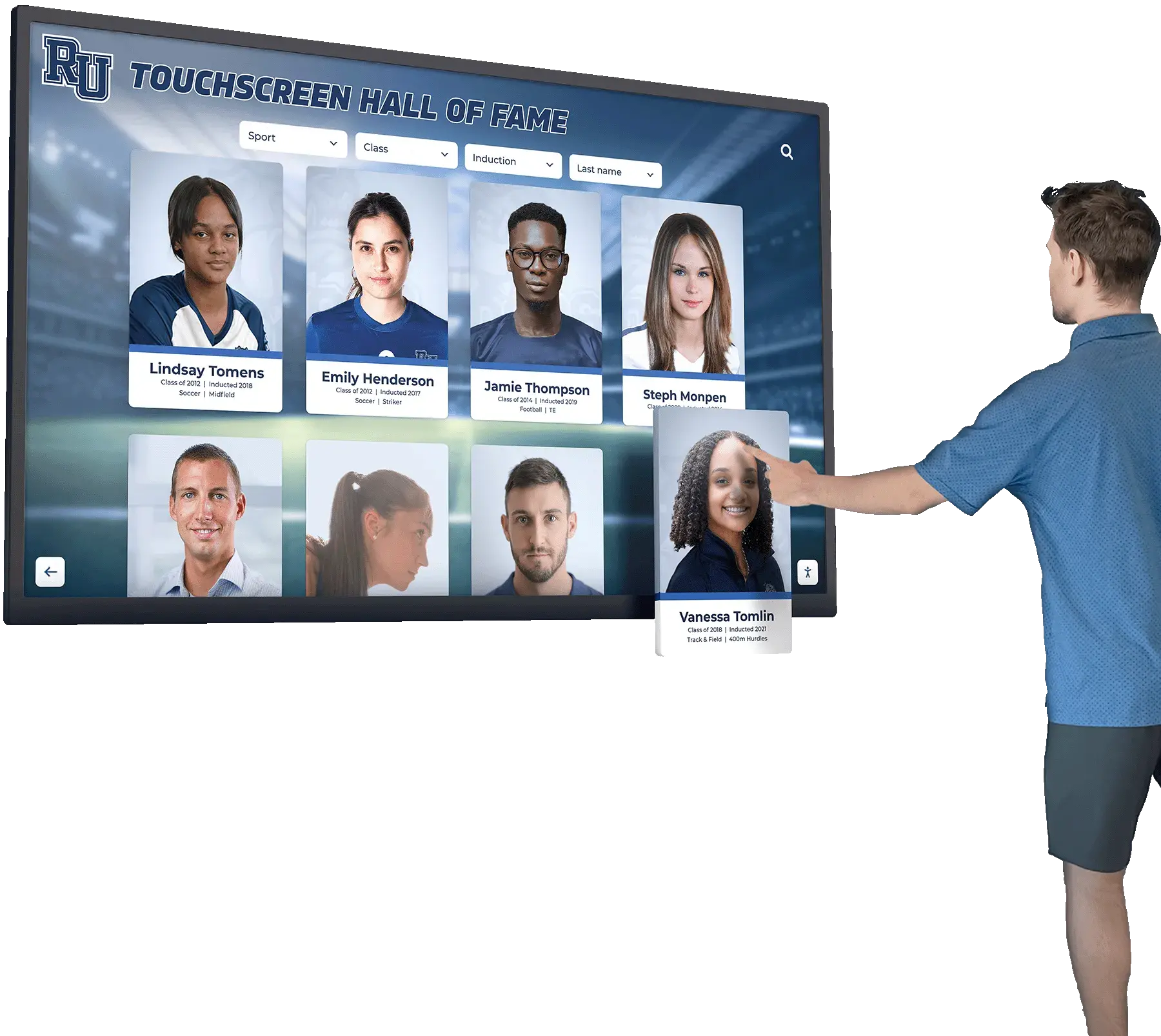
Solutions like Rocket Alumni Solutions provide cloud-managed touchscreen displays originally designed for educational recognition but adaptable for memory care applications. The platform’s robust content management system, remote administration capabilities, and multi-display support address key family caregiver needs, though institutional pricing may exceed typical home care budgets without exploring adapted implementation approaches.
Software Platforms for Memory Display Management
Hardware selection matters less than software functionality for creating effective memory displays. Several platforms provide varying levels of sophistication for organizing and presenting memory content.
Free Consumer Solutions
Budget-conscious caregivers can use existing free platforms before investing in specialized software:
Google Photos Slideshow (Free): Google Photos offers basic slideshow functionality displaying photos from cloud storage on any device with a Google account. Family members upload photos to shared albums, and the display device shows rotating images. This approach provides no cost beyond hardware but lacks customization, captions, or interactive features.
Apple Photos + Shared Albums (Free for Apple users): Apple’s ecosystem provides similar slideshow capabilities with slightly better integration for families using iPhones and iPads. Shared album features enable multiple family members to contribute photos, though Android users face friction accessing and managing content.

Dementia-Specific Applications ($5-15/month)
Several applications designed specifically for dementia care provide features addressing therapeutic needs:
Memmee ($7.99/month): This platform creates digital memory books with photos, captions, and audio recordings that families can update remotely. The simplified interface supports independent browsing by individuals with cognitive impairment. Subscription pricing includes unlimited photos and multi-device access.
LifeBio Memories ($9.99/month): LifeBio focuses on life story preservation with guided questions, photo organization, and reminiscence prompts. The platform supports both caregiver-managed content and semi-independent use by individuals in early dementia stages.
Timeless App (Free with in-app purchases): This application provides memory games, photo viewing, and simple puzzles designed for dementia patients. The free version includes basic functionality, with premium features ($12.99/month) adding family collaboration tools and expanded content libraries.
Professional Memory Care Platforms ($50-200/month)
Enterprise solutions designed for assisted living facilities offer sophisticated capabilities that may benefit family caregivers managing complex situations:
It’s Never 2 Late (iN2L) (Contact for pricing): This comprehensive platform provides thousands of videos, photos, games, and music selections specifically curated for individuals with dementia. While designed for facilities, iN2L offers family subscriptions supporting home care environments, though pricing typically exceeds individual family budgets.
EverPresent Memory Management (Custom pricing): EverPresent digitizes physical photos and organizes digital collections into curated memory experiences. The service includes professional scanning, organization, and ongoing management, addressing the overwhelming task of converting decades of paper photos to digital formats.
Practical Implementation for Two-Person Family Care
Managing memory displays for two family members—in this case, a mother and wife both experiencing dementia—requires specific strategies balancing individual needs with caregiver efficiency.
Content Organization Strategies
Effective memory displays require thoughtful content curation rather than simply uploading every available photo:
Individual vs. Shared Content: Determine which memories work for both individuals and which require personalization. Shared family events—holidays, weddings, graduations—often resonate with both people. Individual professional accomplishments, childhood photos, or friend groups may need separate collections for each person to maintain relevance and emotional connection.
Chronological Organization: Many dementia patients retain stronger memories from earlier life periods. Organize content emphasizing young adulthood and middle age—typically ages 15-40—when long-term memory formation was strongest. Include some recent photos to maintain orientation, but weight collections toward earlier decades.
Photo Selection Criteria:
- Clear, well-lit images showing faces prominently
- Photos including the individual with dementia (not just other family members)
- Images from familiar locations (childhood homes, vacation spots, family gatherings)
- Pictures with small groups (2-5 people) rather than large crowds
- Photos showing positive emotions and meaningful moments
- Recent images of grandchildren and current family members
Rotation Schedules: Avoid overwhelming individuals with hundreds of photos cycling rapidly. Research on memory and attention suggests limiting active displays to 30-50 carefully selected images rotating every 30-60 seconds. Larger collections should be organized into themed subsets (decades, events, family members) that rotate weekly or monthly to maintain novelty without causing confusion.
Multi-Display Management Approaches
Family caregivers supporting two individuals have three primary implementation strategies:
Strategy 1: Identical Content, Multiple Locations
This approach uses the same photo collection on displays in two different homes or rooms. Benefits include simplified content management—updating one collection automatically updates both displays. This works well when both individuals share common memories and family history.
Implementation requires cloud-synchronized systems where content changes propagate automatically to all connected displays. Most modern platforms (Google Photos, Apple Photos, specialized apps) support this approach with shared albums or synchronized accounts.
Strategy 2: Customized Content, Separate Displays
This approach creates distinct photo collections tailored to each individual’s specific memory preferences and cognitive level. Benefits include optimized relevance and reduced confusion when individuals have different backgrounds or dementia stages.
Implementation demands more administrative effort, requiring caregivers to manage two separate content libraries and maintain different update schedules. However, many platforms support multiple “profiles” or “locations” within single accounts, avoiding separate subscription costs.
Strategy 3: Hybrid Approach with Shared Core Content
This balanced strategy maintains a shared collection of common family photos (70-80% of content) while reserving space for individual-specific images (20-30%) addressing unique preferences or memory strengths. This reduces administrative burden while maintaining personalization.
Implementation uses platform features like “albums” or “playlists” where shared albums provide base content and individual albums add personalized elements. Scheduling rotates between shared and individual content throughout the day.
Daily Operation and Maintenance Routines
Effective memory displays require minimal but consistent maintenance:
Daily Tasks (5-10 minutes):
- Verify displays powered on and functioning correctly
- Check for any technical errors or frozen screens
- Observe individuals’ interactions and note which content generates positive responses
- Restart devices if performance degrades (tablets typically benefit from weekly restarts)
Weekly Tasks (20-30 minutes):
- Add 3-5 new photos based on recent family events or rediscovered old photos
- Remove any images that cause confusion, distress, or negative reactions
- Review content rotation ensuring variety without overwhelming repetition
- Update calendar information for upcoming appointments or family visits
Monthly Tasks (1-2 hours):
- Refresh seasonal content reflecting current time of year
- Reorganize photo collections based on observed engagement patterns
- Conduct system updates and backup content to prevent data loss
- Evaluate overall effectiveness and adjust strategies based on caregiving observations
For families seeking more sophisticated recognition and memory display capabilities beyond basic photo slideshows, interactive kiosk solutions originally designed for institutional applications can be adapted for home memory care environments when technical requirements and budgets align.
Budget Breakdown and Cost Considerations
Family caregivers working with limited resources need realistic cost expectations for implementing memory display solutions.
Minimal Budget Approach ($150-300 Total)
This configuration provides basic functionality for families testing digital memory approaches or working with tight financial constraints:
Hardware: Amazon Fire HD 10 tablet ($150) with basic stand Software: Free Google Photos slideshow or similar built-in application Setup: DIY configuration using online tutorials Ongoing Costs: None beyond standard internet service already in home
Limitations: Basic slideshow only, no touchscreen interaction, manual content management, single-device focus requiring duplication for second display.
Moderate Budget Approach ($400-800 Total)
This mid-range configuration balances functionality with affordability for families committed to long-term memory display use:
Hardware: Two iPad (9th generation) tablets ($329 each = $658) with charging stands Software: Dementia-specific application subscription ($10/month = $120/year) Setup: Professional assistance for initial configuration ($100-200 one-time) Ongoing Costs: $120/year software subscription
Benefits: True touchscreen interaction, professional-quality software, cloud management enabling remote updates, multi-device support from single account.
Comprehensive Approach ($1,000-2,500 Total)
This premium configuration provides institutional-quality capabilities in home environment:
Hardware: Professional touchscreen displays or high-end tablets with premium mounting solutions ($800-1,500) Software: Enterprise memory care platform or comprehensive recognition system ($50-100/month) Setup: Professional installation and content digitization services ($300-500) Ongoing Costs: $600-1,200/year for software subscriptions and professional support
Benefits: Maximum durability, sophisticated content management, professional appearance, extensive interactive features, ongoing technical support.

Hidden Costs and Considerations
Beyond obvious hardware and software expenses, family caregivers should budget for:
Content Preparation Time: Digitizing physical photos, organizing files, adding captions, and curating appropriate selections requires significant time investment—typically 10-20 hours for initial setup and 2-4 hours monthly for ongoing management. Value this time realistically when comparing DIY approaches versus professional services.
Technical Support: Non-technical caregivers may need occasional professional assistance troubleshooting problems, particularly during initial setup. Budget $100-300 for on-call technical support unless family members possess relevant expertise.
Internet Connectivity: Cloud-based systems require reliable home internet service. While most families already have internet access, memory displays may necessitate upgraded bandwidth or additional network equipment for stable streaming and remote management capabilities.
Backup and Redundancy: Storing precious family photos exclusively on single devices risks permanent loss through hardware failure or accidental deletion. Cloud storage subscriptions ($10-20/year for sufficient capacity) or external backup drives ($50-100) protect irreplaceable memories.
Selecting the Right Solution for Your Family
Choosing among available options requires balancing multiple factors specific to individual family situations and caregiving contexts.
Evaluation Framework
Use this structured decision process to identify optimal solutions:
1. Assess Dementia Progression Stage
Early-stage dementia patients retain substantial cognitive function and may actively browse memories, read captions, and navigate interfaces independently. These individuals benefit from full touchscreen capabilities and sophisticated applications with games, music, and diverse content types.
Mid-stage dementia typically reduces independent technology use but maintains visual recognition and emotional responses to photos. These individuals benefit from automatic rotation with occasional caregiver-assisted browsing and simplified navigation with large buttons and minimal menu complexity.
Late-stage dementia limits conscious engagement but visual stimulation still provides comfort and environmental enrichment. These individuals benefit most from continuous slideshow displays requiring no interaction, with carefully selected content emphasizing familiar faces and places from prime memory periods.
2. Evaluate Technical Comfort Level
Caregivers confident with technology can implement more sophisticated solutions with custom configurations, open-source software, and DIY troubleshooting. These families benefit from flexible platforms offering maximum control despite steeper learning curves.
Caregivers with basic technology skills should prioritize user-friendly consumer solutions with straightforward setup, good documentation, and responsive customer support. These families benefit from “it just works” platforms even if they sacrifice some advanced capabilities.
Caregivers uncomfortable with technology should consider professional services handling setup, content management, and ongoing maintenance. While expensive, these solutions prevent technology frustration from undermining memory care objectives.
3. Determine Budget Constraints
Tight budgets ($150-300) necessitate basic tablet solutions with free software, accepting functional limitations in exchange for affordability. These implementations provide meaningful value despite simplicity, particularly for families testing memory display approaches before larger commitments.
Moderate budgets ($400-800) enable quality tablets with dementia-specific applications providing optimal balance of functionality and cost for most family caregiver situations. These implementations deliver professional capabilities without institutional pricing.
Flexible budgets ($1,000+) allow exploration of specialized platforms and professional services optimizing outcomes for complex situations or families prioritizing maximum quality of life benefits regardless of cost.
Decision Criteria Checklist
- Dementia stage and cognitive capabilities
- Technical comfort and troubleshooting ability
- Available budget for hardware and ongoing costs
- Number of displays needed and locations
- Existing photo organization and digitization status
- Family collaboration requirements
- Long-term care plans and timeline
Red Flags to Avoid
- Systems requiring complex daily operation
- Platforms without cloud backup capabilities
- Hardware with poor customer support
- Software with mandatory expensive subscriptions
- Solutions without remote management options
- Displays with small screens or poor visibility
- Overly complex interfaces causing frustration
Organizations exploring recognition and memory display solutions beyond basic consumer applications should evaluate comprehensive platforms originally designed for educational and institutional applications. Digital signage content strategies developed for community engagement translate effectively to memory care when adapted for therapeutic rather than informational purposes.
Common Challenges and Practical Solutions
Family caregivers implementing memory displays encounter predictable obstacles. Understanding these challenges and proven solutions prevents frustration and implementation failures.
Challenge 1: Overwhelming Photo Volumes
Problem: Families possess thousands of digital and physical photos, creating paralysis when selecting content for memory displays. The task of organizing decades of photos seems impossible alongside existing caregiving responsibilities.
Solution: Start small with 20-30 carefully selected photos representing core memories and relationships. Implement the display with this limited collection, adding 3-5 photos weekly as time permits. This incremental approach provides immediate value while avoiding overwhelming setup work. Focus initial selections on:
- Wedding photos
- Images with grandchildren
- Holiday gatherings from recent decades
- Childhood photos of the individuals with dementia
- Pictures from significant life events (graduations, career milestones)
Perfection isn’t required—an imperfect memory display operating today provides more value than a perfect system delayed indefinitely by preparation paralysis.
Challenge 2: Technical Difficulties and Troubleshooting
Problem: Technology fails at inconvenient times, and family caregivers lack expertise to diagnose and resolve problems. Frozen screens, software crashes, and connectivity issues frustrate caregivers already managing complex responsibilities.
Solution: Create simple troubleshooting protocols addressing common problems:
- Screen frozen or unresponsive → Hold power button 10 seconds to force restart
- Photos not updating → Check internet connection and restart display
- App crashed → Close application completely and reopen
- Display won’t turn on → Verify power cable connected and outlet functioning
Document these procedures in large print near the display so any family member can address basic problems. For persistent issues beyond simple troubleshooting, identify technical support resources before problems occur—whether tech-savvy family members, paid support services, or manufacturer helplines.
Challenge 3: Content Causing Distress
Problem: Some photos trigger anxiety, confusion, or sadness rather than positive memories. Deceased family members, former homes, or unfamiliar people may upset individuals with dementia instead of comforting them.
Solution: Monitor reactions during the first weeks of display operation, noting which images generate positive responses versus negative reactions. Remove problematic photos immediately and document patterns to inform future selections:
- Photos of recently deceased family members often cause grief and confusion in mid-to-late dementia stages
- Images from unfamiliar time periods (before the individual’s conscious memory) may not trigger recognition
- Pictures showing dramatic appearance changes can confuse individuals who don’t recognize themselves or family members
Replace removed photos with alternative images from similar periods or events. Adjust collection balance based on observed preferences—some individuals respond best to childhood memories while others prefer more recent decades.
Challenge 4: Resistance to Technology
Problem: Individuals with dementia or family members may resist new technology, preferring familiar paper photo albums or expressing skepticism about digital solutions.
Solution: Introduce displays gradually without removing existing analog alternatives. Position the digital display as a supplement to traditional albums rather than replacement, reducing perceived threat and allowing natural adoption. Key strategies include:
- Place displays in common areas where individuals encounter them casually rather than requiring deliberate interaction
- Start with slideshow mode rather than demanding active navigation
- Involve skeptical family members in selecting photos to build investment in the project
- Demonstrate how digital displays enable remote family participation that paper albums cannot provide
- Allow several weeks for familiarity before evaluating effectiveness
Most resistance diminishes once individuals experience the comfort and engagement that effective memory displays provide. Patience during adoption periods prevents premature abandonment of beneficial interventions.
Advanced Features and Future Enhancements
After establishing basic memory display functionality, families may want to explore enhanced capabilities supporting deeper engagement and therapeutic benefits.
Interactive Life Story Features
Beyond photo slideshows, comprehensive memory platforms offer structured life story capabilities:
Audio Recordings: Adding voice recordings to photos creates multi-sensory memory experiences. Record family members describing pictured events, telling stories about the individuals with dementia, or simply speaking familiar phrases. Audio playback reinforces memories while providing comfort through familiar voices even when in-person visits aren’t possible.
Video Integration: Short video clips—typically 15-60 seconds—capture motion, voice, and interaction that static photos cannot convey. Videos of grandchildren singing, family holiday gatherings, or guided tours of meaningful locations provide richer memory stimulation than photographs alone. Limit video length to prevent attention fatigue while maintaining engagement.
Captioning and Context: Adding descriptive text to photos helps individuals with dementia maintain orientation and context. Captions identifying people (“Your daughter Sarah at her college graduation”), dates (“Summer vacation, 1978”), and locations (“Our house on Oak Street”) provide memory scaffolding supporting recognition and reducing confusion.
Remote Family Participation
Cloud-connected memory displays enable distributed family involvement in care:
Multi-User Content Contribution: Systems supporting multiple authorized users let adult children, siblings, and extended family add photos from their own collections without burdening primary caregivers. This collaborative approach broadens memory content while distributing workload across family members who want to contribute meaningfully to care despite geographic distance.
Scheduled Surprises: Family members can schedule specific photos to appear on meaningful dates—birthdays, anniversaries, holidays—creating pleasant surprises that demonstrate ongoing connection and thoughtfulness. These scheduled memories provide structure and anticipation while reducing caregiver planning burden.
Virtual Visit Integration: Some platforms integrate with video calling services, enabling remote family members to initiate conversations about specific displayed memories. This bridges digital memory displays and live interaction, using photos as conversation prompts during video calls.
For families interested in more sophisticated touchscreen kiosk software with advanced interactive capabilities, enterprise platforms designed for public-facing applications can be adapted for memory care when technical complexity aligns with family resources and needs.
Music and Multi-Sensory Content
Research consistently demonstrates music’s powerful effects on individuals with dementia, making audio integration valuable:
Era-Appropriate Music Libraries: Pair photo displays with music from the individual’s prime memory years—typically young adulthood. Music from this period often triggers memories and positive emotional responses even in advanced dementia stages. Streaming services offer decade-specific playlists (1940s big band, 1960s rock, 1980s pop) that complement photo content.
Activity and Exercise Videos: Guided chair exercises, gentle stretching, and simple movement activities support physical health while providing structured daily routines. Many dementia-specific platforms include age-appropriate exercise content designed for individuals with mobility limitations.
Nature and Relaxation Content: Calming nature scenes, aquarium videos, and fireplace displays provide soothing environmental stimulation during agitated periods. These alternatives to photo content offer sensory variation while maintaining display engagement throughout difficult behavioral moments.
Vendor Comparison: Selecting Memory Display Platforms
Understanding how different platform types address family caregiver needs helps identify optimal solutions for specific situations.
Consumer Photo Platforms vs. Specialized Dementia Applications
Consumer Platforms (Google Photos, Apple Photos, Amazon Photos):
Advantages:
- Free or minimal cost
- Family-friendly interfaces most users already understand
- Excellent photo organization and search capabilities
- Automatic backup and sync across devices
- Integration with smartphones for easy photo uploads
Limitations:
- Generic interfaces not optimized for cognitive impairment
- Limited customization for therapeutic applications
- Basic slideshow capabilities without interactive features
- No dementia-specific content curation guidance
- Minimal family collaboration features
Specialized Dementia Applications (Memmee, LifeBio, Timeless):
Advantages:
- Interfaces designed for cognitive impairment with large buttons and simple navigation
- Therapeutic content recommendations and curation guidance
- Interactive features supporting multiple engagement levels
- Family collaboration tools for distributed content management
- Professional support understanding dementia care contexts
Limitations:
- Subscription costs ($7-15/month per display)
- Smaller user communities and less familiar interfaces
- Learning curve for setup and management
- Platform-specific content that doesn’t transfer to other systems
- May require long-term commitments for optimal value
DIY Solutions vs. Professional Services
DIY Implementation:
Advantages:
- Lower costs using free or consumer-grade tools
- Complete control over content and configuration
- Flexible customization matching specific preferences
- No ongoing service fees or contracts
Limitations:
- Requires significant time investment for setup and maintenance
- Demands technical troubleshooting capabilities
- Responsibility for content digitization and organization
- Limited professional guidance on therapeutic approaches
Professional Services (EverPresent, specialized memory care consultants):
Advantages:
- Expert content curation and therapeutic recommendations
- Professional photo digitization from physical collections
- Ongoing technical support and troubleshooting
- Reduced caregiver burden for technology management
Limitations:
- Higher costs ($500-2,000+ for setup, $50-200/month ongoing)
- Less direct control over content and changes
- Dependency on service provider availability
- May not justify cost for families with basic needs
Platform Selection Decision Matrix
| Priority | Best Platform Type | Recommended Options |
|---|---|---|
| Minimal cost | Free consumer platforms | Google Photos, Apple Photos |
| Ease of use | Specialized dementia apps | Memmee, Timeless App |
| Technical flexibility | DIY solutions | Tablets with slideshow apps |
| Professional support | Service providers | EverPresent, memory care consultants |
| Family collaboration | Cloud platforms | Shared albums, specialized apps |
| Interactive features | Enterprise platforms | Recognition display systems |
Organizations evaluating comprehensive recognition and memory display systems can explore interactive touchscreen solutions originally designed for museums and public spaces but adaptable to therapeutic memory care applications when implementation budgets and technical requirements support institutional-grade platforms.
Implementation Timeline and Expectations
Family caregivers benefit from realistic timelines understanding how long effective memory display implementation typically requires.
Week 1-2: Research and Hardware Selection
During this initial phase, caregivers should:
- Research available platforms and read reviews from other dementia caregivers
- Evaluate budget constraints and determine affordable hardware options
- Order selected devices (tablets, stands, accessories)
- Gather existing digital photos from computers, phones, and cloud storage
- Identify physical photo albums requiring digitization
Time investment: 5-8 hours spread across two weeks
Week 3-4: Setup and Initial Content
After hardware arrives, implementation continues with:
- Device setup and account creation
- Application installation and configuration
- Initial photo selection (20-30 images minimum)
- Display positioning in appropriate locations
- Testing rotation, timing, and visibility settings
- Training other family members on basic operation
Time investment: 6-10 hours including learning curve
Month 2-3: Refinement and Expansion
After initial operation begins, focus shifts to optimization:
- Monitoring individual reactions to different photos
- Removing content causing distress or confusion
- Adding new photos weekly (3-5 images)
- Adjusting timing, brightness, and schedule settings
- Establishing maintenance routines and family collaboration processes
- Troubleshooting technical issues and refining setup
Time investment: 2-3 hours weekly
Month 4+: Steady-State Operation
Once systems stabilize, ongoing maintenance becomes routine:
- Weekly content additions based on family events
- Monthly content rotation and refreshing
- Quarterly major updates with seasonal content
- Ongoing monitoring and adjustment based on dementia progression
Time investment: 1-2 hours weekly for active management
Families should expect 3-4 months from initial research to fully optimized steady-state operation. This timeline accommodates learning curves, content preparation, and refinement based on observed results. Rushing implementation often leads to suboptimal configurations requiring significant rework, while this measured approach builds sustainable systems supporting long-term care.
Frequently Asked Questions
What screen size works best for dementia memory displays?
Screen size depends on viewing distance and individual vision capabilities. For bedside or table placement (3-4 feet viewing distance), 10-inch tablets provide sufficient visibility. For across-room viewing (8-10 feet), 15-inch or larger displays work better. Consider visual impairment common in older adults—larger screens with high brightness settings reduce eyestrain and improve engagement. Test viewing from typical distances before finalizing hardware selections.
Can one display show content for two different people?
Yes, through several approaches. The simplest method creates a single combined photo collection including memories relevant to both individuals. Alternatively, some platforms support scheduled content switching—showing one person’s photos during morning hours and another’s during afternoon. For more sophisticated setups, create themed rotations alternating between shared memories (family events) and individual-specific content. Most cloud-based systems manage this through multiple albums or playlists cycling throughout the day.
How do I add photos remotely from my own home?
Cloud-connected systems enable remote content management from any internet-connected device. For consumer platforms like Google Photos, upload images to shared albums from your phone or computer—changes appear automatically on display devices. Specialized dementia applications typically offer smartphone apps or web interfaces for remote photo additions. Ensure displays maintain reliable internet connections to receive content updates, and allow 5-15 minutes for new photos to sync and appear in rotation depending on platform update frequency.
What if my family member gets frustrated with the technology?
Start with passive slideshow mode requiring no interaction rather than demanding active navigation. Position displays where individuals encounter them naturally without forced engagement. If frustration persists, simplify interface further by removing interactive features and using dedicated photo frames rather than full tablets. Some individuals need several weeks of casual exposure before comfort develops. If technology frustration remains problematic after reasonable adjustment periods, traditional paper photo albums may better serve these specific individuals’ needs despite digital displays’ advantages.
How much time does ongoing management require?
After initial setup, expect 1-2 hours weekly for active content management—adding new photos, removing problematic images, and monitoring effectiveness. Monthly maintenance (software updates, backup verification, major content rotation) adds another 1-2 hours. Families can reduce this burden through batch processing—dedicating one afternoon monthly rather than frequent short sessions. Systems requiring daily intervention or troubleshooting indicate poor platform selection or configuration problems requiring attention rather than typical operational demands.
Do I need special technical skills to set this up?
Basic technology comfort—using smartphones, navigating apps, uploading photos to cloud storage—suffices for most consumer platforms. If you can send email with photo attachments and use Facebook, you possess adequate skills for simple memory display setup. More sophisticated implementations (custom hardware, advanced software) require greater technical capability, but entry-level solutions intentionally minimize complexity. Many platforms offer phone or video support assisting with initial configuration, and tech-savvy family members can often help with one-time setup even if primary caregivers lack technical expertise.
What happens if the display breaks or stops working?
Cloud-based systems storing photos remotely protect content even if display hardware fails. Replacement devices access the same cloud accounts and resume operation after brief setup. This represents a key advantage over standalone devices storing photos locally—hardware failures don’t destroy precious memory collections. Budget for eventual hardware replacement (tablets typically last 3-5 years) and maintain independent backups of irreplaceable photos on external drives or multiple cloud services. Warranties and protection plans reduce financial impact of premature hardware failures.
Conclusion: Creating Meaningful Memory Experiences on Family Budgets
Family caregivers supporting loved ones with dementia face enormous challenges balancing care quality, financial constraints, and the emotional toll of watching cognitive decline. Digital memory displays provide practical tools supporting therapeutic goals without requiring institutional budgets or professional technical expertise.
The most effective solutions share common characteristics regardless of specific hardware or software choices: they remain simple enough for consistent operation, flexible enough for ongoing refinement, and personal enough to maintain emotional resonance despite cognitive impairment. Whether implementing basic tablet slideshows or comprehensive interactive platforms, success depends more on thoughtful content curation and sustained engagement than on technical sophistication.
For family caregivers managing memory care for two loved ones simultaneously—a mother and wife, parents and siblings, or other family combinations—economical memory displays address multiple needs through single systems. Remote content management enables distributed family participation, multi-display support shares investments across locations, and cloud synchronization ensures consistent experiences without duplicate administrative burden.
Starting simple makes sense for most families. Basic tablet solutions with free slideshow applications provide immediate value while preserving options for future enhancement as experience grows and needs evolve. This incremental approach prevents overwhelming initial investments while building sustainable practices supporting long-term care trajectories.
Organizations interested in more comprehensive recognition and memory display capabilities may explore institutional platforms offering sophisticated content management, professional-grade hardware, and enterprise support structures. Request a demo to discuss how recognition display technology can be adapted for memory care applications in family or small-group caregiving environments.
































